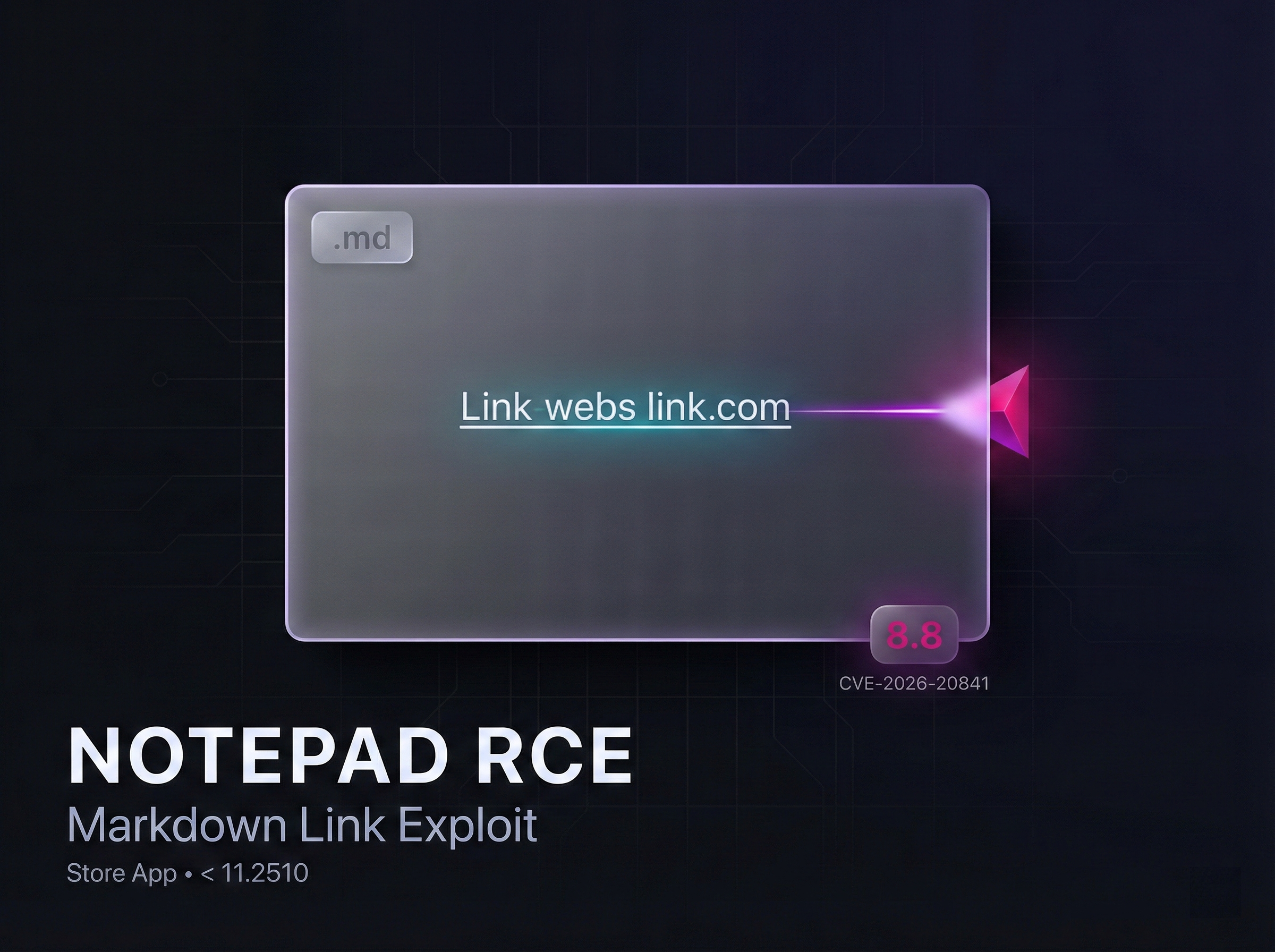
A newly discovered vulnerability in the modern Windows 11 version of the Notepad text editor, available on Microsoft’s store, enables attackers to run codes remotely by exploiting how the Windows Notepad text editor handles links within Markdown files.
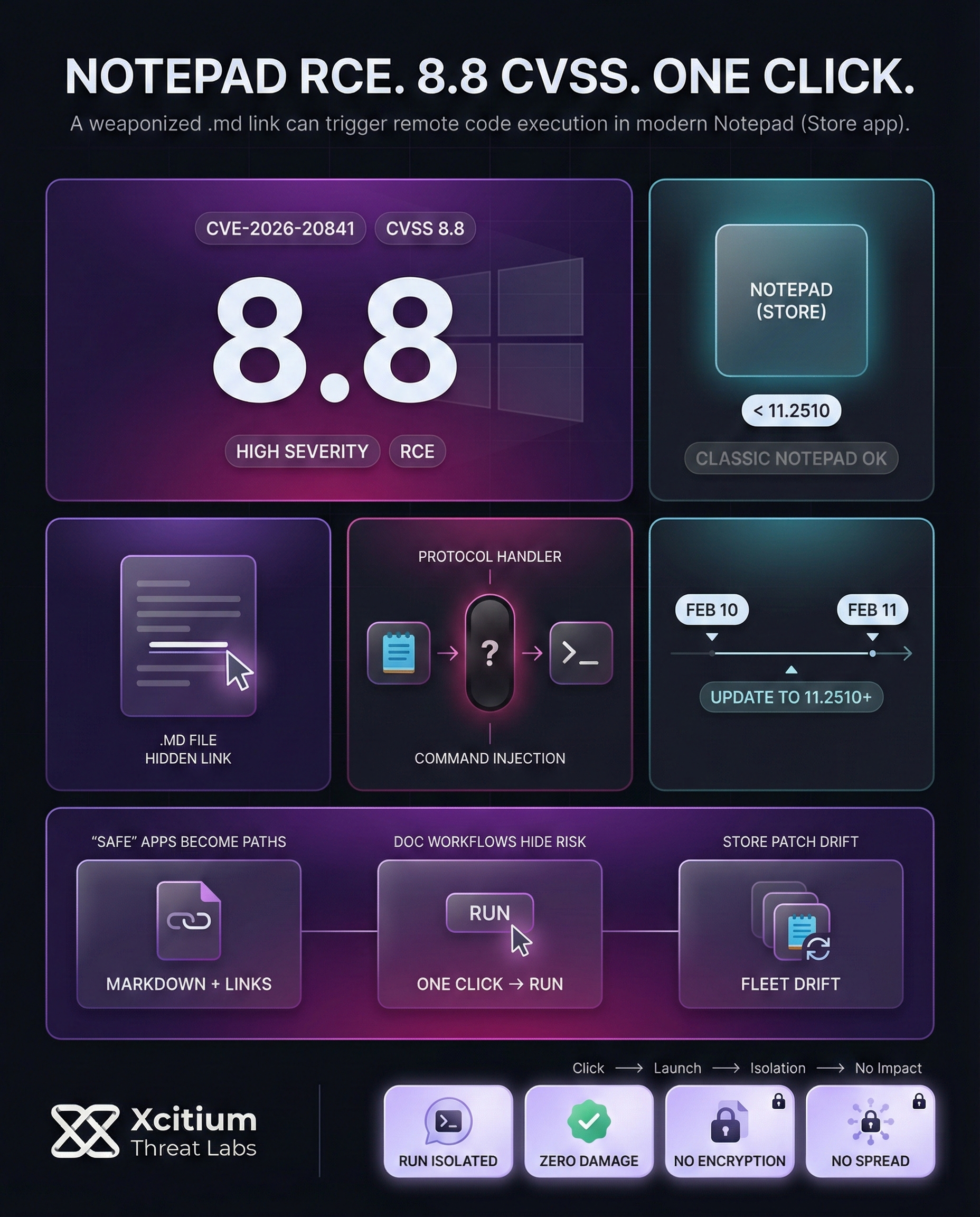
The vulnerability, identified as CVE-2026-20841, was discovered on Feb 10, 2026, and was fixed on Feb 11, 2026, via Microsoft’s store, specifically for Notepad version 11.2510+. The vulnerability has a high severity rating, as it has a CVSS rating of 8.8 out of a possible 10.
The attacker lures a victim into opening a file with a .md extension, which, when opened, enables the attacker to run codes remotely by exploiting how the Windows Notepad text editor handles links within Markdown files. The attacker is able to run codes with the privilege level of the victim’s account.
New Notepad RCE Vulnerability: Overview and Scope
- A patch was released in February 2026, Patch Tuesday, which fixed a critical vulnerability in Notepad, identified by CVE-2026-20841.
- The flaw is a command injection vulnerability (CWE-77) in the modern Windows Notepad (UWP Store version).
- A lack of proper sanitization of certain special characters allows for remote code execution via network interaction.
- Notepad versions prior to version 11.2510 of Notepad are vulnerable.
- Microsoft rated it “Important” with a CVSS score of 8.8/10.
- Only the modern version of Notepad, which is the UWP version, is vulnerable, and the classic version of Notepad, which is the Win32 version, is not vulnerable.
- The issue surfaced after Notepad introduced AI and web-related features.
- The updated version supports Markdown rendering and protocol handlers, expanding its attack surface.
- Attackers can exploit this threat by injecting a specially crafted link in a Markdown document.
Exploitation via Markdown Files: How the Attack Works
Attackers use this flaw by sending the victim Markdown files (.md). If the victim opens the Markdown file using Notepad and clicks on the hidden link, the app will execute an unverified protocol handler.
To do this, the attacker will send the victim an .md file containing a hyperlink to a custom URL. The victim will then be tricked into clicking the link, which will be executed by Notepad, leading to the execution of the operating system handler for the protocol used.
The flowchart above illustrates the exploit flow for the CVE-2026-20841 flaw. An attacker will first host their payload on a network share or web server and then embed the link in the Markdown document. The victim will then open the .md file using Notepad, which will be the default app for .md files. Notepad will then execute the protocol handler for the protocol used, leading to the execution of the payload hosted remotely.
To summarize, the attacker does not need any special privileges, but they need the victim to interact with the app. They will then have the same privileges as the user.
To compare this flaw to other flaws in Windows, it is relatively simple, requiring only the victim to click and then run. According to Cisco Talos researchers, an attacker could entice a victim to click on the malicious link in the Markdown document opened using Notepad, leading to the execution of downloaded code. Since Markdown and network support are relatively new, many users may not be aware of this risk.
Risk Assessment: Severity and Exposure
It’s important to remember that the click needs to be from a link, although we’re discussing a scenario where Notepad is the default application for .md files on Windows 11. A common practice within companies allows users to open shared documents without much filtering. Analysis of this research highlights the fact that any Windows device running Notepad 11.x prior to version 11.2510, including corporate machines and laptops with access to network drives, are vulnerable.
In terms of sheer numbers, Windows 11 has 700 million+ monthly active devices. Even if we assume a low percentage of these users open the vulnerable document, the potential impact could be significant. However, as security companies are keen to stress, patches need to be applied as soon as possible, despite no exploits currently being known, as the potential impact is significant.
Here’s a brief timeline of the discovery and patching of this exploit:
- Feb 10, 2026: CVE-2026-20841 published; Microsoft announced the Notepad Remote Code Execution exploit as part of the Patch Tuesday update.
- Feb 11, 2026: Fix released via Microsoft Store (Notepad version 11.2510 or later); users need to update to secure themselves.
Conclusion: When “Safe” Apps Become Attack Paths
CVE-2026-20841 proves how quickly everyday tools can become remote execution vectors. The modern Microsoft Store version of Notepad expanded its feature set with Markdown rendering and protocol handling, and that added a new attack surface. A single weaponized Markdown file and one user click can lead to code execution with the victim’s privileges.
Why This Matters Now
This is the security cost of convenience.
- The vulnerable component is a Store-delivered app that can drift out of patch parity across fleets
- The attack blends into normal document workflows, especially shared files and network drives
- The exploit chain is simple and repeatable, attackers only need interaction, not elevated access
Where Organizations Stay Exposed
Many environments still assume built-in utilities are inherently low risk.
- Store apps are not always governed with the same rigor as OS patching
- Users open and click through documents fast, especially internal shares
- Protocol handler abuse turns a single click into a download and run event
Where Xcitium Changes the Outcome
If you have Xcitium Advanced EDR, this attack would NOT succeed.
- The malicious payload may launch, but code can run without being able to cause damage
- Downloaded execution paths are blocked from impacting real systems
- The attacker loses the ability to turn a document click into workstation compromise
Fix the Exposure, Then Remove the Attacker’s Leverage
Update the modern Notepad app to version 11.2510 or later, then enforce protection that prevents untrusted execution from becoming impact. That is how a one click exploit becomes a non event.