A trusted code editor becomes the vessel for spyware malware. According to CERT-UA, the latest operation is attributed to the Russia-sponsored hacking group UAC-0099, which emerged in mid-2022 and employs legitimate Notepad++ 8.8.3 to install a malicious plug-in DLL. Instead of using any known vulnerabilities, the hackers exploit the code editor’s standard plug-in loading routine to infect the machine.
The warning mentions the vulnerability CVE-2025-56383, but the loading routine is legitimate software function, not a security hole that should be fixed. The infection sequence consists of components called LUNCHPOKE, BURNYBEAR, and MATCHBOIL.V2, providing the hacker with a persistent backdoor.
A Phishing Email Sets the Trap With a Disguised PDF
The infection starts just like any other an email that contains an image. Opening this image reveals a URL through a link shortener that redirects to a file-sharing service where the victim can download a ZIP archive. An example of one such filename is “Додатки до розпорядження.zip,” which makes this malware infection sound like a part of regular Ukrainian government or municipal communication.
This ZIP archive contains a Visual Basic Script, which is disguised as a PDF file with a name such as “Заводський район.pdf.vbs.” This file has extra spaces added to its name in order for it to look like a “PDF” file when opening it in Windows Explorer. Once opened, the script will show a fake document to keep the user busy while it downloads another archive named Evernote.zip and extracts all files in a randomly chosen folder within the public profile, like “%PUBLIC%\Libs_<random>\Notepad\“.
Evernote.zip Package Contents
Evernote.zip contains four items:
- A complete, legitimate installation of Notepad++ 8.8.3
- A malicious plugin DLL named
NppExport.dll - A password-protected archive called
updater.rar - A copy of the legitimate WinRAR executable
None of these files look obviously dangerous on their own, which is exactly the point.
Execution & Plugin Loading
- When the script launches
notepad++.exe, the editor automatically loads its plugin libraries as part of normal startup. - Since
NppExport.dll, tracked as LUNCHPOKE, is actually attacker-controlled code, the malware activates the moment the editor opens.
Background Operations (LUNCHPOKE)
- Behind the scenes, LUNCHPOKE builds a working directory under
%PUBLIC%\Libraries\(one observed folder was namedfFthY3-Ytrevc3w-ab3). - Unpacks
updater.rarto revealRemoteLibUpdater.exeandInitTest.dll. - Copies the legitimate
schtasks.exe, renaming itBackground.exeunder%PUBLIC%\Wallpapers\.
Persistence Mechanism
- It then registers a scheduled task called
\W1n3r-U09oTy-Ap5\Updates, which runsRemoteLibUpdater.exe setup nodisplayevery three minutes. - As a result, the infection reappears automatically even if the initial process is closed, giving the attackers durable and largely invisible persistence on the machine.
A Loader Chain Ends in the MATCHBOIL.V2 Payload
RemoteLibUpdater.exe (BURNYBEAR) is used to load InitTest.dll. In case the BURNYBEAR doesn’t have the required arguments, it causes memory/CPU exhaustion which is an antiresearch technique for the sandboxing environment.
InitTest.dll is MATCHBOIL.V2, an improved C# loader used alongside MATCHWOK and DRAGSTARE which was first mentioned in August 2025. Initially, MATCHBOIL collected host fingerprints through WMI by using CPU ProcessorId, BIOS serial number, and MAC address and sent an “SN” header to the C2 server like geostat[.]lat, collecting payloads via “articles/images/forest.jpg“.
The new version of the loader has scheduled additional tasks, updates the configuration of C2 servers and collects additional payloads. It downloads WinRAR from Dropbox in case it is needed to unpack the payloads. Using such a modular design, the operator may set the end goal after accessing the system.
Why Trusted Software Keeps Getting Weaponized
This has become increasingly more true within the past couple of years, hackers prefer using trojanized tools, browser plugins and productivity applications instead of malware due to the fact that popular brands can fool the victims more easily than unknown files. These examples are just a few in this industry:
- Trojans in Notepad++ plugin,
mimeTools.dllwere hiding shellcode in the fake certificate and injecting explorer.exe through indirect syscalls. - GitHub distribution network consisted of 3,000+ active accounts distributing password protected archives containing infostealers with at least 1,300 victims compromised within 4 days.
- Trojans in the PDF editor that was advertised via search results lay dormant for ~56 days until they were activated and infected more than half of monitored enterprises in some tests.
- Fake installers of the AI coding assistants contained infostealing malware and there were at least 20 campaigns targeting AI and coding tools within a year.
All those examples illustrate the fact that “trusted” software is a moving target and that no platform is safe. This operation is not focused on any one vulnerable application, but rather on exploitation of regular trust in the tool.
Conclusion: The Editor Is Legitimate. The Execution Is Not.
The UAC-0099 campaign shows why trusted software cannot be allowed to determine execution rights.
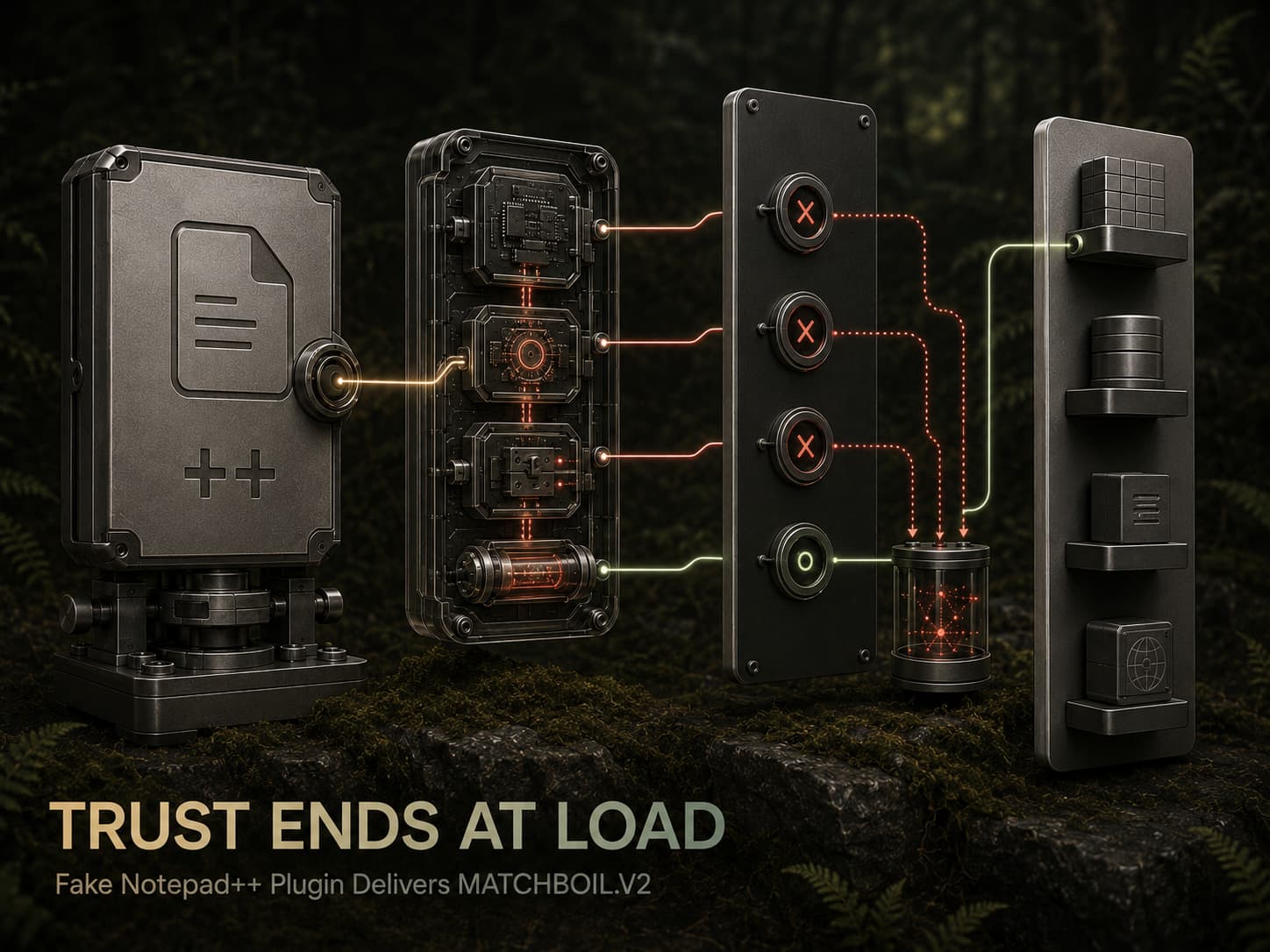
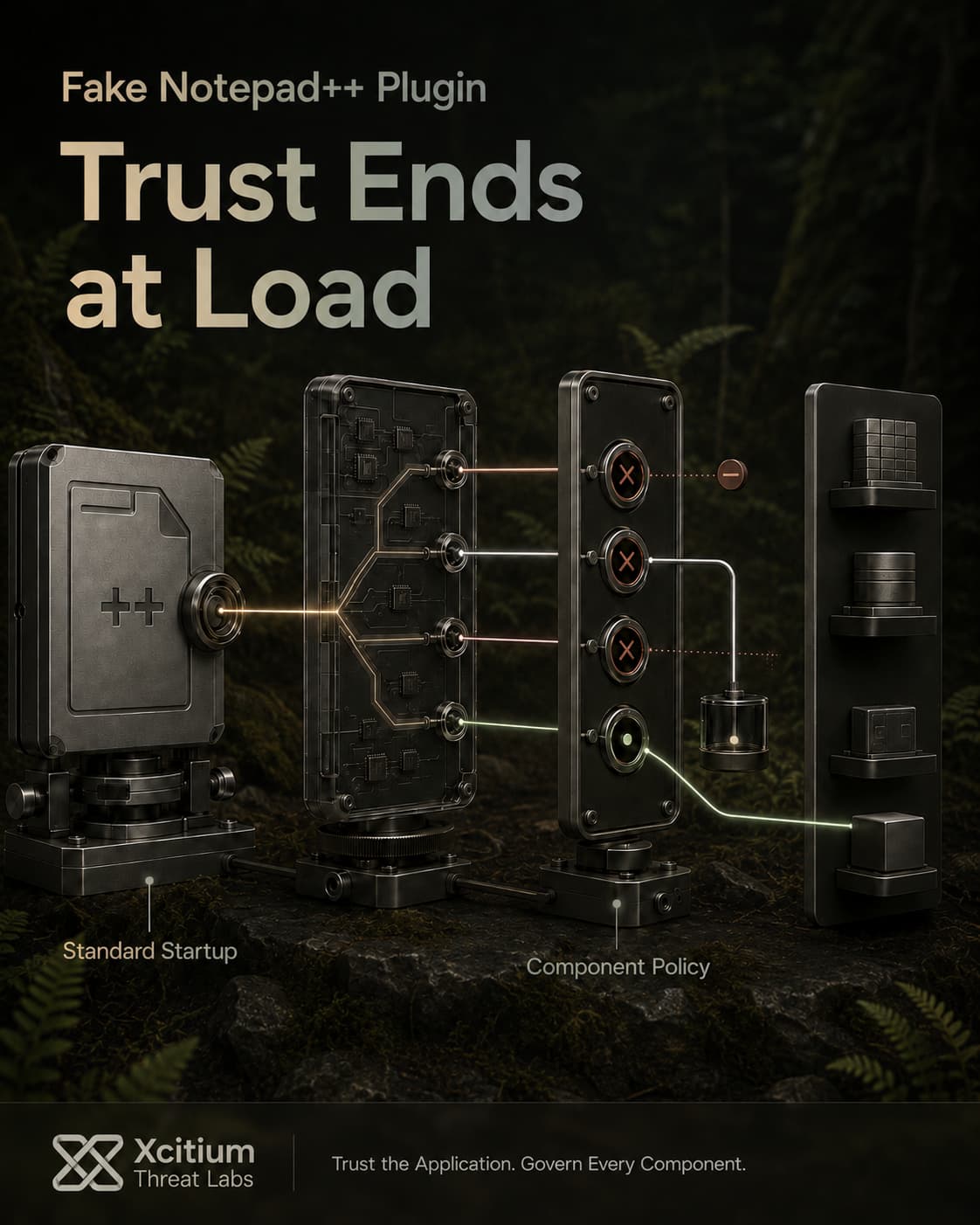
Attackers did not need to compromise Notepad++ itself. They packaged a legitimate copy of the editor with an attacker-controlled plugin and allowed its standard startup behavior to load the malicious code.
The editor opens normally.
The attack runs beside it.
Why This Threat Matters
This campaign combines social engineering with trusted application abuse to make every stage appear less suspicious.
- A phishing message leads the victim through a shortened link to a file-sharing service
- A Visual Basic Script is disguised as a PDF using a double extension and filename spacing
- Legitimate copies of Notepad++ and WinRAR reduce suspicion
- Notepad++ automatically loads the malicious NppExport.dll plugin
- LUNCHPOKE creates a scheduled task that runs every three minutes
- BURNYBEAR loads MATCHBOIL.V2 and can exhaust system resources when analyzed incorrectly
- MATCHBOIL.V2 fingerprints the host, updates its C2 configuration, and retrieves additional payloads
The final payload was not disclosed. That uncertainty increases the risk because the operator can decide what to deploy after persistent access is established.
Where Xcitium Changes the Outcome
This attack must be stopped at two points, before the victim trusts the disguised file and before trusted software loads untrusted execution.
Xcitium Cyber Awareness Education and Phishing Simulation helps employees recognize shortened links, unexpected file-sharing downloads, double-extension filenames, and documents that attempt to launch scripts.
But user awareness cannot be the final control.
Xcitium Advanced EDR, powered by Xcitium’s patented Zero-Dwell platform, applies Execution Governance when the malicious components attempt to run.
A DLL does not receive automatic trust because Notepad++ loaded it.
A scheduled task does not become safe because it uses a legitimate Windows utility.
A payload does not inherit unrestricted rights from the trusted process that launched it.
Unknown code does not receive unrestricted execution rights.
Code can run without being able to cause damage.
Runtime behavior is governed before trust exists.
LUNCHPOKE, BURNYBEAR, MATCHBOIL.V2, and follow-on payloads should not receive unrestricted access to persistence mechanisms, endpoint resources, network paths, credentials, or the real operating environment.
Detection asks, “Is Notepad++ a legitimate application?”
Execution Governance asks, “Should this unknown plugin be allowed to control the endpoint?”
That is the difference.
Trust the Application. Govern Every Component.
The Notepad++ campaign proves that legitimate software reputation is not proof that every component loaded beside it is safe.
Trusted applications can load malicious plugins.
Legitimate utilities can support attacker workflows.
Normal startup behavior can become an invisible execution path.
Train users to recognize the initial lure.
Restrict scripts delivered through untrusted archives.
Investigate Notepad++ running from public or randomly named directories.
Govern unknown plugins, loaders, and follow-on payloads before trusted software becomes attacker infrastructure.