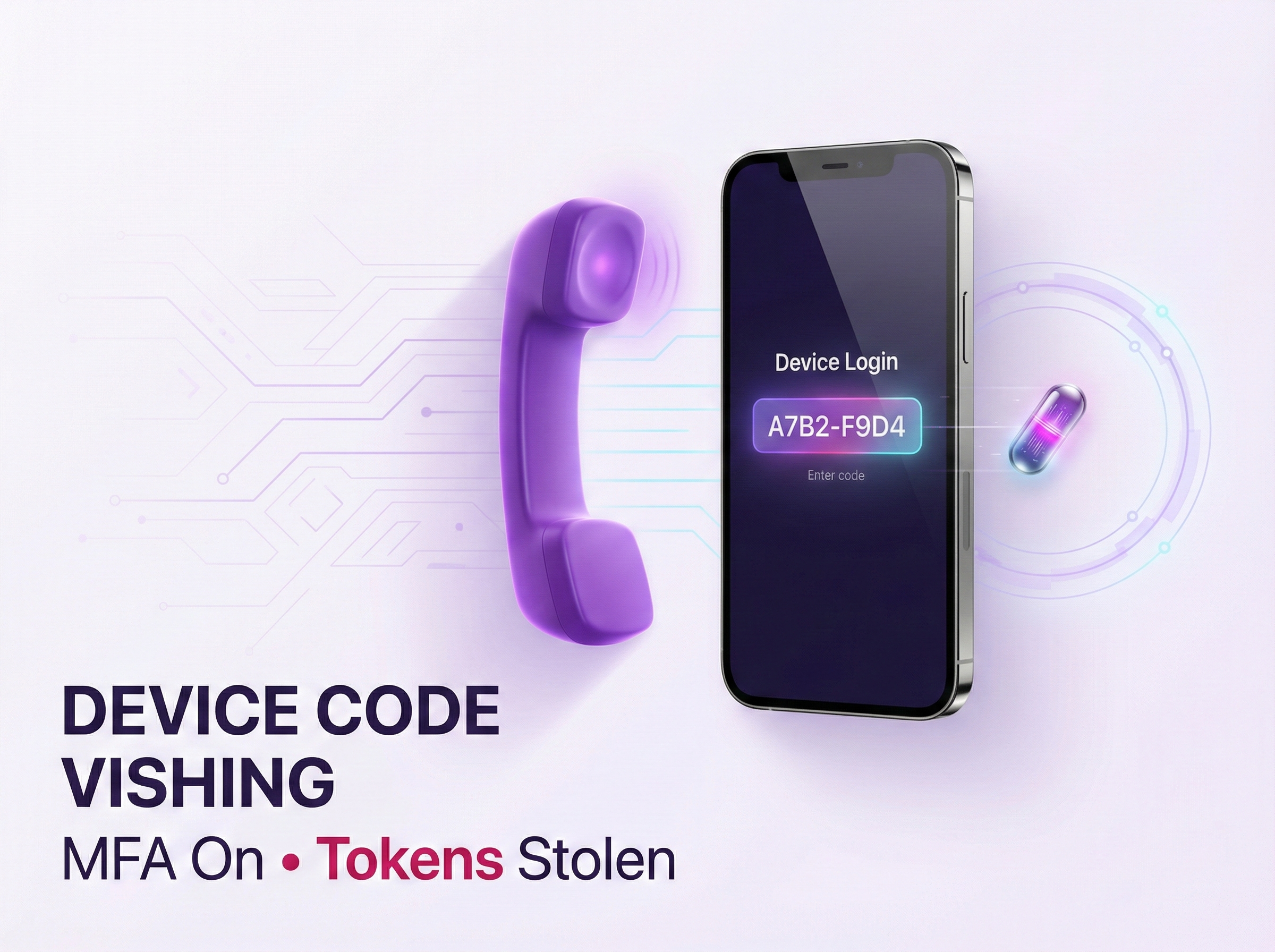
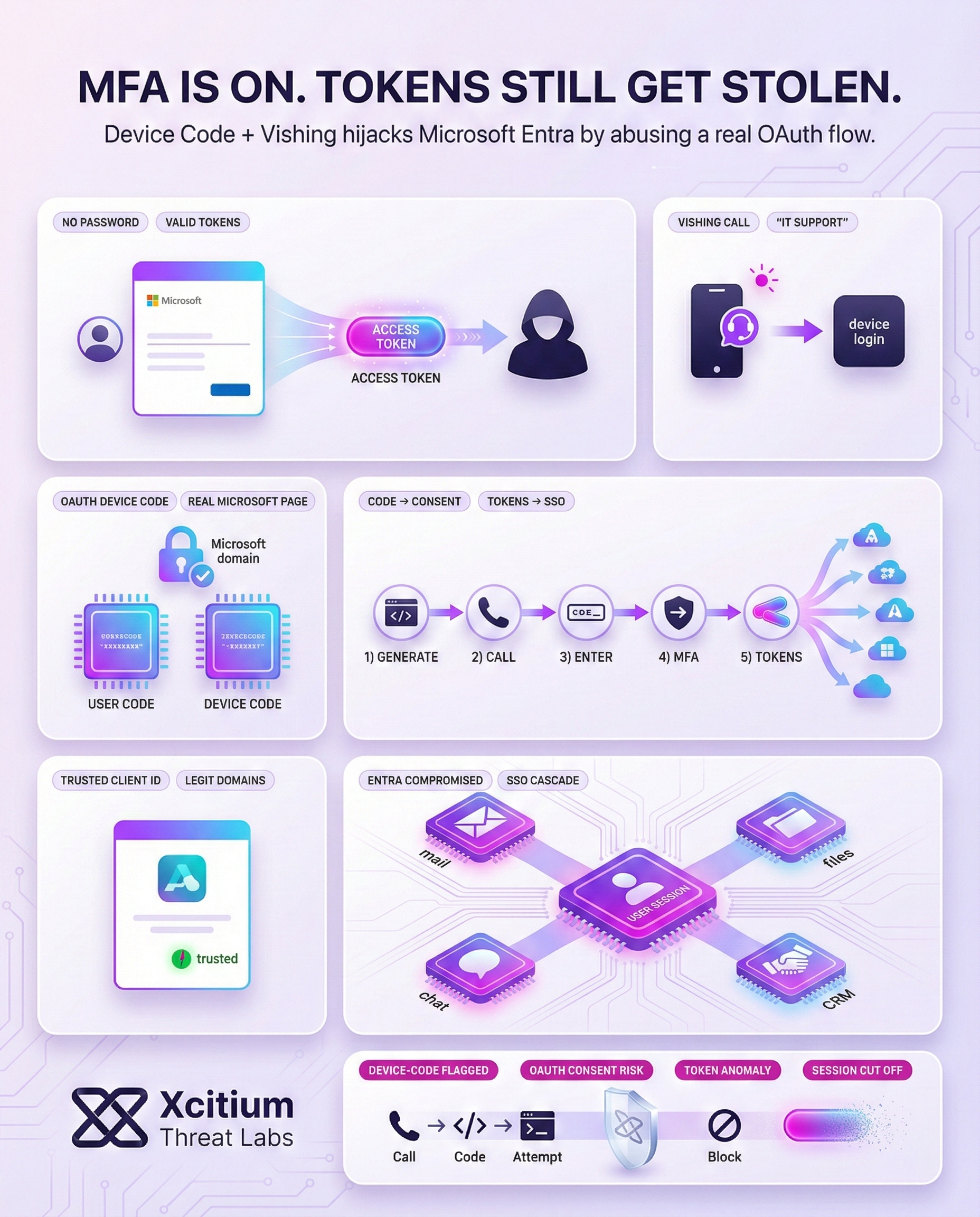
Cybercriminals are now blending two tactics OAuth device code phishing and live voice calls (vishing) to hijack Microsoft Entra accounts. In these schemes, attackers exploit the OAuth 2.0 “device authorization” flow: they generate a one-time login code and trick an employee into entering it on Microsoft’s real sign-in page.
This unusual approach hands the attacker valid access tokens without ever needing the password. Notably, by using legitimate Microsoft OAuth client IDs, the fake login process can look very trustworthy to the victim.
Exploiting the Device Code Flow via Vishing
Microsoft’s device code flow was originally designed for devices with no easy way to type a password (think smart TVs or printers). In the normal flow, the device displays a short code and tells the user to visit a Microsoft web page on another device to enter that code.
The user then logs in and completes any MFA prompts, allowing the device to receive access and refresh tokens without ever handling the password.
Originally designed for devices without keyboards (TVs, IoT), attackers weaponize this legitimate Microsoft authentication feature to bypass security controls.
The attacker initiates a request to Microsoft’s OAuth system to generate a device_code and a corresponding 8-character user_code.
Impersonating IT Support, the attacker calls the victim: “We detected a suspicious login on your account. Please enter this verification code at our security portal.”
The victim visits microsoft.com/devicelogin. Since it’s a real Microsoft page, they enter the code and complete their own MFA, unaware they are authorizing the attacker.
Once authorized, Microsoft sends a Refresh Token to the attacker’s device. The attacker now has full account access without needing a password or further MFA.
The attacker accesses Microsoft 365, Teams, and SharePoint using the stolen identity. They can now exfiltrate data or perform lateral movement within the network.

However, attackers have repurposed this flow for credential theft. First, they use tools to generate a device_code and user_code tied to an OAuth application sometimes even one of Microsoft’s own client IDs.
Next, the attacker phones an employee claiming to be IT support and directs them to open the Microsoft device login page (e.g. microsoft.com/devicelogin) and enter the provided code.
When the employee logs in normally (including MFA), Microsoft then shows which app was authorized. If the attacker used a familiar OAuth app, the user may not suspect anything amiss.
- First, attackers generate a device code and user code for a chosen OAuth client ID, using open-source tools.
- Next, the attacker calls the target and tells them to go to
microsoft.com/deviceloginand input the code. - After the employee enters the code, they log in as usual (completing any MFA). Microsoft then displays the name of the authorized app often a trusted name if the attacker used an official client ID.
- Meanwhile, the attacker uses the device code to retrieve a refresh token for the user’s account. The attacker can then exchange it for access tokens.
- Finally, with those access tokens, the attacker can sign in as that user to Microsoft Entra (Azure AD) and all linked SSO services (Office 365, Salesforce, Google Workspace, etc.) without further MFA prompts.
Real-World Campaigns and Threat Actors
Researchers believe the ShinyHunters extortion gang is behind these device code vishing campaigns. Previously, this group was linked to large-scale vishing attacks that broke into single-sign-on portals (including Microsoft’s Entra identity platform) for data theft and extortion.
Once inside a victim’s account, attackers can roam through corporate cloud services. Access tokens can unlock email, OneDrive, Salesforce, Google Workspace and other integrated apps. In practice, criminals seek sensitive data they can ransom.
In one case, attackers used the stolen tokens to grab confidential files before demanding payment. As a result, organizations must be on high alert whenever an employee is asked to authorize a device by phone.
Protecting Your Organization
In defending against device code vishing attacks, security professionals can implement the following steps to mitigate the risks:
- Block malicious domains and emails. Ensure that malicious domains and emails, especially those used in the phishing campaign, are blocked.
- Audit OAuth app permissions. Ensure that there are no suspicious app permissions. Review the Azure/Microsoft Entra logs for any suspicious app permissions. If there are any, revoke them.
- Monitor sign-in logs. Ensure that there are no unexpected device-code authorizations. Review the Azure AD/Entra logs for any unexpected new apps being approved.
- Disable unused device flow. If the organization does not use the device code flow, consider turning it off in Microsoft Entra settings. Additionally, implement strict conditional access and MFA for all flows.
By following the above steps, security professionals can help the organization detect and prevent device code vishing attacks. It is also important to consider the aspect of user education, as users need to be made aware of the potential risks of device code vishing.
Employees need to be made aware that they do not need to answer calls from tech support personnel asking them to log in to the organization’s system.
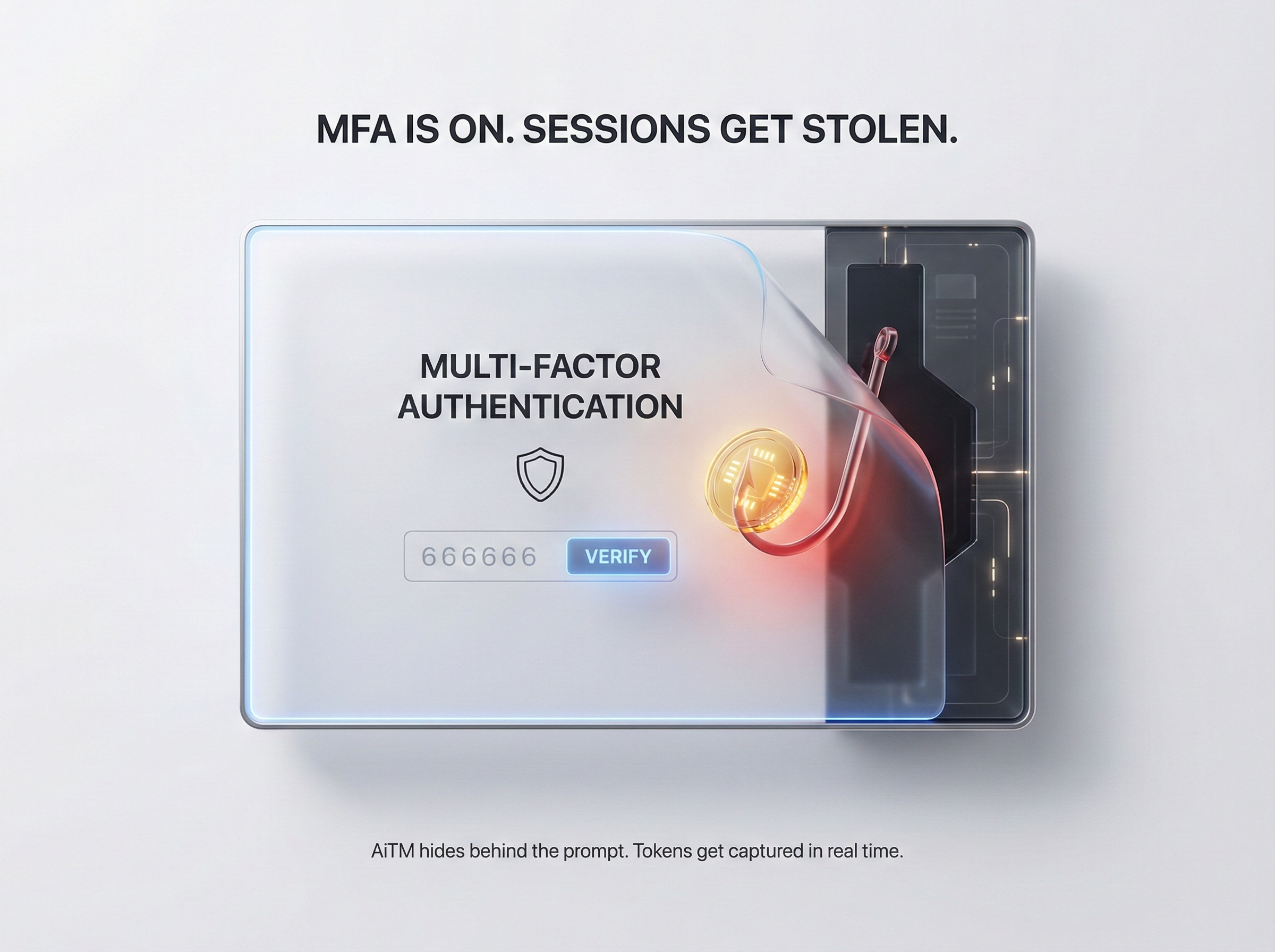
Conclusion: MFA Is On, Tokens Still Get Stolen
Device code vishing proves a hard truth about modern identity attacks. Attackers do not need your password when they can convince a user to authorize access on a real Microsoft login page. One phone call, one code, and the attacker walks away with valid tokens that unlock Entra and connected cloud services.
Why This Threat Hits Even Mature Organizations
This attack succeeds because it abuses what defenders trust:
- Legitimate OAuth flows and Microsoft domains
- Real MFA completion by the user
- Familiar client IDs that look “safe” during authorization
- Token-based access that can outlive the moment of verification
Where Xcitium Changes the Outcome
If you have Xcitium Identity Threat Detection and Response (ITDR), this attack does NOT succeed.
- Suspicious device-code authorizations are surfaced and stopped fast
- Risky OAuth app consent patterns are detected before they become access
- Abnormal sign-in and token activity is correlated across Entra and cloud apps
- Compromised sessions can be cut off before data theft turns into extortion
Secure Identity Where Cloud Breaches Begin
Attackers are no longer breaking MFA, they are routing around it. Protect Entra identities and token activity with Xcitium ITDR.