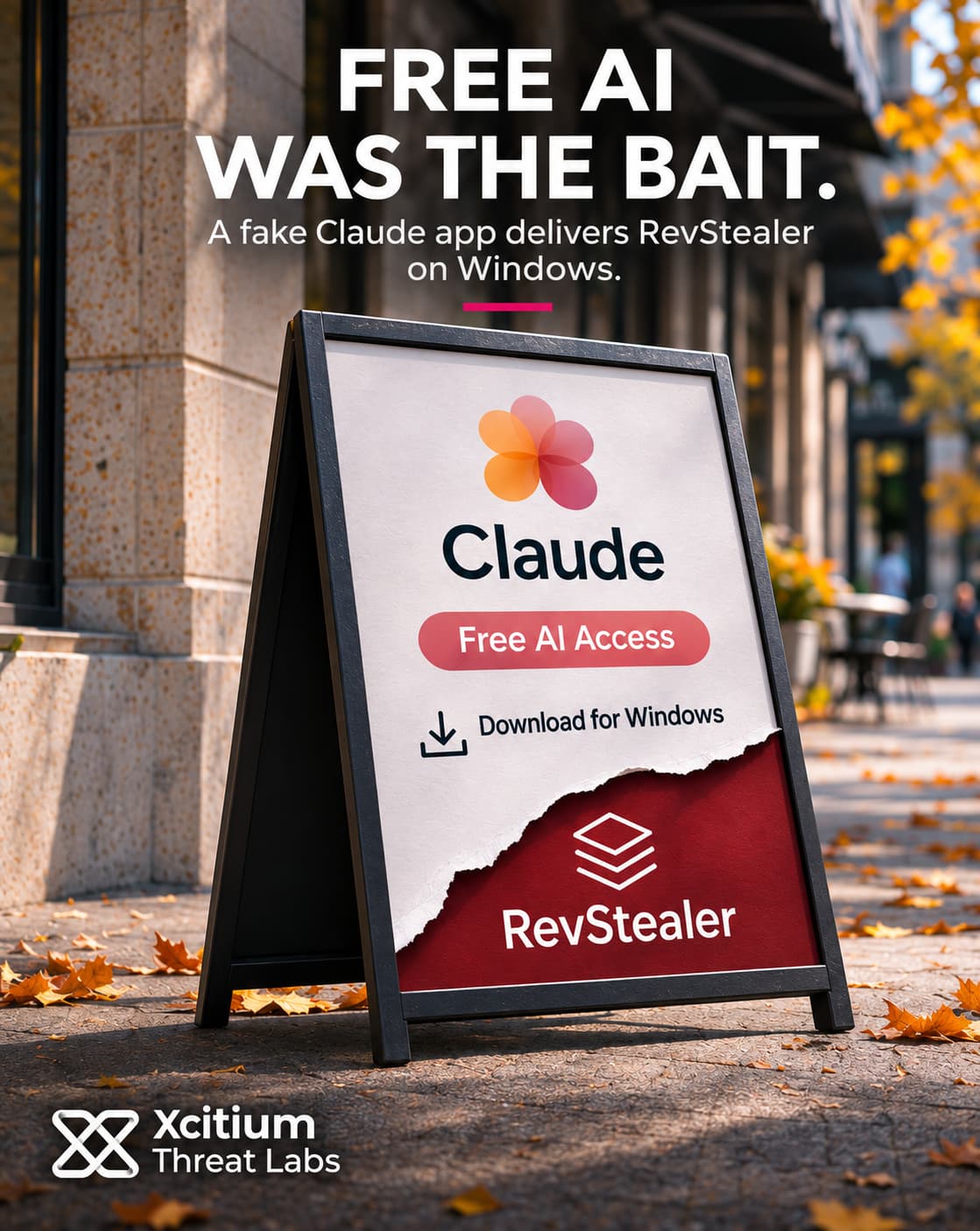
A fake Claude desktop app promises free access to the AI service. When someone runs the program on Windows, no chat window opens. Instead, the executable launches RevStealer, an infostealer that targets saved passwords, active browser sessions and VPN credentials. The user does not need to enter a password into the counterfeit app for existing credentials to be at risk.
Copies of the download circulated through public code repositories and sites aimed at people looking for game cheats. It came in an archive of roughly 101 MB. The AI brand gives the download a plausible purpose, while the person who runs the executable supplies the step that starts the attack.
The Desktop App Starts a Separate Windows Process
Built with Electron, a framework for desktop apps, the package starts a loader without displaying a chat interface. The loader examines the host’s memory, processor, computer name and graphics hardware. It then unpacks an encrypted component and starts it in the background from a folder under AppData.
That second process matters more than the name on the download. AppData is a normal place for Windows applications to store per-user files. In this case, the loader uses it to start a separate executable. An endpoint investigation can connect the first launch to the file it created and the process that ran afterward. Meanwhile, the user may see nothing beyond an app that appeared to fail to open.
The Stealer Targets Access the User Already Has
The native component looks for browser databases and related encryption keys. It targets passwords and session cookies alongside data from Windows Credential Manager and password managers. In addition, it looks for VPN and remote access credentials. Those sources can sit on the same workstation even when they belong to different services or organizations.
Someone who obtains a saved password can try a fresh sign-in, where the service may ask for another factor. By comparison, a session cookie represents a sign-in the application already accepted. If the application still honors that cookie and its controls allow reuse, whoever obtains it may inherit the session without completing a fresh login. The available case details leave subsequent account access unconfirmed.
VPN credentials pose a different question. Their value depends on the account, the authentication controls and the systems reachable through that connection. Likewise, the presence of a password manager on a workstation does not establish that the stealer obtained usable secrets from it. The sample’s collection targets describe where it looked, while usable data depends on what was present and accessible.
The File Can Disappear After Data Leaves
RevStealer attempts to add an antivirus exclusion for AppData. A successful change would reduce scanning in a location that also contains its newly written component. Consequently, an unexpected exclusion around the time of the download can help narrow the investigation. Whether the attempted change succeeded remains unresolved.
The stealer sends collected material in encrypted records and then deletes itself. As a result, a later search for the executable can come up empty even if there was earlier outbound activity. Process history and network records can still help establish the order of events. Although the sample also supports additional tasking, the available evidence leaves follow-on activity unconfirmed.
A Single Launch Can Affect Multiple Services
A browser profile can hold several active business sessions at once. Similarly, one workstation can hold remote access credentials for systems the browser never opens. The same execution event can therefore leave separate questions about the endpoint, the accounts used on it and any subsequent activity at those services.
We saw a different download pretext in the SilentDelivery case, where a fake certificate repair offered a malicious installer. Here the promise is free software. In both cases, the download receives a familiar explanation before a user makes the decision that matters on Windows.
Conclusion: Trace the Process Behind the Failed Launch
An employee might remember double-clicking the download and seeing nothing. That’s enough to give the help desk a time to look up. On the affected PC, find out whether the download ran and whether another executable started from AppData. Preserve those records early because RevStealer can delete its own file after sending data.
Why This Threat Matters
The workstation may have a work browser profile, a VPN client and a separate profile for an admin account. Ask which ones the employee used. A new VPN login and activity within an existing browser session leave different records, sometimes in different systems. Review those records around the time of execution and afterward. The sample targeted both kinds of access, while the public case leaves later account use unconfirmed.
Where Defensive Control Must Operate
On supported, managed Windows devices, Xcitium Advanced EDR, powered by Xcitium’s patented Zero-Dwell platform, provides endpoint telemetry and response. A responder can use process history to trace the launch and examine nearby changes to antivirus settings. With Execution Governance, the configured policy limits what an unknown executable can do to the host’s real resources.
Give staff a familiar place to get approved apps. Xcitium Cyber Awareness Education can teach them where to check a software offer and how to report an unofficial copy. Phishing Simulation can measure whether they report a simulated free software offer before trying to run the download.
Revoke Sessions Where They Were Issued
If the file ran, isolate the PC and preserve the timeline. Use a clean device to rotate exposed credentials and revoke sessions. Check which applications issue their own session cookies. Those services may need a separate sign-out action even after the identity provider ends its sessions. Start with any account on the affected machine that could administer shared systems.