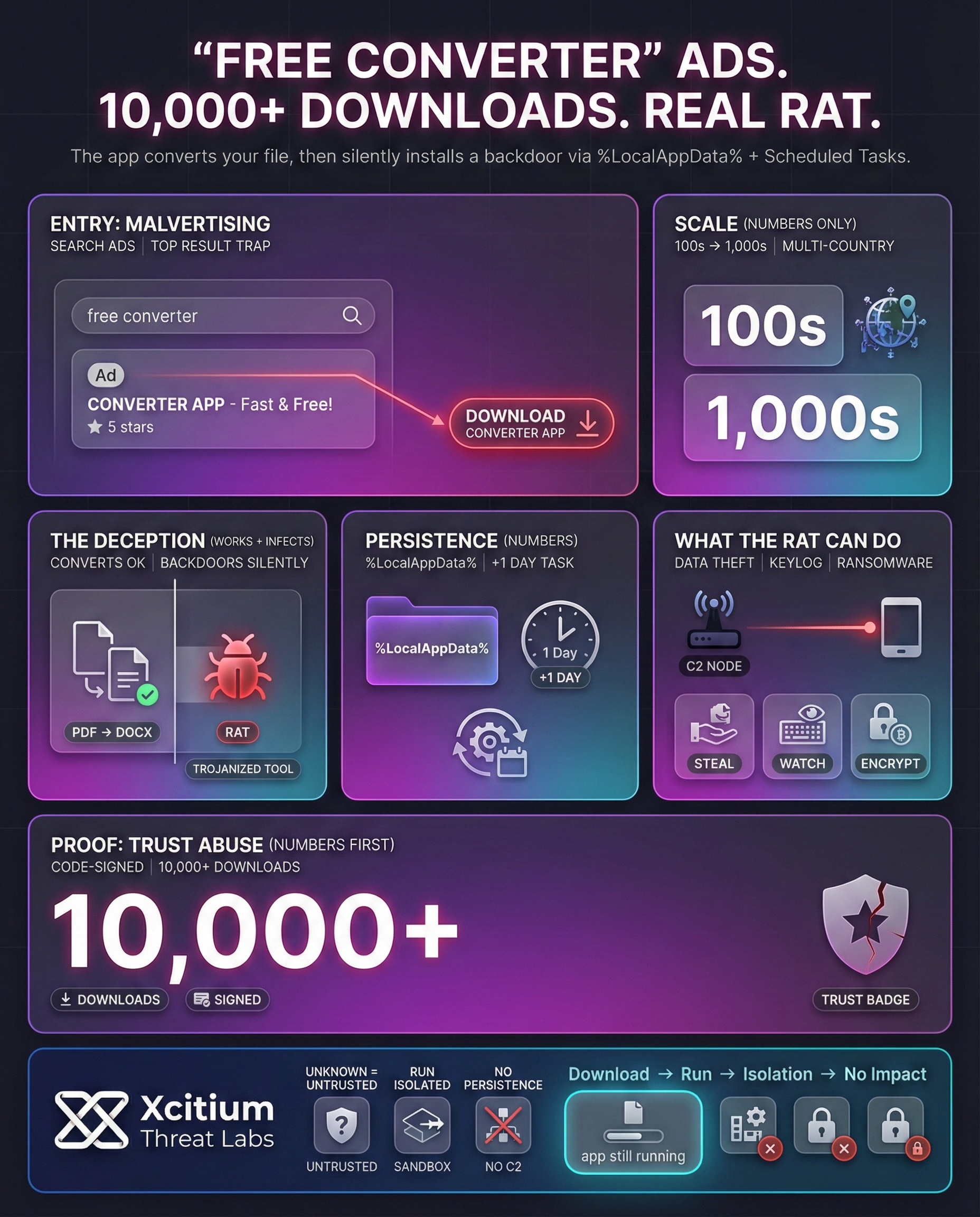
The attackers use search ads, spreading malware in the form of “free converter” tools that appear to be legitimate but are actually malicious, allowing hackers to gain remote access to compromised systems.
The malware is spread in the form of “PDF converter” or “image converter” tools, among others, with instances of this malware infection traced in various countries, with hundreds to thousands of computers affected.
The infection can be identified in the presence of suspicious Windows tasks, files in user app data, or network connections, with experts recommending that users should scan their downloads, check their logs, and apply application whitelisting to prevent converter malware.
Google Ads targeting search terms like “Word to PDF converter”. These deceptive ads redirect victims to landing pages that deliver trojanized productivity tools.
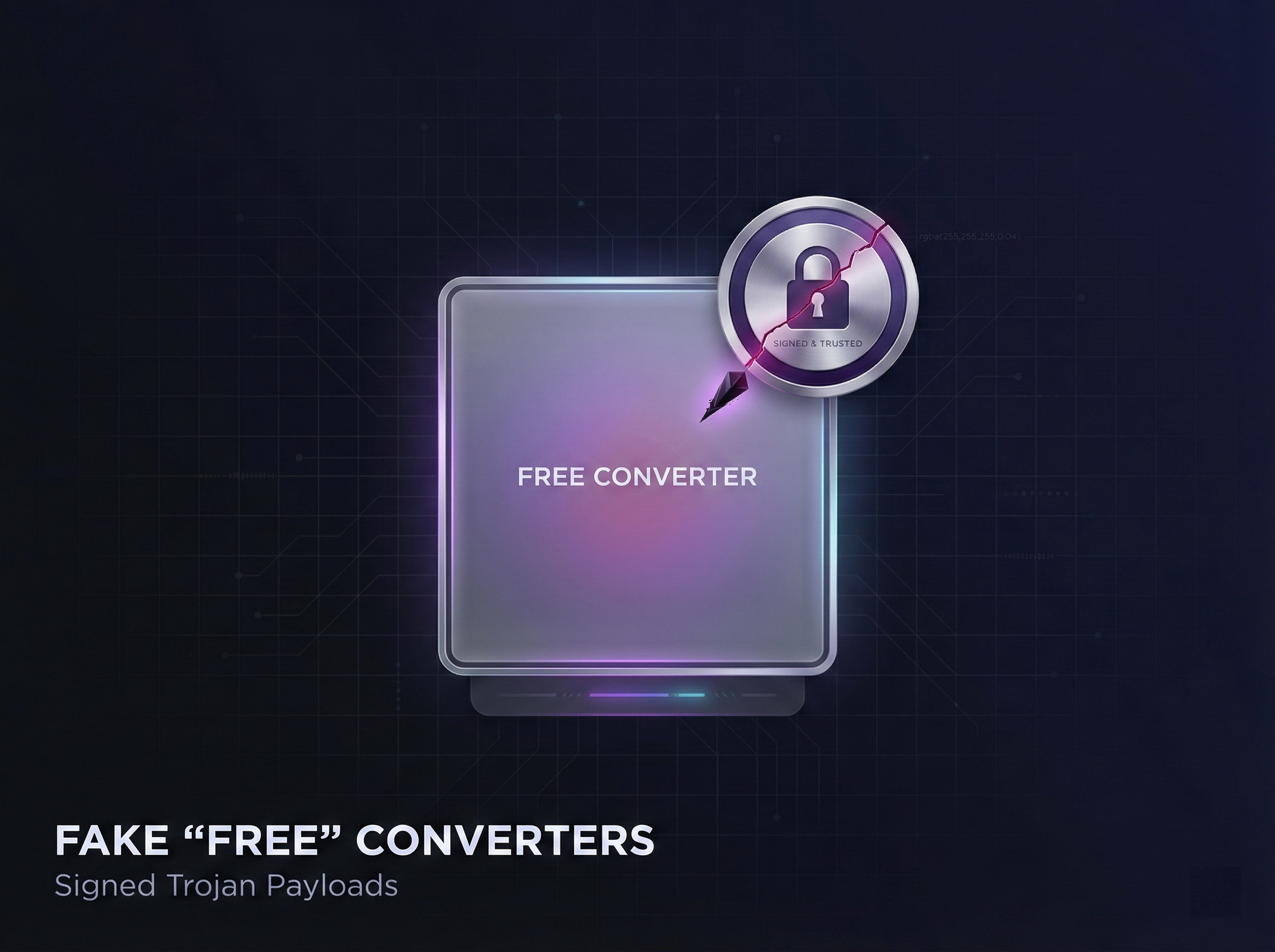
The downloaded installer is signed with valid certificates from publishers like BLUE TAKIN LTD. This allows the malware to bypass standard Windows security checks and appear as legitimate software.
While the application performs the expected PDF conversion, it secretly drops malicious binaries into the %LocalAppData% directory. The infection happens silently in the background.
To evade immediate detection, a scheduled task is created to trigger 24 hours after the initial infection. This UpdateRetriever.exe task serves as a key forensic indicator for detection engines.
The final stage Remote Access Trojan (RAT) establishes contact with C2 servers to execute .NET assemblies, enabling keylogging, data exfiltration, and screen capture for full system control.
File: PDF_Converter_Setup.exe
✓ Trusted Source
| 📄 Converter.exe | Application |
| ⚙️ UpdateRetriever.exe | Malicious Binary |
| 📝 id.txt | Text Document |
Creation timestamp differs from infection by +1 day.
[!] C2 CONNECTED: 45.14.XXX.XXX
> Fetching .NET Assembly: “ScreenCap.dll”
> Executing in-memory (Fileless persistence)…
> Data exfiltration started: UUID-8821-X
> Keystroke logs sent: 0.4KB
Malicious Ads Hide Malware in Free Converter Tools
Malicious Google ads for file converters like “Word to PDF” are displayed at the top of the search results page, but these ads lead users to false converter sites that distribute malware. For example, if a user clicks on an ad on a fan game site, the ad would redirect the user through various domains like convertyfileapp[.]com before downloading the malware-infected “Convert” app.
The domains look legitimate because they actually perform the conversion task (in most cases, the conversion is successful), and the domains contain legitimate information like privacy policies and FAQs. However, the malware is installed in the background.
- The victims are searching for terms like “free PDF converter” or “merge JPG to PDF.”
- If the user clicks on the ad at the top of the page instead of the legitimate converter link, the user would download a malware-infected converter that would convert the file but also install a Remote Access Trojan (RAT) or ransomware.
- The outcome of the attack is that the user’s document would be converted correctly, but the user’s computer would be backdoored silently.
Legitimate-Looking Apps Conceal Persistent RATs
The initial download is often a C# application that performs the advertised conversion but also drops backdoors. Attackers sign the malware with stolen or fraudulently obtained code-signing certificates, lending “trusted” credibility. This means Windows and antivirus tools may not immediately flag the software.
Behind the scenes, the converter app installs additional components in the user’s folder (%LocalAppData%) and sets up a hidden scheduled task to keep things alive. For example, a trojan called ConvertMate.exe drops an UpdateRetriever.exe payload.
This installer creates a Windows Task Scheduler entry (with an execution delay of +1 day) that periodically runs the malware. The task’s “Start in” path is often under %LocalAppData%, which is unusual for legitimate software, making it a key detection indicator.
Once active, the payload contacts a command-and-control server using a unique victim ID (stored in a file like id.txt) and retrieves further instructions. This multi-stage design makes the infection persistent and modular. Typical capabilities of these RATs include:
- Data theft: Harvesting files or system data.
- Keylogging and screen capture: Monitoring keystrokes and screenshots.
- System control: Accessing files, downloading more malware, or launching ransomware.
In one campaign, the Trojan even encrypted files on a media company’s network – a possible link to a February 2025 ransomware outbreak in Iowa.
Real-World Cases and Industry Warnings
Several security organizations and firms have raised the alert. The FBI’s Denver office released a bulletin in early 2025 that described a “free online document converter” scam that distributes malware, which can lead to identity theft.
According to media outlets, the only signs that something was wrong for the victims were the ransomware attack or the theft of their data. The FBI states that the websites also “scrape” uploaded data for Social Security numbers, bank data, passwords, and cryptocurrency data.
Experts have identified hundreds of cases of infection in different organizations. A European SOC has recorded dozens of campaigns in 2025, including “Calendaromatic”, “Easy2Convert”, “PDF Editor” each using search ads.
Some of the tools were used to turn enterprise computers into proxies or distribute sophisticated backdoors. In another case, a signed converter had over 10,000 downloads on Google Play before installing a banking trojan (Cerberus) on the victim’s phones.
Detection and Response Measures
- Log and analyze: Enable Windows event logging, e.g., Event ID 4698 for creation of a new task, and also make use of tools like Sysmon that help detect unusual activity related to the registry or network.
- Block risky locations: Restrict code execution on %LocalAppData% or other locations that users have write access to.
- Certificate blocklist: If a specific signer is determined to be malicious, block its certificate.
- Use vetted services: Use trusted and popular file converter services, even if they require payment, or make use of offline tools.
By treating free converter apps like any other untrusted application, an organization can fill this gap in their security chain.
To conclude, being aware of how this infection takes place, i.e., through malicious ads that lead to a trojan horse, and being able to detect unusual activities, i.e., unusual network calls, will help an organization protect itself against threats posed by unscrupulous file converter tools.
Case Study: Xcitium vs. Free “Fake” Converter Apps
This demonstration highlights how Xcitium protects endpoints against malicious utility applications disguised as “free” file converters. Multiple live fake converter samples are executed to simulate a realistic user-driven installation scenario.
Although these applications appear legitimate and even perform the promised file conversion they contain hidden malicious components designed to establish persistence, modify system settings, and initiate outbound communication.
Instead of relying on signatures or reputation-based detection, Xcitium’s ZeroDwell technology classifies each unknown executable as untrusted at launch and automatically runs it within an isolated environment.
As a result, while the applications continue to function from the user’s perspective, all malicious activity remains fully contained. Registry modifications, secondary payload execution, and command-and-control attempts are prevented from interacting with the host system.
By eliminating the exposure window entirely, Xcitium ensures the endpoint remains secure, operational, and uncompromised even when users unknowingly execute convincing but malicious “free” software.
Fake “Free” Converter Apps SHA-1 Samples & Zero‑Dwell Threat Intelligence Reports
Conclusion: “Free” Tools, Real-World Compromise
Fake converter apps prove a simple truth, attackers do not need sophistication when users will install the payload for them. A single “free” download can quietly deliver spyware, credential theft, and follow-on malware that spreads far beyond one device.
Why This Threat Hits Almost Everyone
These campaigns scale because they exploit normal behavior, quick searches, urgency, and trust in familiar app categories. Once a malicious installer runs, the attacker gets a foothold that can pivot into data theft, account takeover, and business disruption.
Where Xcitium Changes the Outcome
With Xcitium Advanced EDR, powered by Xcitium’s patented Zero-Dwell platform, deceptive installers lose their leverage at execution.
- The unknown app is isolated the moment it runs.
- The payload can execute, but code can run without being able to cause damage.
- Credentials, files, and system settings stay out of reach.
- Follow-on downloads, persistence steps, and lateral activity are stopped before impact.
Protect users from the “free download” trap before it becomes a real incident.