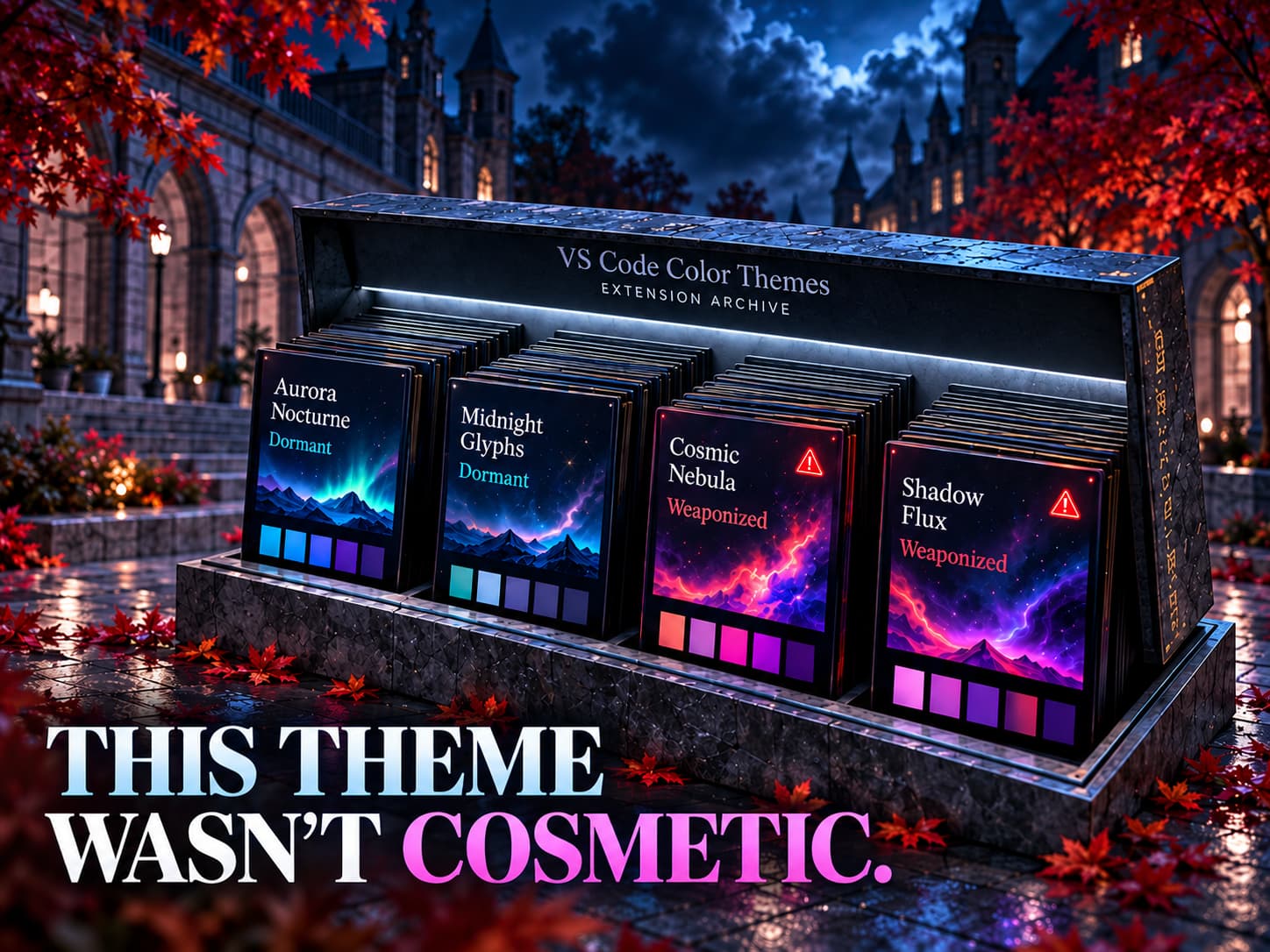
A Visual Studio Code color theme exists to change how the editor looks and nothing else. Several themes on the Visual Studio Marketplace and Open VSX did more than that. Two of them carried malware loaders. One of those loaders belongs to GlassWorm, a campaign that has spent months stealing developer credentials.
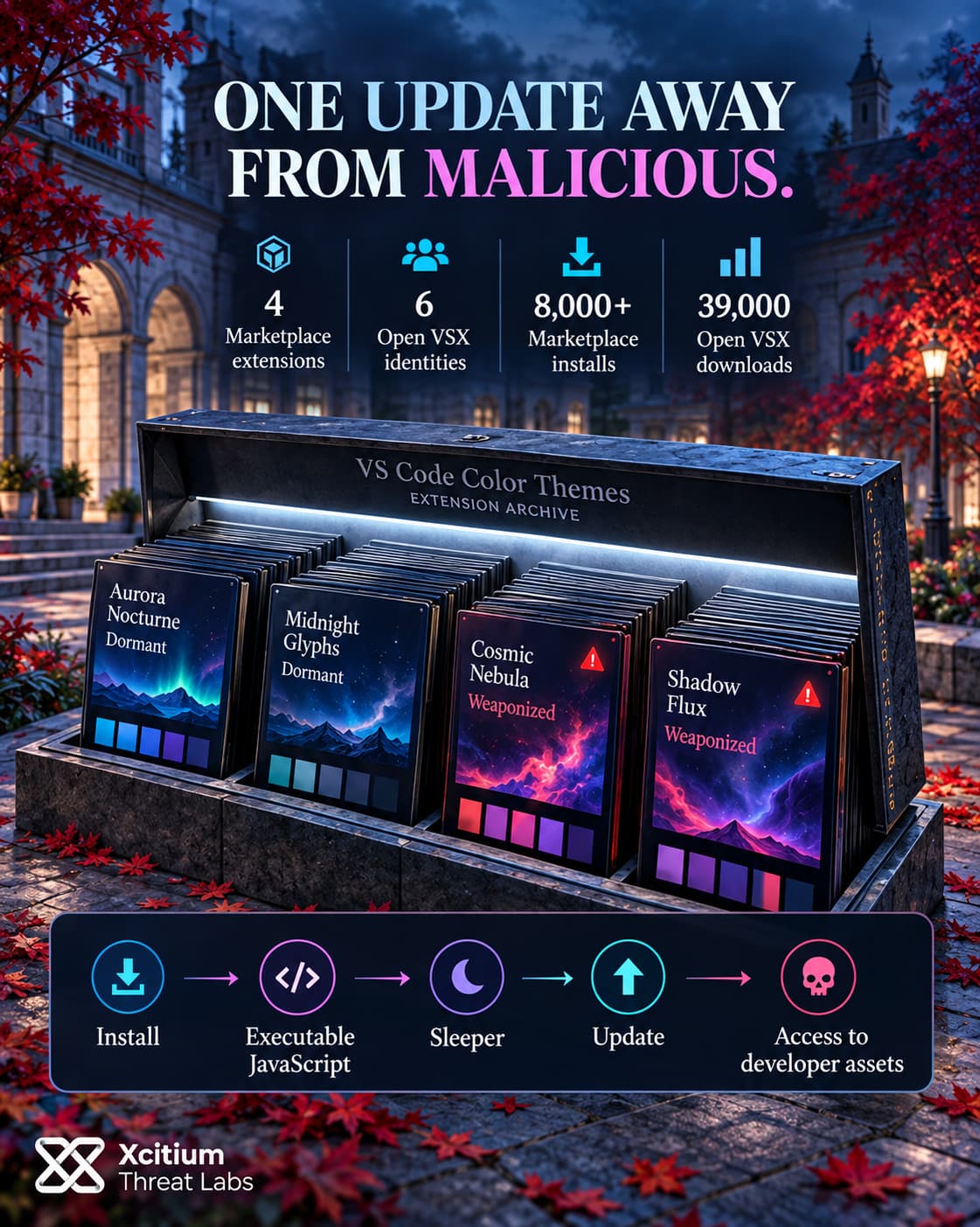
The cluster spans four Marketplace extensions and six Open VSX identities. Two themes from it were still live on the Marketplace in early October and had passed 8,000 installs between them. Microsoft pulled the reported extensions shortly after the report came in. The findings went public on October 2, 2026.
What is GlassWorm? GlassWorm is a supply chain campaign that hides malicious code in VS Code extensions. Its loaders avoid Russian-language systems, fetch their next stage through Solana blockchain transactions, and go after developer credentials, session data, crypto wallets and tokens on the machines where those extensions run.
Two Themes That Ran Code
The first confirmed malicious theme was Aurora Nocturne Night Theme. Its publisher name imitated Microsoft. It also switched on the moment VS Code started. Its public GitHub code looked harmless. The package people actually installed held about 59 KB of obfuscated JavaScript. Part of the payload hid in zero-width Unicode characters.
Once decoded, that script did one thing. It downloaded a file from an attacker server and saved it as temp_batch.cmd in the Windows temp folder. Then it ran the file through cmd.exe with the window hidden.
The second was Cosmic Nebula Themes. Its Marketplace build decrypted an embedded script with AES-256-CBC and ran it straight away. That stage quit on machines set to Russian language or a Russian time zone. Everywhere else it read a note attached to a Solana blockchain transaction and took the next download address from it. The code it fetched then ran inside the editor, with access to Node.js functions such as require and process.
That Solana address, encryption key and Russian check also appear in earlier GlassWorm activity. Analysis of this build didn’t recover its final payload.
Themes That Weren’t Weaponized Yet
Two themes stayed live on the Marketplace. Coca-Cola Christmas and Aurora Borealis Studio Theme carried no active payload in the versions examined. That doesn’t make them clean. Both ship executable JavaScript that a color theme has no reason to contain, so either one could turn malicious with a single update.
Their reach is the worrying part. Together they had more than 8,000 Marketplace installs. Open VSX is the registry that Cursor and other VS Code-based editors use. There, Coca-Cola Christmas alone had about 39,000 downloads, and another cluster theme, Charcoal Mint, had around 10,000.
Earlier GlassWorm waves used exactly this pattern. In April 2026, 73 cloned extensions turned up on Open VSX, and only six were malicious. The rest sat quietly as sleepers, collecting installs before a later update could arm them.
A Color Theme That Can Read Your SSH Keys
How the Cluster Was Tied Together
Git history links the projects directly. On December 6, 2025, one account committed assets for Aurora Nocturne. About an hour later a second account added the extension code, then moved straight on to the Coca-Cola Christmas repository. All five commits landed within roughly three hours.
The first of those accounts also publishes Aurora Borealis Studio Theme. With theme names and colors normalized, that theme’s definitions are nearly identical to Aurora Nocturne’s. Both files carry the same Russian-language section comments, such as “Terminal, 16 ANSI colors”.
The operation also manufactured trust. Coca-Cola Christmas borrows one of the best-known brands in the world, while Aurora Borealis Studio Theme copies the name of an older, legitimate theme. On December 14, 2025, a DEV Community account created that same day posted a “guide” to Cursor themes. The post recommended four of the cluster’s Open VSX extensions.
Why a Theme Can Do This
VS Code lets an extension declare a JavaScript entry point and run whenever the editor starts, even if all it claims to do is change colors. Nothing in VS Code’s permission model stops a theme from opening network connections or launching processes. Whatever runs does so with the developer’s own access.
That access is the prize. A developer machine typically holds source code, cloud credentials, SSH keys, package registry tokens and CI/CD secrets. Earlier GlassWorm waves went further and installed a remote access trojan and a rogue browser extension.
We’ve seen the same logic in the npm ecosystem, where a counterfeit package hid its loader in runtime code to slip past install-time checks. In both cases the dangerous code only runs after the developer has already trusted the package.
A Takedown That Didn’t Clean Up
A coordinated operation disrupted GlassWorm’s command servers on May 26, 2026, but it didn’t remove extensions that were already sitting in the registries. The Solana dead drop also means the operators can point a loader at new infrastructure without publishing a new version.
Where Execution Control Fits
Aurora Nocturne’s chain ends with a new batch file written to disk and run by cmd.exe. On a Windows endpoint with Execution Governance, that downloaded file has no trust verdict. It still runs, but its changes land in a virtualized layer instead of on the real system.
Cosmic Nebula’s stage never leaves the editor’s own Node.js process. For that branch, the deciding question comes earlier. It’s which extensions a developer machine should load at all.
Conclusion: The Theme Was Cosmetic. The Code Was Not.
The GlassWorm-linked theme cluster shows how software supply-chain trust can fail inside one of the developer’s most trusted applications. A color theme should need little more than declarative configuration, yet malicious extensions were able to execute JavaScript with the developer’s own rights, reach the network, start processes, and retrieve additional code.
Aurora Nocturne made that risk visible by downloading a batch file and executing it through cmd.exe. Cosmic Nebula took a quieter route, decrypting its loader inside the extension and resolving its next-stage infrastructure through Solana before executing code from within the editor’s Node.js environment. In both cases, the dangerous capability arrived only after the extension had already been accepted as something harmless.
That trust decision has unusually high consequences on a developer workstation. Source repositories, SSH keys, Git credentials, package registry tokens, cloud secrets, CI/CD access, and active sessions may all sit within reach of code running under the same account.
Why This Threat Matters
- A cosmetic extension can carry executable behavior. The label “theme” says nothing about what the package is technically capable of doing.
- The installed artifact may differ from the reviewed repository. Aurora Nocturne’s public source appeared harmless while the distributed package contained obfuscated malicious JavaScript.
- Extension code inherits developer access. There is no granular permission boundary separating a theme from the credentials and development assets available to the editor process.
- Not every suspicious extension is already weaponized. Some cluster-linked themes contained executable scaffolding but no active payload in the analyzed versions, leaving open the possibility of later activation.
- Infrastructure takedown does not remove installed trust. Existing extensions and blockchain-based dead drops can outlive the command servers originally associated with the campaign.
Where Defensive Control Must Operate
Xcitium Advanced EDR, powered by Xcitium’s patented Zero-Dwell platform, provides runtime visibility when an extension drops scripts, launches processes, or introduces unfamiliar executable content.
Execution Governance strengthens that boundary when newly downloaded or untrusted code attempts to alter the Windows endpoint. But when malicious logic remains inside the editor’s own extension host, control must begin earlier by restricting which extensions, publishers, registries, and updates developer systems are allowed to load.
Treat Extensions as Code, Not Decoration
Organizations should inventory developer extensions across VS Code, Cursor, and other compatible editors, review the exact packages being installed rather than trusting repository appearance alone, and question any theme that declares executable JavaScript or network-capable entry points. Developer tooling sits close to some of the organization’s most valuable credentials. Extension approval should therefore be treated as a software-execution decision, not a cosmetic preference.