
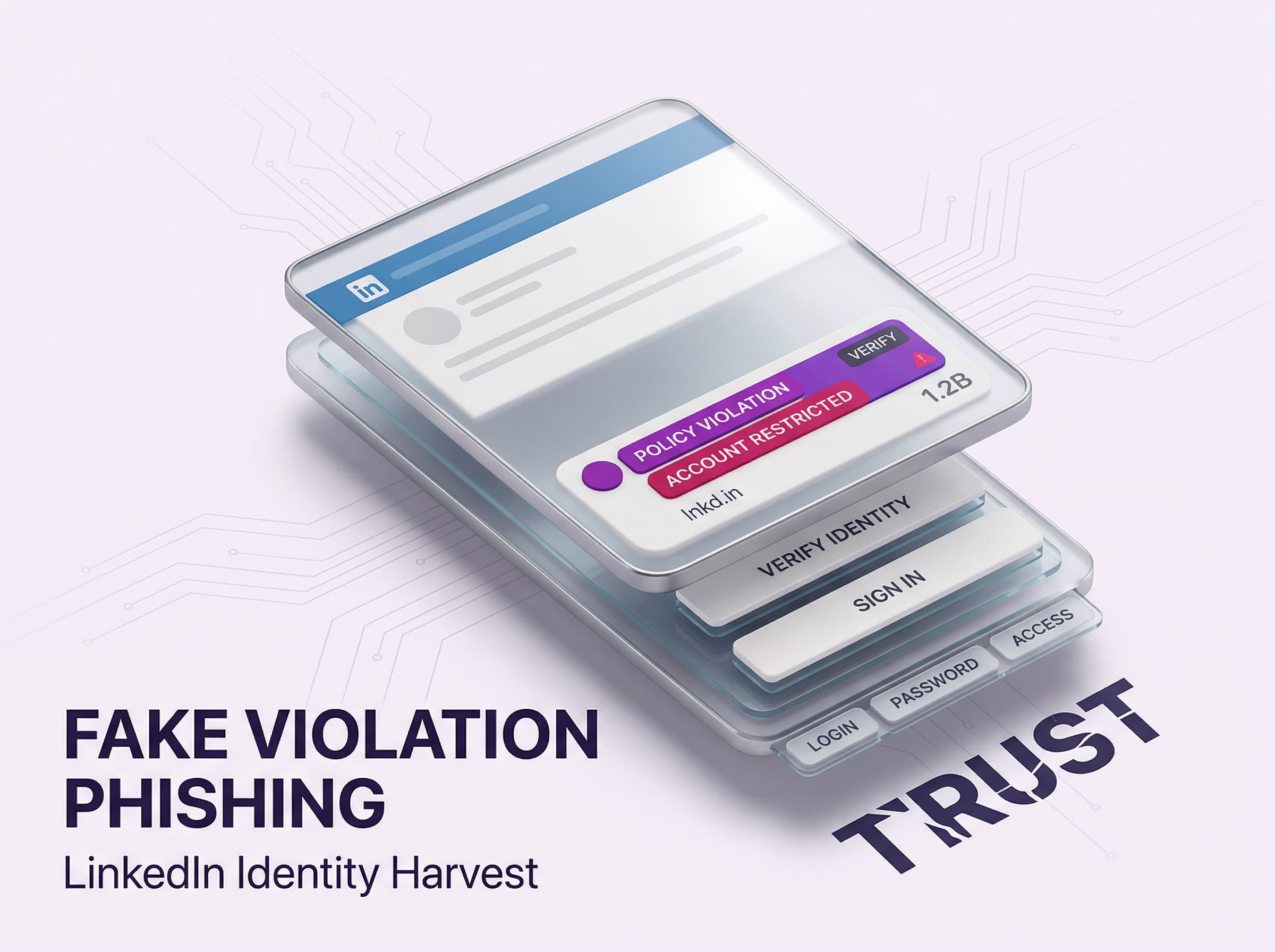
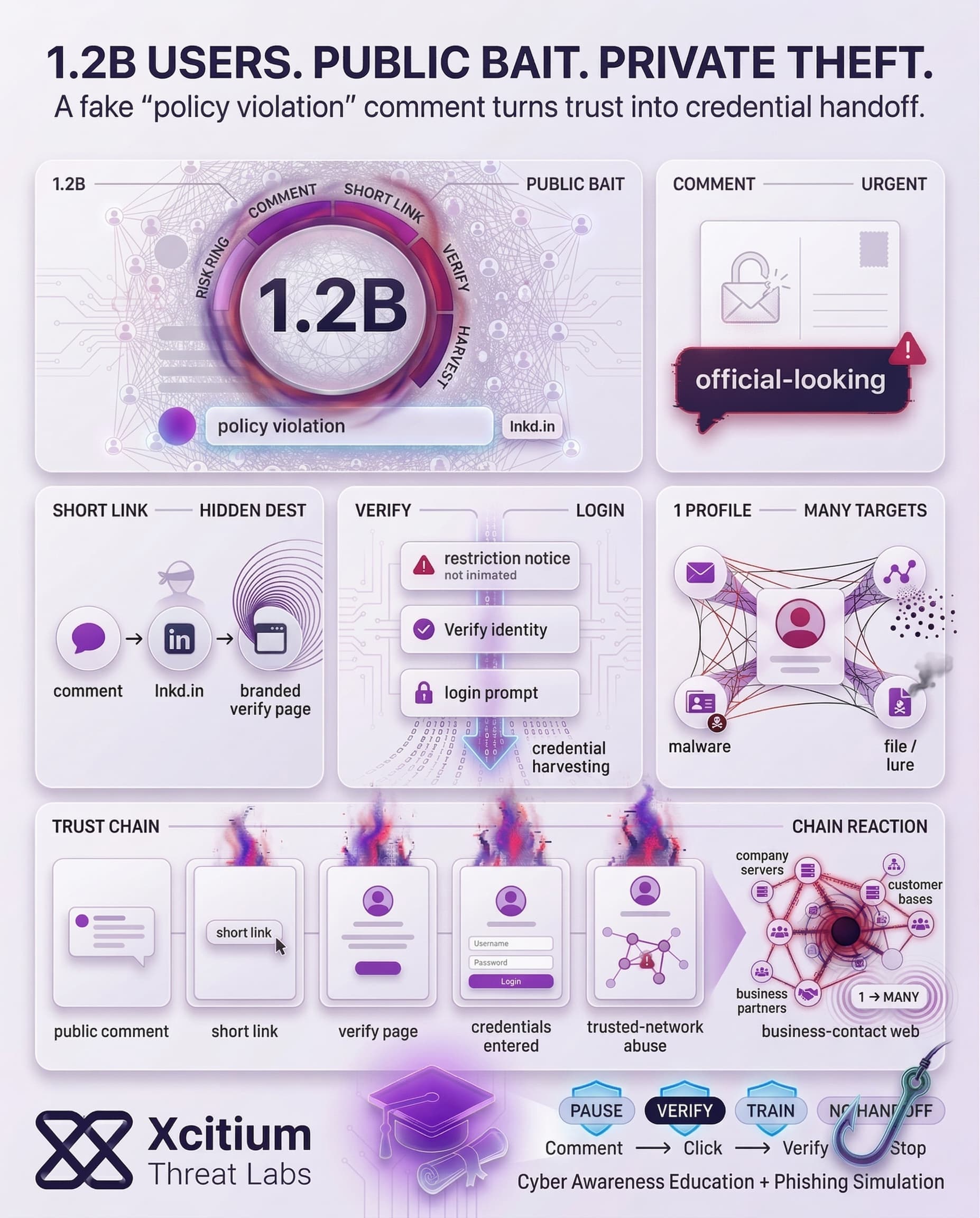
Phishing attacks have been initiated against LinkedIn, wherein the perpetrators have targeted nearly all users (approximately 1.2 billion users) of the social media platform. The method employed by the attackers involves posting messages about policy violations through comments on actual content posted on the platform. The phishing attempt states that the profile is temporarily restricted.
The links in these messages are particularly convincing since they employ LinkedIn branding; in fact, they use LinkedIn’s URL shortener service lnkd.in. After clicking on these links, users will encounter multiple steps leading to a phishing site designed for credential harvesting. In other words, clicking the links can result in giving one’s LinkedIn login credentials to the attacker.
The most worrisome aspect about this attack is its sheer size and credibility. As LinkedIn warns, “we do not notify you of policy violations using comment replies.” But many users, afraid of losing access to their LinkedIn account, might overlook such suspicious signs.
How the Phishing Scam Works
The false “policy violation” comments have certain key signs, which in retrospect can show the scam. Those include:
- LinkedIn-like language and logo: The comments allege policy violations and feature the LinkedIn logo, which makes them seem legitimate at first sight.
- Linking to a shortened address via
lnkd.in: Scammers use the official LinkedIn tool for shortening addresses so that the link does not seem fishy. - Immediate call for action: The comment tells that “access to your account is temporarily restricted,” and urges to “verify” or deal with the matter.
- Phishing pages in several stages: The initial page explains the alleged restriction, while clicking on the “Verify your identity” button redirects to another page where credentials are collected.

Security Verification Required
Based on recent activity, we need to confirm you are the account owner. Your profile will remain restricted until this process is completed.
The “restriction” warning creates urgency and fear. The fake page mimics LinkedIn’s clean design to lower the user’s guard during the process.
Why All 1.2B LinkedIn Users Are at Risk
The massive user base of LinkedIn provides rich hunting ground for hackers. Some individuals link their profiles with company emails and other sensitive information. Hacking any LinkedIn account might prove to be profitable due to access that the hacker will obtain to a person’s whole network (customers, employees, business partners) and use it to attack people socially.
All in all, this phenomenon reflects the increasing wave of attacks on social platforms. For instance, infostealer malware accounted for 1.8 billion stolen credentials in 2025. On its part, LinkedIn claims to have blocked many fraudulent accounts (more than 80 million at the end of 2024). Nevertheless, criminals continue to develop innovative techniques. This phishing scam relies on victims’ trust and fear to get their passwords. At the same time, attacking a network as large and reputable as LinkedIn makes it possible to collect an immense amount of login credentials.
Real-World Impact of a Compromised LinkedIn Account
However, the implications associated with becoming another victim of this scam may go beyond the security issues connected with a particular social media profile.
A hacker using a compromised LinkedIn account to launch new campaigns. The scammers have been observed to deliver weaponized files via LinkedIn messages targeting high-profile individuals. These attacks involve delivering a harmful attachment with the help of LinkedIn’s internal messaging system to deploy a malware infection based on DLL sideloading and open-source code.
Without the need for sophisticated techniques, the criminals can leverage LinkedIn accounts to initiate phishing attacks against an entire contact list of their owners. The malicious actor will try to impersonate a legitimate individual to deliver malicious URLs or other attack vectors.
To summarize, the breach of one LinkedIn account can lead to breaches in email accounts, company servers, and any other password-related information. It is important to note that cybersecurity specialists believe that the attackers currently treat social networks such as LinkedIn similarly to email accounts.
The Bigger Picture: LinkedIn Under Siege
Such attacks are part of a number of LinkedIn frauds that have been reported in recent months. While there are numerous ways to commit cybercrimes using the social networking website, hackers continue to try new tricks to gain entry into victims’ accounts.
As hackers continuously develop new ways of tricking people on LinkedIn, cybersecurity on the platform is still not enough. This has seen attackers use methods such as phishing e-mails and social engineering.
Conclusion: When the Platform Itself Becomes the Proof
This campaign shows how phishing evolves when attackers can borrow credibility from the platform they are targeting. Fake “policy violation” comments create urgency in public, then route victims through LinkedIn branded pages and lnkd.in shortened links that look legitimate at first glance. In a network of 1.2B users, even a small conversion rate becomes a credential harvesting engine.
Why This Threat Matters Now
LinkedIn is not just a social network, it is a professional identity layer.
- Attackers leverage fear of account restriction to force fast action
- Official looking multi step pages guide users toward credential entry
- Compromised accounts become distribution channels for follow on scams, weaponized files, and impersonation of trusted contacts
Why Everyone Is Exposed
This attack succeeds because it targets normal behavior.
- Users treat comment replies as real notifications
- Short links hide destination context until after the click
- Victims react under time pressure to protect reputation and access
- One compromised profile gives attackers access to an entire business network
LinkedIn itself states it does not notify policy violations via comment replies, but attackers know most users will not pause long enough to remember that.
Where Xcitium Changes the Outcome
If you have Xcitium, this attack would NOT succeed.
With one deployment of Xcitium Cyber Awareness Education and Phishing Simulation:
- Users learn the rule that violations are not delivered through public comments
- Training builds pause and verify behavior before credentials are entered
- Lookalike flows and shortened link pressure tactics become obvious
- The attacker loses at the human decision point, before the login handoff happens
Protect the Identity Layer People Use Every Day
Professional networks are now treated like email accounts by criminals, because they open doors to trust, access, and influence. Stop social phishing before it spreads through your organization.


Attention: Your profile has been flagged for a policy violation. Your account access is temporarily restricted. To avoid permanent suspension, verify your identity here: https://lnkd.in/v-verify-7392