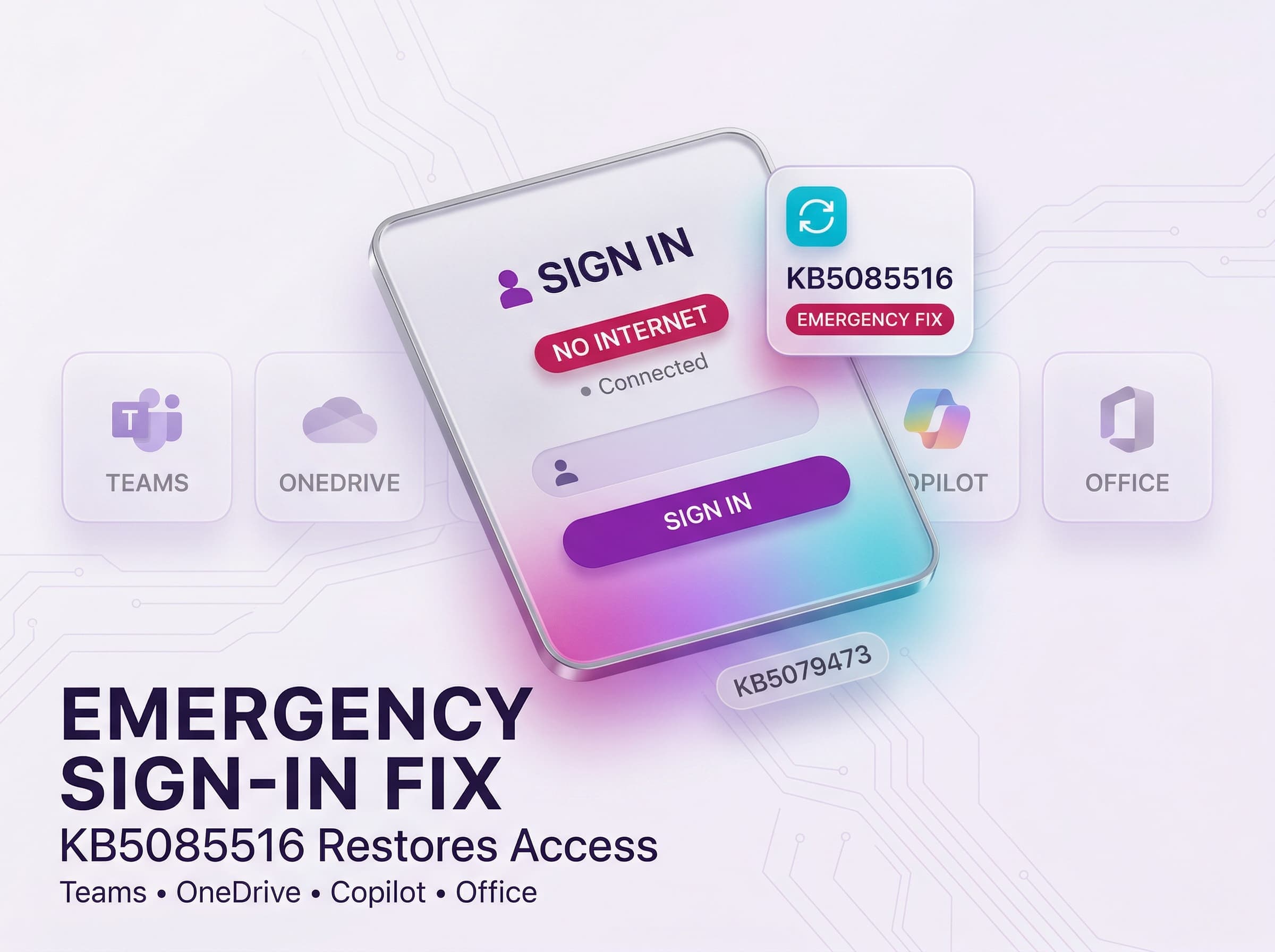
Microsoft has been facing a technical challenge in recent times, which has affected the daily activities of many users. This challenge has seen many users unable to sign in to their Microsoft account in many critical applications. To address this problem, Microsoft has rolled out a new update, which is meant to solve the issue.
The new update, which has been identified as KB5085516, has been rolled out as an out-of-band update. The problem has come at a time when Microsoft rolled out its standard March Patch Tuesday updates. Therefore, many users who have been affected by the frustrating issue should ensure they download the new update.
Understanding the Impact of the Sign-In Bug
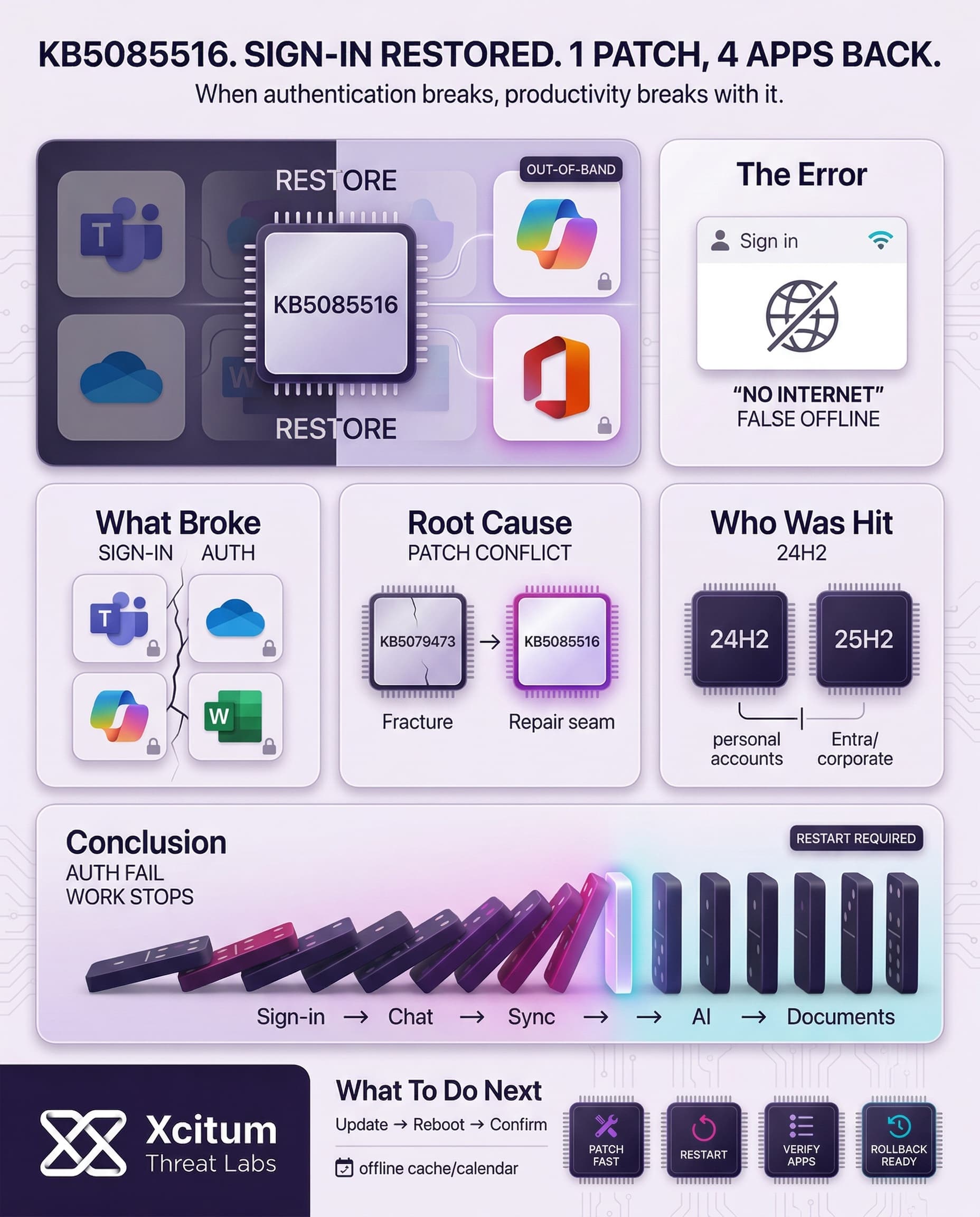
The essence of this issue lies in an error message that users were presented with while attempting to authenticate. Users noticed that even when they had a stable connection, they were presented with an error message that stated they were actually offline.
In this case, users were presented with a message that read, “You’ll need the Internet for this.” This issue mainly affected users’ personal Microsoft accounts and not corporate Entra ID. Additionally, this issue affected a number of popular productivity tools.
- Microsoft Teams Free: Users could not join meetings or access chats.
- OneDrive: File synchronization and cloud storage access were completely blocked.
- Microsoft 365 Copilot: The AI assistant became unavailable due to authentication failures.
- Office Suite: Essential apps like Word and Excel restricted features requiring a login.
Identifying the Root Cause and Affected Versions
The cause of this failure to sign in, according to the technicians, was traced to the cumulative update, KB5079473. This update, though meant to enhance security, ended up causing problems. This prompted Microsoft to roll out an emergency solution to this issue outside of the regular schedule.
The solution mainly affects Windows 11 versions 24H2 and 25H2. It was mentioned that businesses that use Azure Active Directory were not significantly affected by this issue. To individual users, however, this issue became apparent immediately, prompting an urgent response from the Windows team.
How to Install the KB5085516 Emergency Patch
To ensure an uninterrupted recovery process, Microsoft has released the KB5085516 package through various official channels. Most users can easily download the package by checking their Windows Update settings. Users who prefer to manually install the package can find it on the Microsoft Update Catalog.
However, since this package is “optional,” it may not be installed automatically on all users’ computers. Also, users may need to manually initiate the installation to fix any remaining “no internet” problems. It is recommended that users restart their computers to initialize the installation properly.
Broader Context of Recent Windows Updates
This emergency release comes at a time when the Windows servicing team is in an active phase. There have been updates to resolve Bluetooth visibility issues and vulnerabilities in the Routing and Remote Access Service. There were different issues concerning access to different drives on Samsung laptops. This has made it increasingly important to keep the system updated to ensure stability.
Thus, the KB5085516 update points to the complexity involved in keeping the system updated. These emergency updates show that Microsoft is working towards ensuring that users get fixes to different bugs affecting their systems. This has made users more confident in the functionality of different digital tools to ensure that they can operate their systems despite unexpected software conflicts.
Therefore, it is essential to keep oneself updated on these different updates to ensure that one is aware of different fixes to bugs affecting their system.
Conclusion: When a Security Update Breaks Authentication, Stability Becomes Security
KB5085516 is a reminder that modern resilience depends on more than blocking threats. It also depends on keeping core authentication workflows stable. A single flawed cumulative update triggered widespread sign-in failures across Microsoft Teams Free, OneDrive, Copilot, and Office apps, even on systems that were otherwise connected and healthy.
Why This Matters Beyond One Windows Bug
The most important lesson is architectural. Identity and productivity are now tightly coupled. When authentication breaks, business continuity breaks with it.
- Users saw “You’ll need the Internet for this” even with working connectivity.
- Essential tools lost access to chat, file sync, AI assistance, and sign-in dependent features.
- The issue was traced to KB5079473, and Microsoft had to ship KB5085516 as an out-of-band fix for Windows 11 24H2 and 25H2.
Why Organizations Are Exposed
Outages like this hit hardest when teams assume updates are routine and automatically safe.
- Optional emergency fixes may not install by default.
- Personal Microsoft account workflows can fail even when enterprise identity paths remain stable.
- Recovery slows when restart requirements and manual patch action are not communicated clearly.
What To Do Next
Treat emergency patching as part of business continuity, not just endpoint hygiene.
Deploy KB5085516 quickly, restart affected systems, and verify sign-in recovery across Teams, OneDrive, Copilot, and Office. Then review update validation and rollback readiness, because in a cloud dependent workplace, sign-in failure is operational downtime.