Droppers are stealthy Trojans designed to install other threats (viruses, ransomware). Discover how they work, real examples, and how Xcitium protects.
What Is a Dropper?
A dropper is a malicious program designed to “drop” additional malware onto a target system. In other words, it carries a hidden malicious payload and installs it on the victim’s device. Unlike a typical virus, the dropper itself usually doesn’t perform destructive acts beyond delivering its payload.
Instead, it acts as a delivery vehicle comparable to a Trojan horse smuggling dangerous code past your defenses. Droppers often masquerade as harmless applications or documents to trick users into running them. Once executed, the dropper unleashes the real malware hidden within.
How Dropper Malware Is Distributed
Dropper Malware Distribution
Phishing
Malicious attachments or deceptive links in targeted campaigns.
Trojans
Legitimate apps or cracked software hiding malware inside.
Fake Updates
Deceptive alerts disguised as urgent system security patches.
Infected Sites
Hacked websites triggering silent drive-by downloads on visit.
Mobile Apps
Malware embedded in apps found on third-party marketplaces.
How Dropper Malware Works
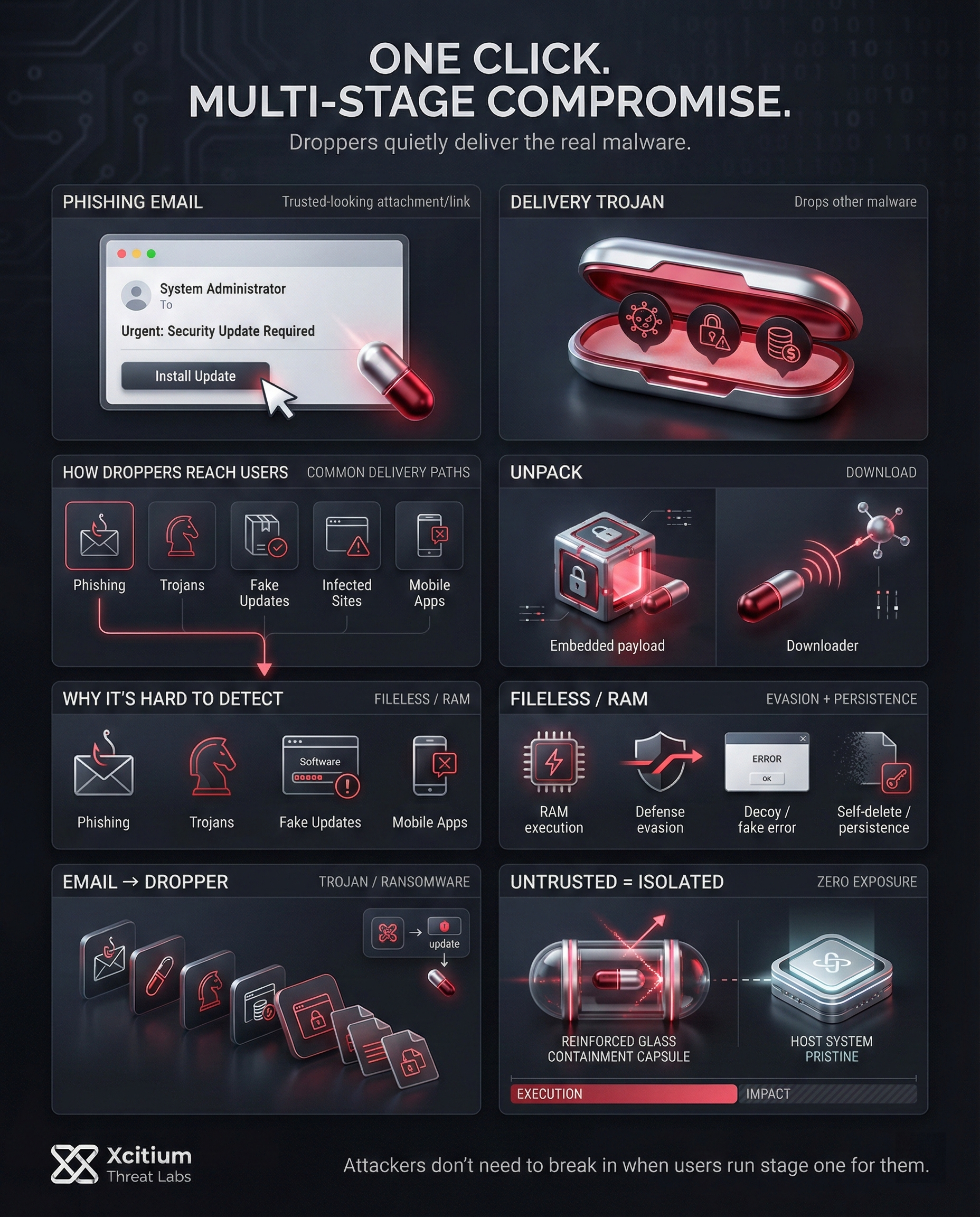
Droppers operate stealthily to avoid detection and ensure their payload is delivered. When a dropper file runs, it typically extracts or downloads the malicious components it carries and executes them. In many cases, the malware payload is embedded inside the dropper itself in encrypted form.
The dropper will unpack this hidden payload and launch it, sometimes directly in memory without ever writing a file to disk. Running the payload in RAM helps it evade traditional antivirus scans, since no new files appear on the system. Other droppers may instead fetch the payload from an external server once activated, acting similarly to a downloader.
Moreover, advanced droppers take steps to evade security. Some will attempt to disable or bypass antivirus and other defenses before deploying their payload. Many droppers also try to leave little trace on the system: they might display a fake error message or no visible output at all, so the user remains unaware of the attack. Under the hood, however, the dropper is installing its secondary malware. Often the dropper deletes itself after executing its task to cover its tracks.
Memory Execution
Payload runs directly in RAM. Fileless approach bypasses traditional disk-based antivirus detection.
Security Evasion
Neutralizes defense tools by shutting down AV processes or exploiting trusted system components.
Stealth & Deception
Maintains a low profile using decoy interfaces or fake error messages to avoid user suspicion.
Persistence
Self-removal after execution or hiding in the system to auto-launch and install future payloads.
Common Techniques Used by Droppers
There are several methods by which droppers carry out their stealthy work. Some common characteristics and behaviors are:
- Executing memory-only code: Many droppers directly execute code in RAM without saving code in disk files. This makes them hard to detect by anti-virus software.
- Security evasion: In many instances, the dropper malware has the capability to evade security tools. For example, the malware could try to stop the antivirus processes or use legitimate components within the system to execute the malware.
- Stealth and deception: It maintains a low profile. In fact, the victim may not notice anything unusual when a dropper is running. It may have a decoy interface or display a fake error message.
- Self-deletion or persistence: The less complex droppers often delete themselves once executed, clearing traces of their infection. More evolved droppers, however, possess persistence capabilities. They hide on the computer and start automatically during system start-up, enabling them to install further malware.
Embedded Droppers
The malware is integrated within the file. It’s a self-contained unit that decrypts and deploys the threat instantly upon execution.
Downloader Droppers
Acts as a scout. Once active, it reaches out to remote C2 servers to fetch and install the final malicious payload.
Fileless Droppers
A ghost in the machine. It exploits native system tools to run entirely in RAM, leaving no digital footprints on the hard drive.
Multi-stage Droppers
A sophisticated chain reaction. Each layer prepares the system for the next, making detection and analysis extremely difficult.
Common Types of Trojan Droppers
- Embedded droppers: These droppers have the infected payload embedded directly in the infected file, which might be encrypted or compressed.
- Downloader droppers: Unlike their counterparts, downloader droppers usually download their payload from a remote server after execution.
- Fileless Droppers: These droppers run the payload directly from memory utilizing genuine system tools, which leaves virtually no signature on the disk.
- Multi-stage droppers: These kinds of dropper malware work on multiple stages, where one component is installed by another to avoid being detected and analyzed.
Real-World Examples of Dropper Attacks
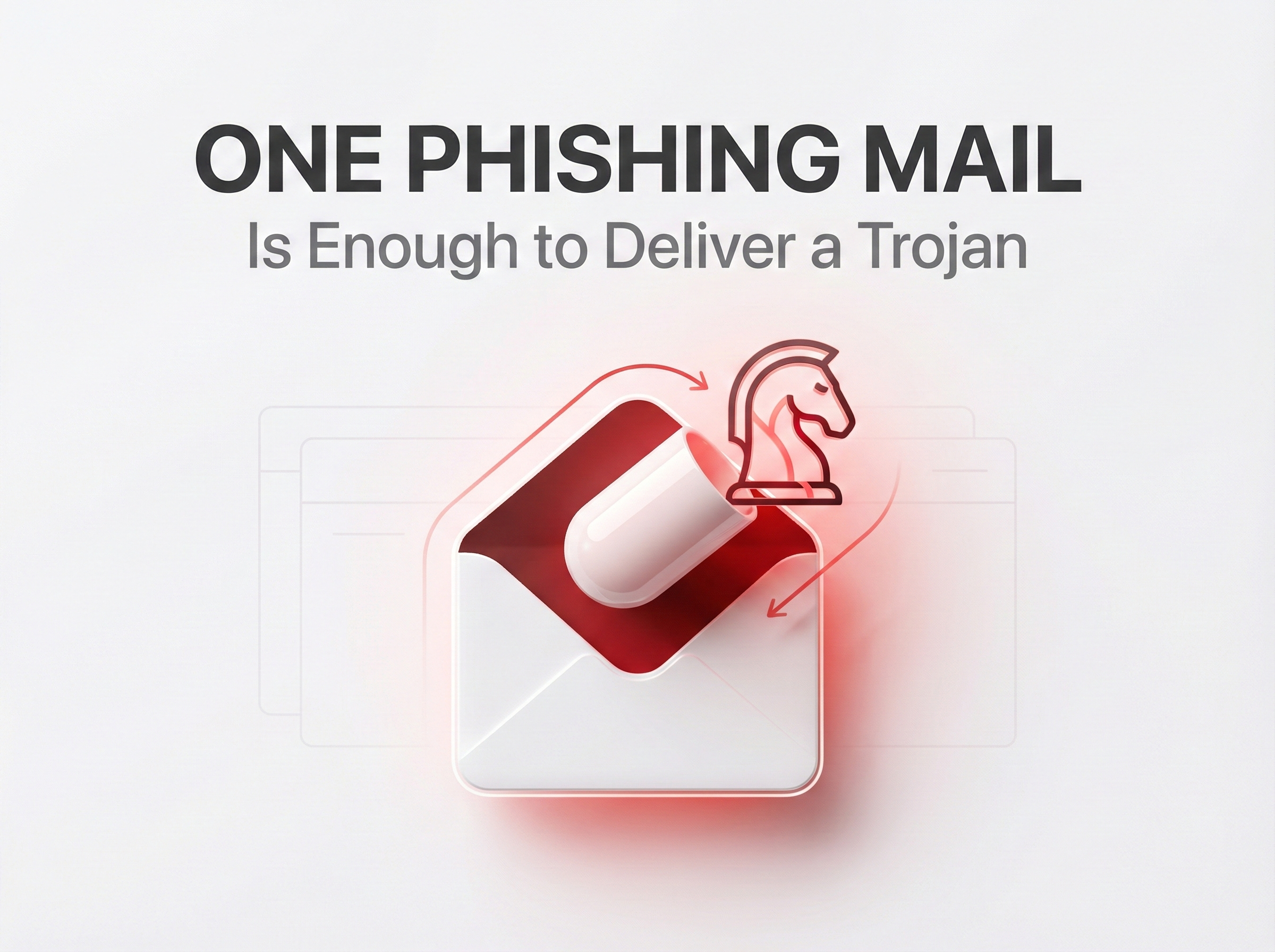
Droppers are now commonly employed in cyber attacks. Emotet is an excellent example of how trojans are being used as droppers. Emotet is considered one of the most infamous trojans. It is often deployed as part of cyber attacks carrying other forms of malware. Emotet enters an endpoint network, usually as an attachment from an email phishing campaign. It then proceeds to install other forms of malware, including Trickbot banking trojan and Ryuk ransomware. This means that an endpoint network could end up being compromised with data-stealing malware and ransomware.
In terms of mobile devices, it has been observed that the distribution of Trojan horse droppers can manifest as legitimate-looking applications. For instance, it was observed by digital threat research company Avast that several different apps available on Google Play Store, which had been downloaded more than 130,000 times, were, in reality, droppers.
These apps, masquerading as “utility” or “lifestyle” apps, secretly delivered malware such as Sharkbot and Vultur to the end-users’ mobile devices. This would often begin as an “innocent-looking” application, asking the end-user to update it to begin the malware distribution.
Protecting Your Environment from Phishing-Driven Dropper Malware
To protect yourself from the risk of dropper malware, it requires a set of safe practices and security measures. The following are the key ways to protect your devices and network:
- Be wary of unsolicited files and links: Many droppers are spread through phishing emails or malicious URLs. As a rule, never open attachments or click on unsolicited URLs, regardless of how credible they look. A PDF or office document, for instance, may harbor malware.
- Use trusted download sources: Only download software from reputable sources, such as official app stores or websites. Most droppers are embedded in pirated software, cracks, or apps. Refraining from downloading software from dubious sources can significantly reduce your chances of encountering a dropper.
- Keep your software updated: Regularly update your system, browsers, and any application you are using. Many droppers use known vulnerabilities in outdated application and system versions to obtain entry points. This will help close the vulnerabilities.
- Antivirus and Firewall Protection: Install an antivirus or anti-malware program and ensure it is updated. In addition, ensure your firewall is enabled.
- Educate and Stay Vigilant: It is imperative that you know how phishing happens. Be careful of suspicious applications. If something looks suspicious, do not use it. This will prevent many cases of Dropper infections.
Case Study: Xcitium vs. Dropper Malware
This video demonstrates how Xcitium protects an endpoint from a dropper-based malware attack originating from a realistic phishing scenario.
The phishing email appears legitimate and business-related, carefully crafted to gain the recipient’s trust. Behind the deceptive link, however, is a malicious dropper delivered in the same way many modern attacks begin.
After extraction, the file may look harmless, but it is an untrusted executable with no established reputation on the system. As soon as the dropper is executed, Xcitium EDR immediately identifies the process as untrusted and automatically enforces isolation.
Within the secure isolation environment, the dropper attempts to perform malicious actions such as executing its payload and interacting with the system. All activity remains fully confined, preventing any impact on the host operating system.
No files are modified, no system resources are compromised, and no external communication is permitted. The threat is neutralized instantly while the endpoint remains secure and fully operational.
This demonstration shows how phishing-delivered dropper attacks are stopped at the moment of execution with zero exposure and complete protection.
Conclusion: When One Click Becomes a Trojan Delivery Chain
Dropper malware proves a simple truth, attackers do not need to break in when they can persuade a user to run the first stage for them. A realistic phishing message, a believable file, and one execution can quietly open the door to banking trojans, ransomware, or full remote control. The dropper is rarely the final payload, it is the gateway.
Why This Threat Keeps Working
Droppers succeed because they exploit both human trust and security blind spots:
- Phishing blends into daily business communication
- Archives and “documents” look safe until execution begins
- Memory-only and fileless techniques reduce signature value
- Secondary payloads deploy fast, before defenders can react
Where Xcitium Changes the Outcome
For organizations using Xcitium Advanced EDR, powered by Xcitium’s patented Zero-Dwell platform, this attack would not succeed.
- Unknown droppers are isolated at execution, before they can alter system state
- Code can run without being able to cause damage
- Payload delivery, persistence, and outbound activity are blocked
- Even brand-new droppers fail to deploy their next-stage malware
Strengthen Defense Before the Next Click
Pair execution-time prevention with Xcitium Cyber Awareness Education and Phishing Simulation to reduce risky clicks, then stop anything that still reaches the endpoint.
Protect users from deception, and stop threats at execution.