Government Advisory: Phishing Threat on Signal
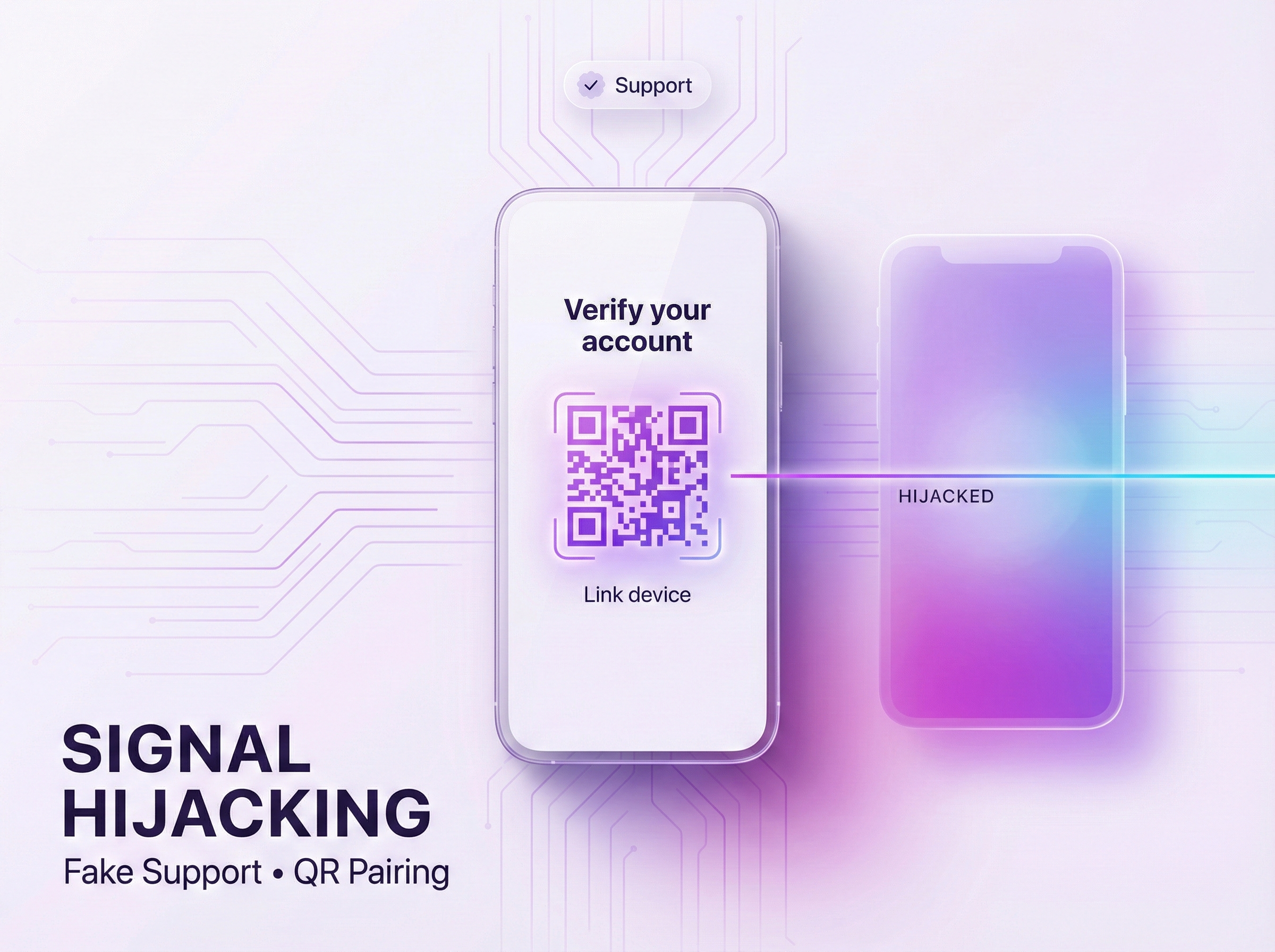
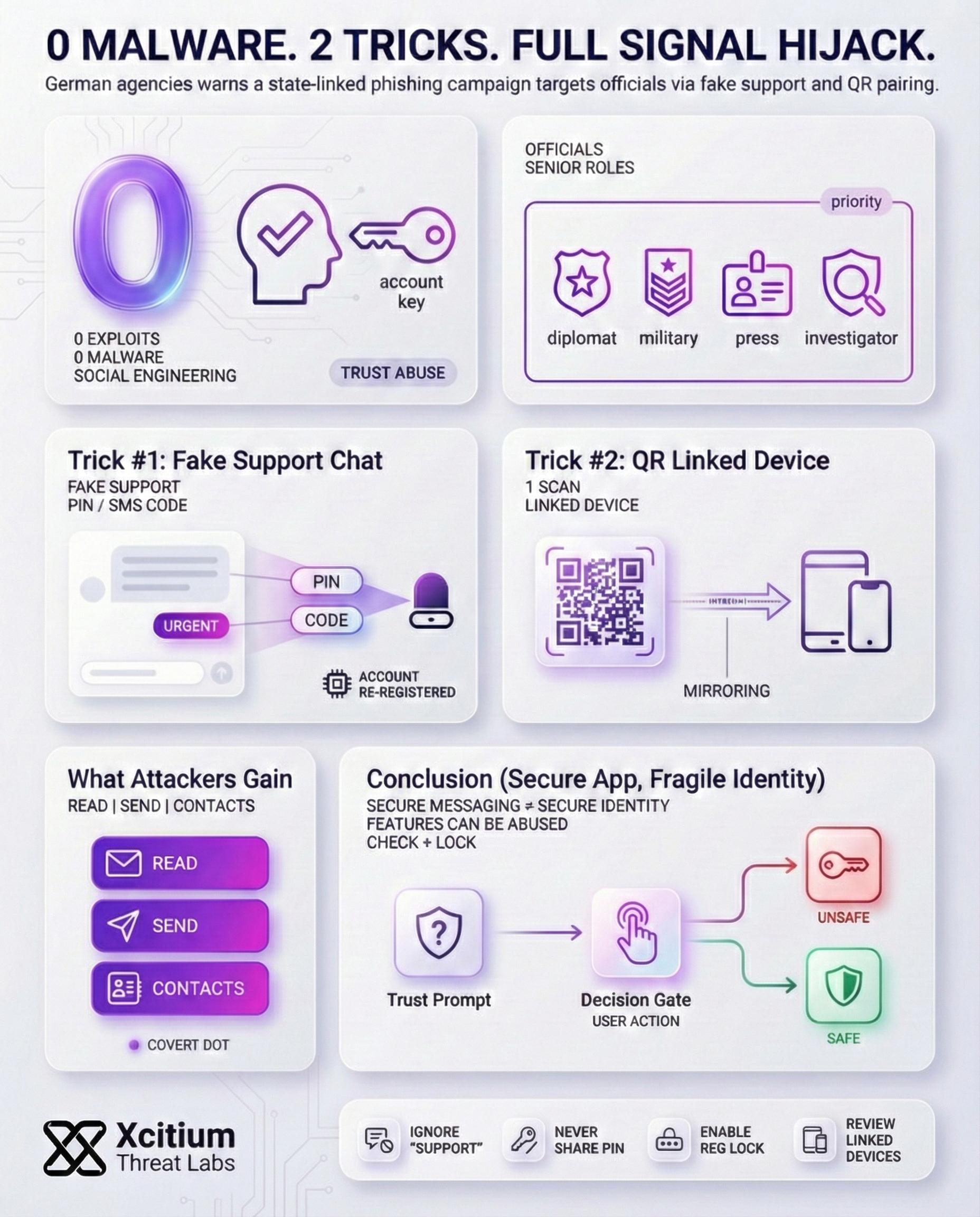
German security agencies (BfV and BSI) have issued an alert about a new phishing campaign hitting the Signal messaging app. They say this campaign appears state-backed and is aimed at high-ranking individuals diplomats, military officers, investigative journalists and other senior figures. Notably, no malware or software flaw is exploited; instead, attackers use social engineering combined with Signal’s own features. The advisory notes that the attackers’ goal is to covertly access victims’ private chats (both one-on-one and group) and their contact lists.
The Fake Support Chat Scam
In one version of the attack, scammers pose as Signal’s support or “security” team. They send a realistic-looking alert to the user. Under the threat of alleged account loss, the victim is tricked into revealing their personal Signal PIN or an SMS verification code. Once the attacker has that code, they re-register the Signal account on a device they control and immediately lock out the real user. From there, the attacker gains full control: they can read incoming messages, send new messages as the victim, and harvest the contact list.
QR Code Trick: Linking Your Device
In another version, the attacker exploits the linked device option. The attacker tricks the target into scanning a malicious QR code, which is claimed to be a security check. The result is that the attacker’s device is linked to the target’s account, allowing the attacker to see all their recent conversations. The target is not aware of the linked device, as they are not checking the Signal account’s linked device list. The attacker is aware of the conversations, as they are linked.
The scam begins with an impersonation. Attackers send a message claiming to be from the “Signal Security Team.”
They create a sense of panic by claiming an unauthorized login was detected, demanding your verification code to “block” the intruder.
Once you share the code, the attacker registers your number on their device. You are immediately logged out of your own account.
Under the guise of a “Security Scan,” they trick you into scanning a QR code that links their PC to your account permanently.
The attacker now mirrors every private conversation and contact list directly to their terminal in real-time.
This account has been registered on a new device.
Scan the QR code to pair your account with Signal Desktop.
Beyond Signal: Threats on Messaging Apps
The German bulletin emphasizes that Signal is not the only target. Any app with similar linking or PIN protections can be abused in the same way. For example, the advisory specifically calls out WhatsApp’s device-pairing and PIN features as vulnerable. Security researchers report that Russian-linked hacking groups (e.g. “Sandworm”) have already used fake QR pairing on Signal and WhatsApp to hijack accounts.
Ukraine’s CERT likewise linked nearly identical phishing schemes to Russian cyber actors targeting WhatsApp. Criminal gangs have even popularized the technique in scams like “GhostPairing,” where victims are lured into pairing an attacker’s device to their WhatsApp account. In every case, the attackers end up with covert access to private chats and contact lists.
Protection Steps: Secure Your Messaging Account
In order to avoid these tricks, it is advisable to follow the following precautions:
- Ignore unsolicited support messages: Never respond to unsolicited support messages claiming to be from the support team of Signal. The support team will never initiate conversations with users. If you receive any unsolicited message claiming to be from the support team, immediately block the account.
- Never share your PIN or SMS code: The PIN and SMS code used to register with the Signal application should not be shared with anyone. The support team will never ask you to share your PIN and SMS code in the application. Sharing these with hackers would be like giving them access to your account.
- Enable Registration Lock (PIN): In the settings of the Signal application, enable the Registration Lock PIN feature. This feature will require the PIN to be entered when registering with the application on any other device, preventing hackers from registering with the application on their devices.
- Review linked devices regularly: Periodically check Settings → Linked Devices in Signal. If you see any unfamiliar devices listed, revoke their access. Removing unknown sessions will immediately cut off any hidden attacker devices.
Following these steps and remaining vigilant about unexpected messages can greatly reduce the risk of an account hijacking on Signal or similar messaging apps.
Conclusion: Secure Messaging Is Still a Human Security Problem
Germany’s warning on Signal account hijacking highlights a modern reality, attackers do not need malware or zero day exploits to access private communications. They only need a believable message, a stolen verification code, or a QR scan that links a hidden device to the victim’s account.
Why This Threat Matters
This campaign targets high value roles and turns trusted security features into attack paths.
- Fake support chats pressure victims into sharing a Signal PIN or SMS verification code, attackers then re register the account and lock out the user
- QR based device linking can silently mirror conversations if victims do not review linked devices
Why Everyone Is Vulnerable
This is not limited to Signal. Any platform with device pairing and account protection flows can be abused the same way. The risk scales because the attacker wins at the moment of trust, before any security tool sees a payload.
Where Xcitium Changes the Outcome
If you have Xcitium, this attack would NOT succeed.
With Xcitium Cyber Awareness Education and Phishing Simulation in place, QR based deception and fake support pressure lose their leverage because users are trained and conditioned to pause, verify, and refuse high risk requests.
- Suspicious support outreach is treated as a red flag, not an instruction
- PIN and verification code requests are recognized as takeover attempts
- QR pairing prompts are challenged before any device is linked
- The attacker’s advantage disappears at the human decision point
Protect the Accounts That Protect Everything
Secure messaging fails when verification is socially engineered. Train for the moment attackers exploit, then enforce habits that stop the takeover before it starts.