ARMORY CASTLE gained administrator access to VMware vCenter after breaking into a remote support appliance and moving through the internal network. The suspected China-linked espionage group exploited CVE-2026-123890 in early September 2026. With that flaw, the attackers bypassed authentication on a server that centrally manages virtual infrastructure. Broadcom released fixes on November 19.
The intrusion then reached an ESXi host. There, the operators extracted Windows directory files from virtual machine storage. That sequence shows how access to a support appliance can expose data inside a virtual workload through the systems that manage it.
Remote Support Gave the Group a Route Inside
The group first exploited a separate flaw, CVE-2026-102764, in BeyondTrust Remote Support. From that foothold, the operators could reach other systems inside the environment. Next, they moved to an internal Linux appliance and obtained root privileges there.
The attackers kept access to the Linux appliance through web shells. These programs accepted remote commands through the compromised host’s web software. Meanwhile, the group looked for VMware services on the internal network. In particular, its activity focused on interfaces used to administer vSphere.
This part of the intrusion matters because the vCenter flaw required network access to the server. A private management interface can still be reachable from a compromised internal system. In this case, the foothold gave the operators network reach before they acquired privileges in vCenter itself.
A Directory Service Flaw Opened an Admin Session
VMware vCenter coordinates ESXi hosts and their virtual machines. Its directory service supports the identities that administrators use to manage that infrastructure. The flaw affected the service’s handling of cryptographic material during authentication. As a result, the server could grant a privileged session to a remote client that had never established its identity.
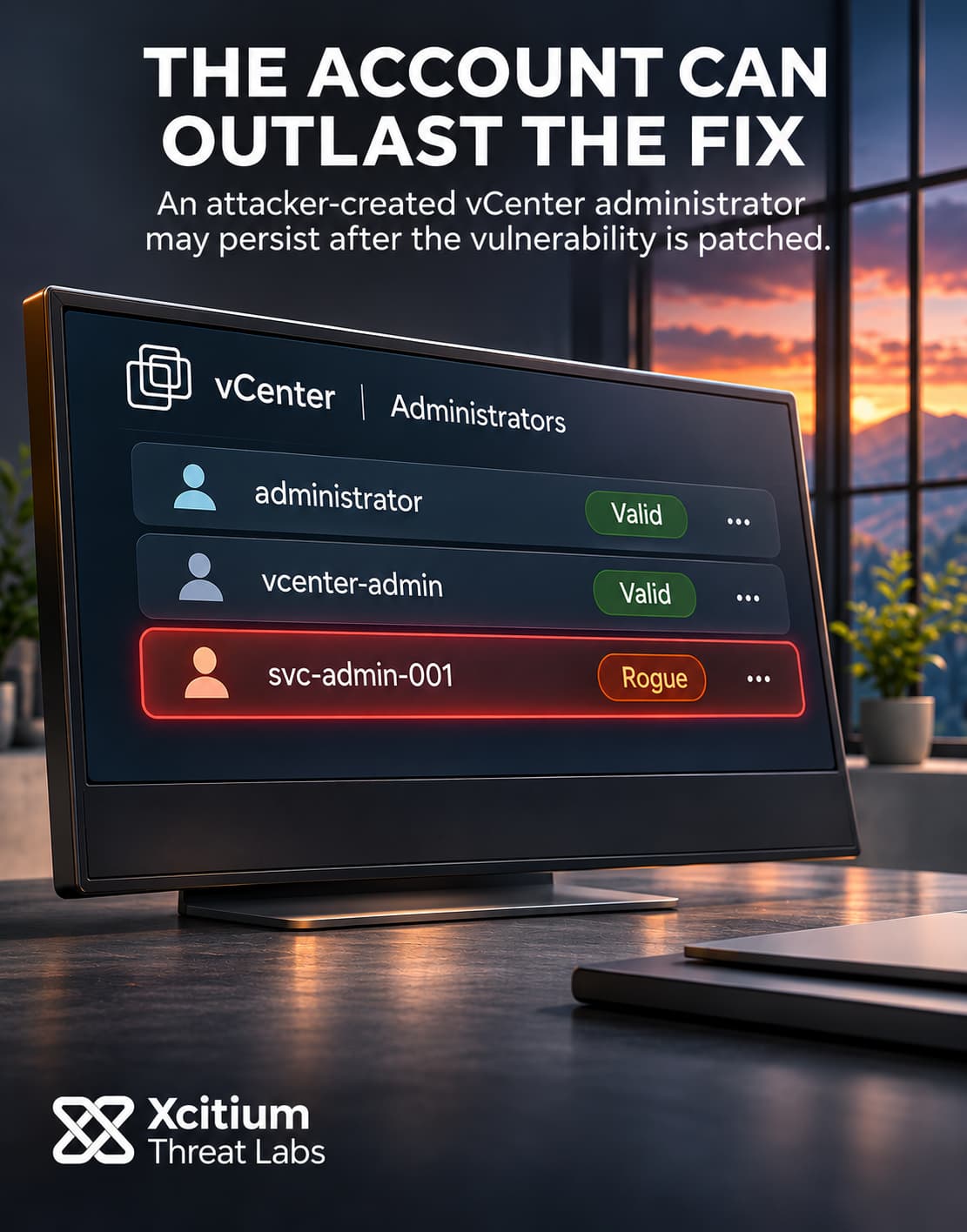
Forensic evidence places use of the custom BONESAW utility in early September. The operators gained a session with vCenter administrator privileges. From there, they could reach the single sign-on directory database. They also created an administrator account in that environment. This gave the group an identity it could use for subsequent access.
The directory database held material with a wider role than an account password. A trusted identity service normally signs statements about a user’s identity and privileges. vCenter checks those signatures before accepting the claims. However, the group’s separate SAWSNAKE utility could use stolen signing material to generate assertions that appeared to come from the trusted issuer. As a result, a service could accept an identity claim even when the real administrator had never signed in.
The Hypervisor Exposed Guest Directory Files
After gaining access to vCenter, the group briefly enabled its SSH service. The operators used the new administrator identity to connect and obtain the appliance’s master encryption key and database credentials. They then switched SSH off again. Shortly afterward, the group authenticated to an ESXi host and used root access to inspect virtual storage.
An ESXi datastore holds virtual disk files. A guest operating system sees those files as its own drives. However, the hypervisor has a separate view of the underlying storage. Access at that layer allowed the operators to extract Active Directory database files and Windows registry data from a guest disk.
The investigation traced an archive of those files back to the remote support appliance. From there, the operators likely moved the data out. The public record leaves the final transfer unconfirmed. It also leaves the number of affected organizations and the total volume of data unknown.
The November Fixes Cover Multiple Release Lines
Broadcom assigned the vCenter flaw a CVSS score of 9.8. The November 19 advisory covers multiple products that package the affected component. It lists vCenter fixes in 9.1.1.0200, 9.0.2.0200 and 8.0 U3m for the corresponding release lines. VMware Cloud Foundation 5.x has a separate update. For vCenter 7.0, the advisory directs customers with extended support contracts to Broadcom Support.
The dates put the latest update in context. BeyondTrust disclosed the first flaw in October. By then, the September activity had already reached the vCenter layer. The November bulletin addressed the later vulnerability in the chain, after the attackers had gained access to a separate set of systems and identity material.
We saw a different use of trusted remote management infrastructure in Operation ShadowCloud. In that campaign, a remote management agent staged backdoors. Here, a compromised support appliance gave the attackers a path toward a central identity service and the virtual workloads beneath it.
Conclusion: Restore Trust in vCenter After the Patch
The vCenter patch closes the authentication bypass. Recovery also has to address what happened while the bypass was open. In this case, the operators created an administrator identity and took secrets from the appliance. They subsequently reached an ESXi host and pulled directory files from guest storage. Each of those events changes the scope of an incident review.
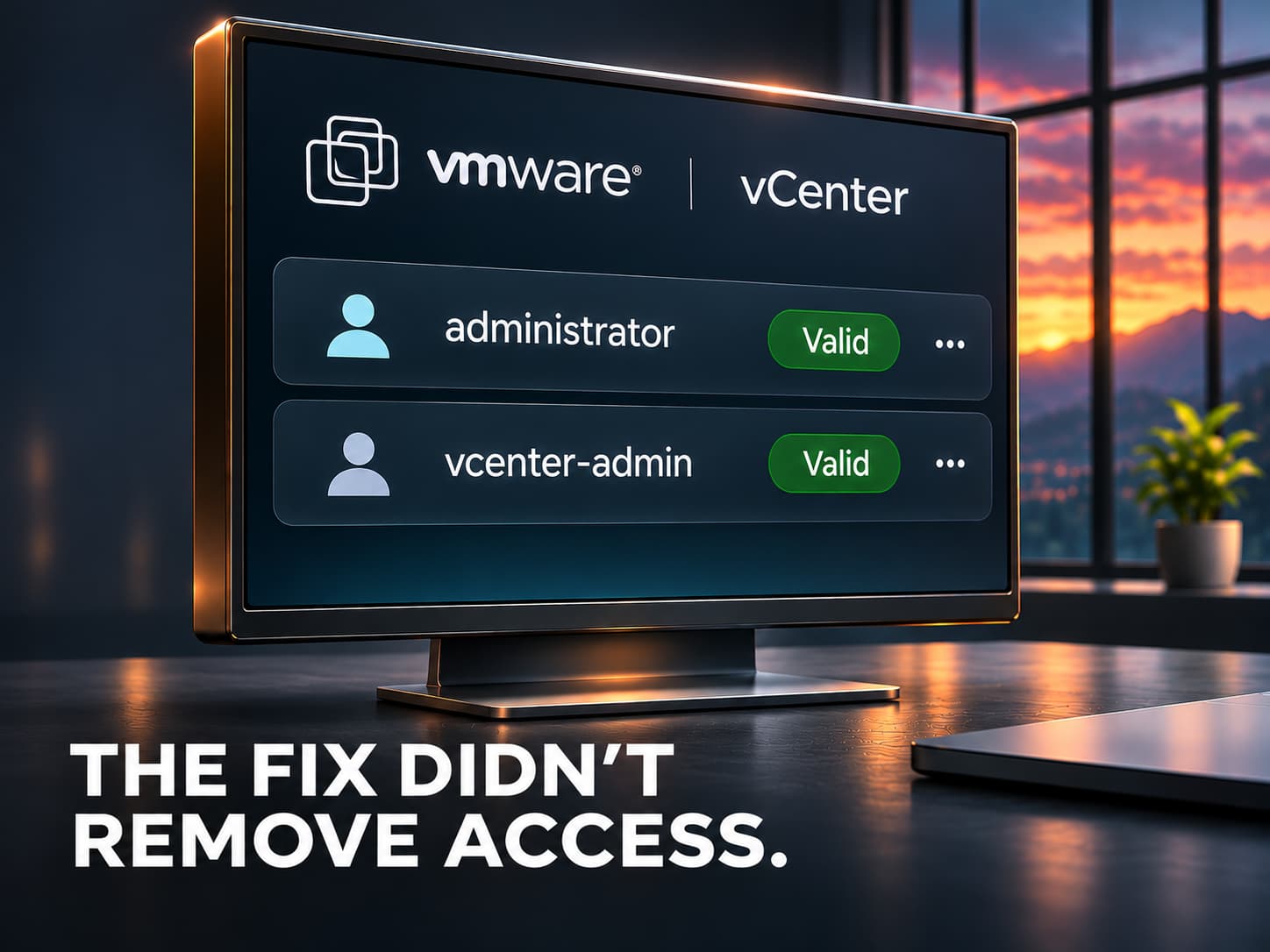
A newly created account can outlast the vulnerability that made it possible. Signing material adds a separate risk because it underpins how the service accepts claims about identity. When investigators find signs of either exposure, they need to test whether the environment still trusts material the operators could use. That work starts with the systems where the access originated and follows the evidence through vCenter, ESXi and the guest.
Why This Threat Matters
- Internal reach. A compromise of an appliance at the perimeter can create a path to administration services behind it.
- Account persistence. After a patch, an unauthorized administrator account can still hold the permissions assigned to it.
- Signing trust. A password reset leaves the signing key in place, so each exposure needs its own recovery decision.
- Host access. An ESXi administrator can reach storage that a guest operating system ordinarily presents as its own filesystem.
- Evidence across layers. While vCenter records show changes to the management appliance, host records help establish which datastores and workloads the activity reached.
Where Defensive Control Must Operate
Xcitium Vulnerability Assessment helps identify exposed services and outdated software across internet-facing infrastructure. Use those findings to prioritize reachable remote support and management services. Then use internal inventory and firewall records to verify which systems can reach vCenter and whether those paths match their administrative purpose.
Operational Takeaway
Apply the fix for the running release and verify the deployed build. Where compromise is suspected, preserve remote support, vCenter and ESXi records before making changes that could remove evidence. Review new privileged accounts and align the timeline with host and storage activity. If evidence shows that credentials or signing material were exposed, follow the vendor’s recovery guidance and check for unauthorized access after rotation. Include the affected guest directory in that review when host records show extraction from its virtual disk.