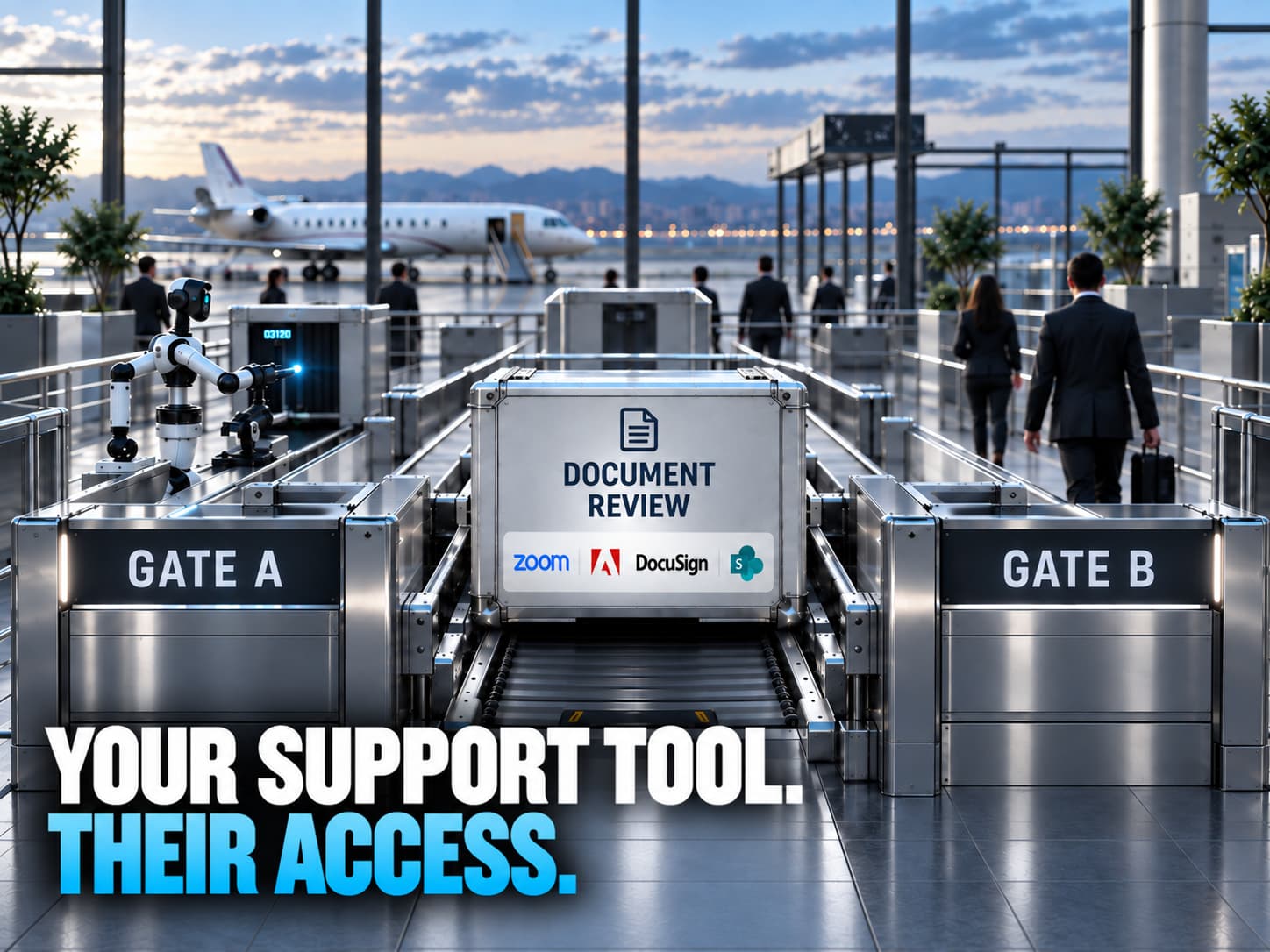
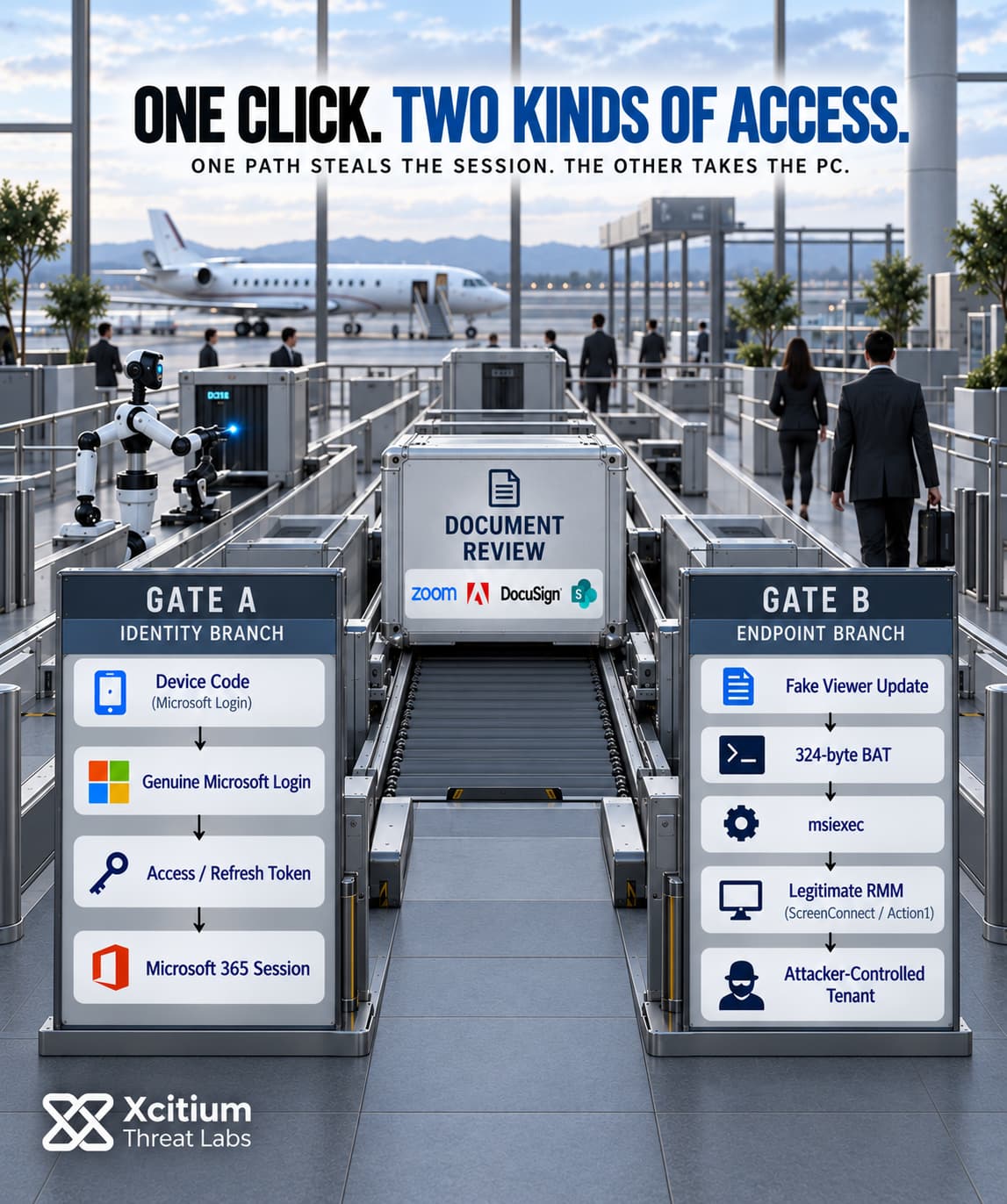
A phishing operation tracked as CSuite sends employees a document to review. Then it takes one of two things, their Microsoft 365 account or their Windows PC. The lures look like Adobe, DocuSign, Zoom or SharePoint shares. Activity ran from February 2026 until at least September 3. Of the victim organizations identified, 60% were in the United States.
The second branch is what sets it apart. Instead of malware, the PC ends up running a legitimate remote management agent, such as ScreenConnect or Action1, registered to a tenant the attackers control.
What is CSuite phishing? CSuite is a financially motivated phishing operation named after its administration panel, CSuite v1.1. Its fake document pages either capture Microsoft 365 credentials and live sessions, including through device code sign-ins, or install legitimate remote management tools on Windows machines for persistent access.
One Lure, Two Ways In
The first message can come from a mailbox the group already controls. It arrives as an Adobe Document Cloud share invitation, so the sender, the platform and the link all look routine. Other lures go out through two mail relays the operators run themselves.
A redirector checks the visitor first. It’s designed to show bots, sandboxes and security scanners a fake maintenance page instead of the lure. The redirector then routes real visitors by email provider. Microsoft accounts go one way, Google accounts another, and everything else lands on a generic credential page.
From there the paths split, although some pages try both in one visit. One leads to a counterfeit PDF viewer showing a document that never finishes loading, with a button to “update” the viewer. The other leads to a sign-in prompt.
A 324-Byte Script Starts the PC Takeover
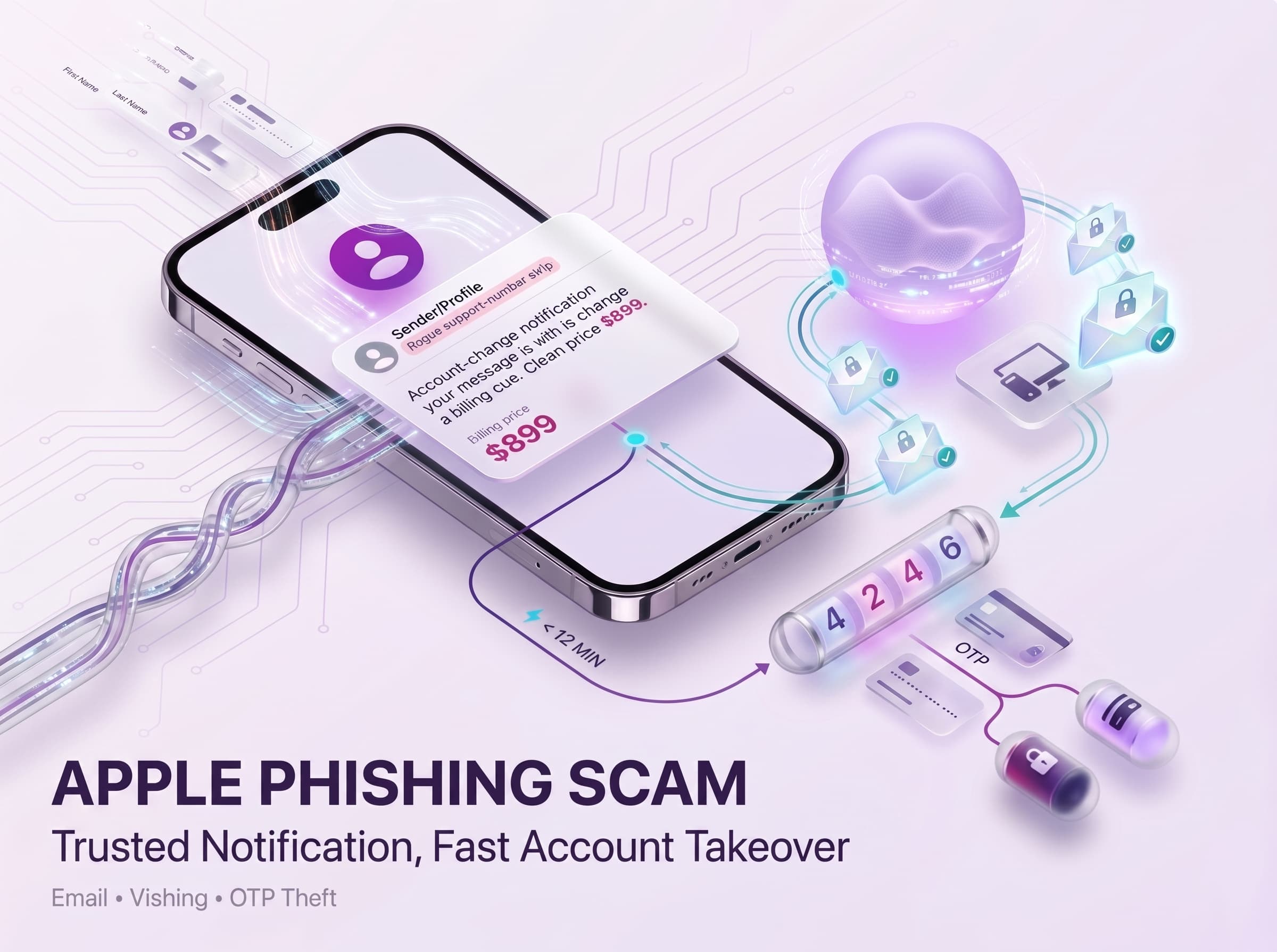
In one captured sample, the “update” was a file called NMLS 2026 Updated Agreement.bat. It’s 324 bytes long. It checks for admin rights and, if it lacks them, relaunches itself through a UAC prompt. Then it tells msiexec to install a ScreenConnect client straight from a public code-hosting account.
An older dropper is a little longer and more careful. While it installs the agent, it shows a four-second “Application Error” popup, so the victim thinks the file failed. Then it deletes its own temporary files. One copy pulled an Action1 agent directly from the operator’s own tenant on the vendor’s cloud.
Newer builds go a step further. They deliver an endpoint management agent that enrolls the PC into a device management tenant the attackers own.
What the Agent Does Once It Lands
The ScreenConnect client is a genuine product. Its installation, though, leaves it with more reach than remote support needs.
Three changes stand out. The installer registers a credential provider, so the operator sees the interactive Windows logon. It also appends an authentication package to LSA, which loads into the authentication path at every boot. Finally, it sets the service to start in Safe Mode with Networking, which means it survives a common first step in incident response.
ScreenConnect isn’t the only agent in rotation either. Action1, Atera, Syncro and PDQ Connect installers also appear, several of them renamed to look like Adobe, Dotloop or Zoom files.
The Device Code Branch Never Shows a Fake Login
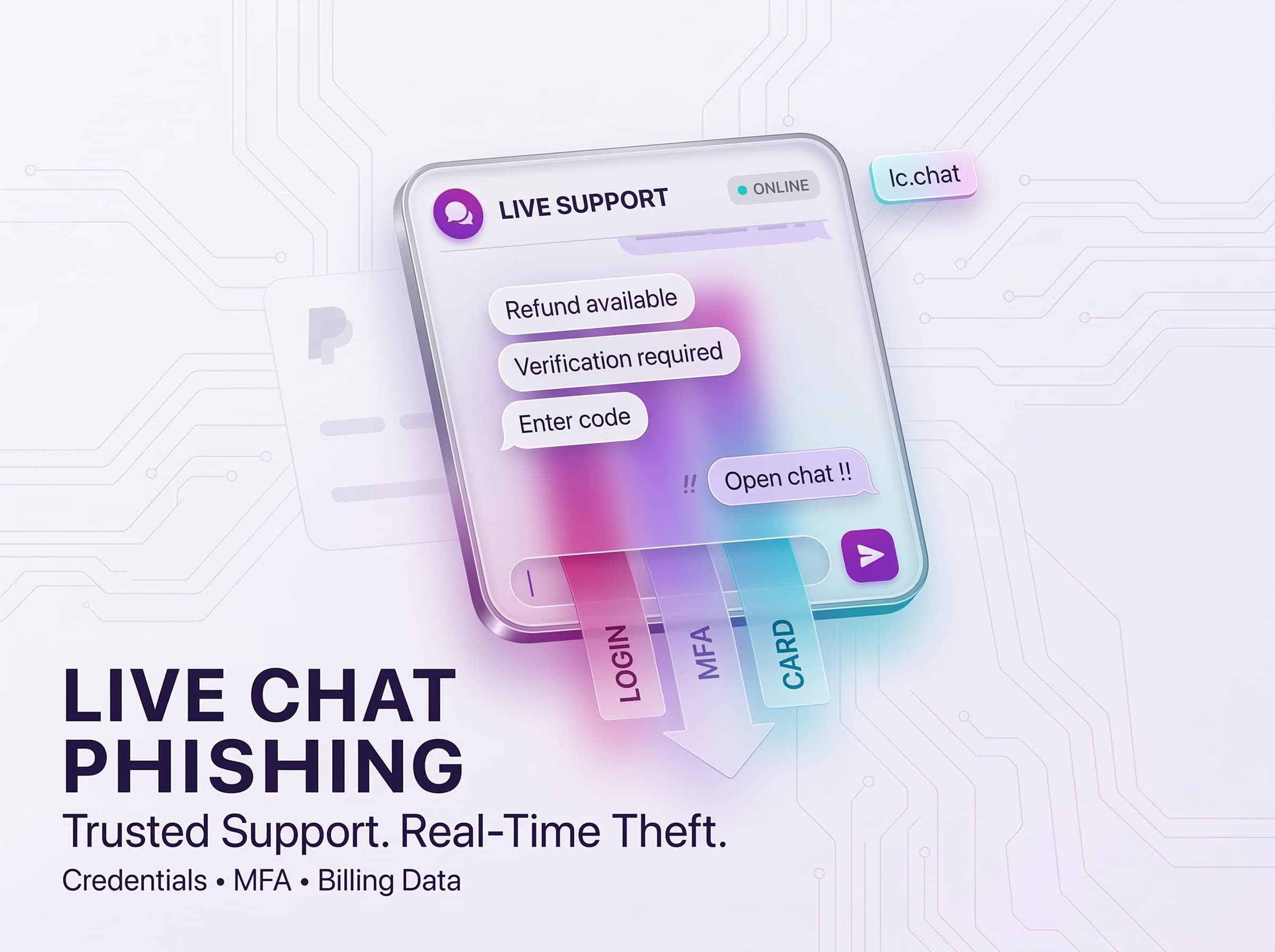
The identity branch has two forms. One is a classic credential page that takes the password and the live session together. The panel then keeps that session alive, which hands the operator a mailbox that needs no second factor. An operator reads those mailboxes by hand from a remote desktop host.
The other form is quieter. A page styled as an Adobe viewer, a SharePoint library or a Teams voicemail shows a short “verification code” and copies it to the clipboard. Then it opens Microsoft’s genuine device login page. When the victim pastes the code there, they approve a sign-in the attacker started. The attacker receives access and refresh tokens, and the victim never types a password into a fake form.
We have covered how attackers abuse remote support agents before, in the case of fake Zoom updates that installed ScreenConnect. CSuite pairs that endpoint trick with mailbox theft in the same operation.
A Supplier, Affiliates and a Shared Panel
No single crew runs all of this. It works more like a franchise, a supplier hands out hosting, remote desktop access and domains in private chats, and each affiliate keeps its own exfiltration endpoint. The goal is money. A stolen mailbox turns into business email compromise, a doctored invoice or a payment sent to the wrong account.
The panel itself, CSuite v1.1, has 23 modules. One of them, the Adobe Sender, had pushed out 1,593 documents through hijacked Adobe Document Cloud tenants. There’s a domain registry with 38 entries, each tagged with a role such as lure, redirector or credential harvester; the settings page even wires in an AI assistant through OpenRouter.
What tied the two branches together was a mistake. On August 7, 2026, one sender passed along login details for a hosting control panel. Three hours later, the same sender shared access to the remote desktop host that runs the CSuite panel.
How Far the Activity Reaches
Technology firms, government bodies, consultancies and manufacturers showed the most exposure. Education organizations and mortgage licensees also appear among the targets. The United States accounted for 51% of related sandbox submissions and India for 18%. Activity also showed up in the Philippines, Australia, the United Kingdom, Canada and 29 other countries.
These figures come from one administrator panel. Each operator has a panel of their own, so the real scale is likely larger than what this view captures.
Trusted Software, One Unknown Script
Almost every piece of the endpoint branch is software IT teams use every day. ScreenConnect reaching its relay looks like a support call. Action1 enrolling a PC looks like a routine patch run. Once the agent is up, a detection rule has very little to grab onto.
The weak point comes earlier. Take NMLS 2026 Updated Agreement.bat: 324 bytes, sitting in Downloads. On a Windows endpoint with Execution Governance, that file runs as unknown, so whatever it tries to change on the host lands in a virtualized layer rather than on the machine itself. The same goes for the 1.1 KB droppers that write their fake error popup and then call the installer.
Not every chain has a script, though. Some just hand over a renamed agent installer, and then there’s nothing unknown to contain. What matters at that point is whether the company keeps a short list of approved management tools and knows which tenants its machines should report to.
In the mailbox branch, nothing runs on the PC at all. A pasted device code or a stolen session is an access problem, and revoking sessions and tokens is how it gets cleaned up. CSuite counts on those two investigations happening in different rooms.
Conclusion: One Phish. Two Ways to Stay Inside.
CSuite demonstrates why a phishing incident cannot always be classified as either credential theft or endpoint compromise. The same document lure can lead to two different outcomes. One path captures Microsoft 365 credentials, active sessions, or device-code tokens. The other installs legitimate remote-management software and enrolls the Windows endpoint into infrastructure controlled by the attacker.
Both paths deliberately borrow trust. The identity branch can send the victim to Microsoft’s genuine device-login page, so no fake Microsoft password form is required. The endpoint branch uses products that legitimate IT teams deploy every day. ScreenConnect, Action1, Atera, Syncro, and PDQ Connect are not malicious software. The security failure is that an attacker is deciding when they are installed, which tenant they report to, and what access they receive.
That distinction also changes recovery. Resetting a password does not invalidate every stolen session or refresh token. Quarantining a small dropper does not remove a remote-management agent or undo the authentication and persistence changes already made to the machine. CSuite succeeds when those two investigations remain separate.
Why This Threat Matters
- One lure creates two different compromise paths. The victim may lose a Microsoft 365 session, the endpoint, or both.
- Device-code phishing can use a genuine Microsoft login. The attacker receives tokens after the victim approves a sign-in that the attacker initiated.
- Legitimate software can provide attacker persistence. The risk comes from unauthorized deployment and tenant ownership, not from the RMM product being inherently malicious.
- Initial payload removal may not restore the endpoint. Credential providers, LSA authentication packages, services, and management agents can remain after the original script is gone.
- Account and endpoint evidence must be correlated. Treating mailbox theft and remote-access deployment as unrelated incidents can leave one side of the compromise active.
Where Defensive Control Must Operate
CSuite can turn a fake document update into persistent remote control of a Windows endpoint. Xcitium Advanced EDR, powered by Xcitium’s patented Zero-Dwell platform, provides visibility across the scripts, installers, persistence changes, and remote-management activity used to establish that access. Execution Governance adds an earlier control point by restricting unknown BAT or VBS droppers before they can modify the endpoint or launch the next stage.
The final RMM agent may be legitimate, signed software, so trust cannot stop at the binary. Organizations should maintain a strict list of approved remote-management products, authorized tenants, and expected deployments so an attacker-controlled ScreenConnect, Action1, Atera, Syncro, or PDQ Connect installation does not inherit trust simply because the software itself is legitimate.
Xcitium Cyber Awareness Education helps users recognize unexpected document shares, fake viewer updates, and device-code prompts, while Phishing Simulation tests whether employees resist those same workflows before a convincing lure becomes persistent access.
Revoke the Session. Remove the Unauthorized Access.
Response should cover both branches from the start. Revoke active sessions and refresh tokens, investigate mailbox activity and forwarding behavior, remove unauthorized management agents, and review the endpoint changes created during installation. A clean account with an attacker-controlled RMM agent is still compromised, and a clean endpoint with a valid stolen session is still exposed.