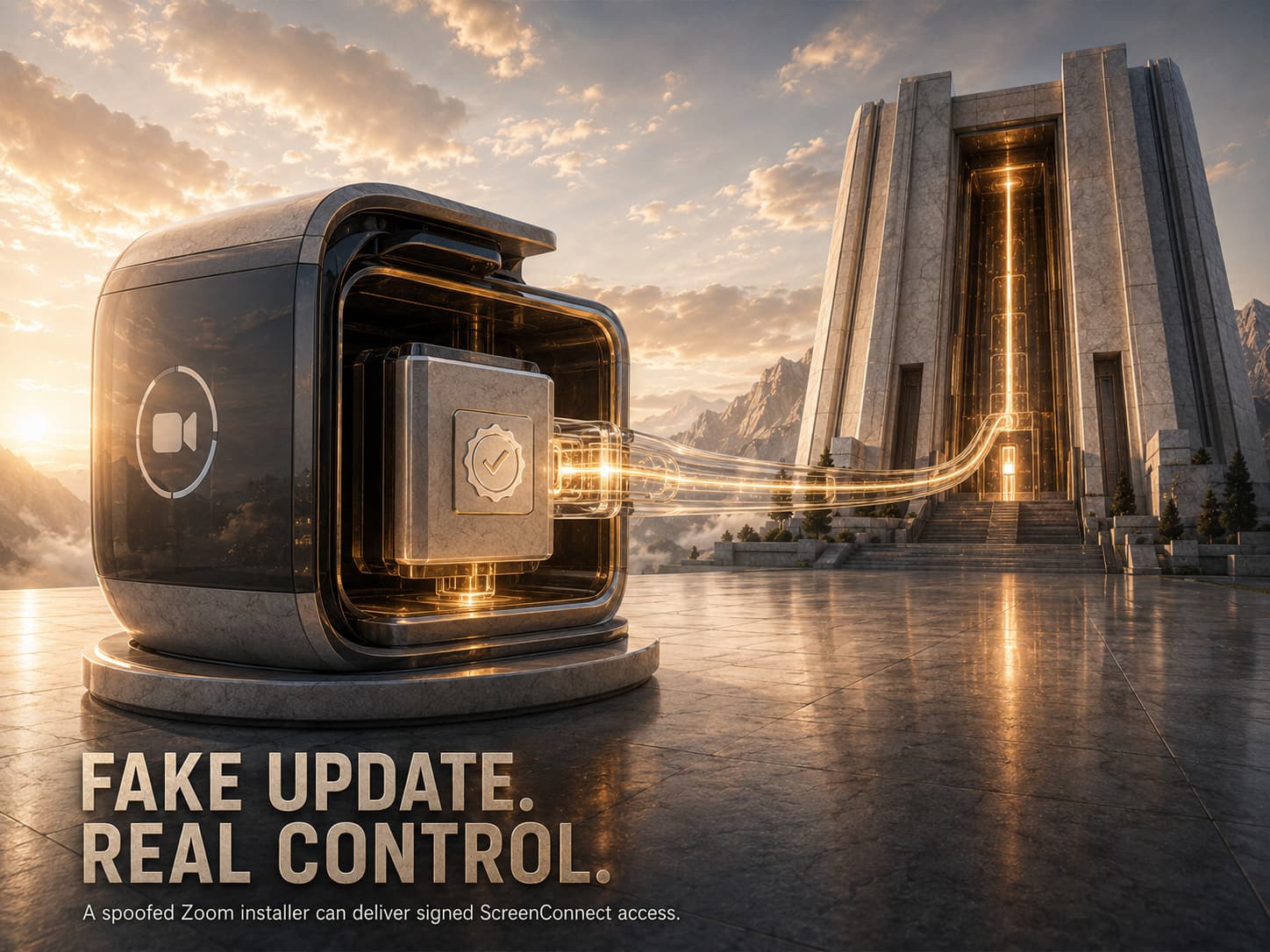
Your antivirus has nothing to flag. The file that just landed on the endpoint is real software, signed by a real company, with a valid certificate chain. It’s ConnectWise ScreenConnect, the same remote support tool thousands of IT departments deploy on purpose.
The only difference is who’s holding the other end of the connection.
That’s the whole trick behind SMOKE#SCREEN, an active multi-wave campaign that starts with a fake Zoom update and ends with an attacker sitting inside the machine. No custom backdoor. No exotic implant. Just enterprise software pointed the wrong way.
What is SMOKE#SCREEN? A social engineering campaign that lures victims with fake Zoom updates, Adobe notices, and phony system utilities. The chain installs a legitimate, digitally signed ScreenConnect agent that beacons to attacker-controlled servers, giving remote access without deploying traditional malware.
The Lure Page Is Better Than Most Real Ones
The entry point is a phishing page named zoom-update.html. It carries correct Zoom branding and proper SVG logos. Nothing about it looks improvised.
Two seconds after the page loads, JavaScript triggers the download automatically. The victim never clicks anything resembling a warning. Delivery also runs through Dropbox shared links and Cloudflare Quick Tunnel subdomains, both services an enterprise proxy tends to wave through without a second look.
A macOS variant exists too, packaged as ZoomUpdateInstaller.pkg. It reaches back to the same relay infrastructure.
Nine Steps To Kill Defender In Fifteen Seconds
The early droppers were noisy. A .NET loader named MemoryLoader.cs executed a series of nine operations against Windows Defender in about fifteen seconds.
The series modified AMSI in memory, bypassed UAC notifications, disabled SmartScreen via registry modifications, created a full drive exception for C:\, and stopped WinDefend services entirely. In addition, it deleted Zone.Identifier alternate data streams, removing the indicator that shows that a file was downloaded from the internet.
The initial droppers examined the environment before executing. zoom-update.vbs utilized XOR encoding and nonsense calculations in an attempt to obfuscate itself, and terminated its activity if it found the presence of any of the following programs: Wireshark, Process Monitor, VirtualBox, VMware Tools, or Fiddler. Also, it ended if there was less than 2GB of RAM.
Then The Attackers Deliberately Slowed Down
The most interesting change came later. A replacement loader dropped the aggressive teardown entirely and added a wait instead.
The new build sits idle for 180 seconds between installing the MSI and starting the service. A comment left in the source code explains the reasoning plainly: the delay exists to break correlation windows in security analytics platforms. Detection engines link related events inside a time window. Wait long enough, and the installation and the outbound connection stop looking like one story.
Aggressive evasion creates noise. Patience creates nothing at all.
The Payload Is Real Software, And That’s The Point
This phase deploys an actual ScreenConnect MSI, signed with a proper DigiCert certificate chain. It will phone home to 207.174.0[.]143:8041 with e=Access&y=Guest parameters, acting like a regular guest access request.
Each security control along the way gets a legitimate enterprise vendor. The signature check succeeds. The reputation check succeeds. The certificate is legit because the application is legitimate.
This technique is becoming extremely popular. Data from the industry about incidents of 2026 shows a yearly increase in RMM misuse of 277%, with remote management applications being present in about 24% of all incidents. Threat actors continue to realize that deploying their own malware is unnecessary.
Classification Fails When Nothing Is Malicious
Detection asks one question: is this file malicious? For a signed ScreenConnect installer, the honest answer is no. It’s the same binary a legitimate IT team would push.
Execution governance asks a different question entirely. Not whether the code looks bad, but whether this process was ever authorized to run here at all. A remote access agent that no administrator approved fails that test immediately, regardless of who signed it.
The pattern keeps recurring across remote management platforms. A recent incomplete patch left N-central servers open to takeover, reaching downstream into managed customer environments. One path abuses a flaw in the RMM platform. The other simply installs the tool and walks in.
Conclusion: The Signature Was Valid. The Deployment Was Not.
SMOKE#SCREEN does not rely on an obviously malicious remote-access implant. It uses fake Zoom and Adobe update pages to install ScreenConnect, a legitimate enterprise support tool configured to connect to attacker-controlled infrastructure.
The certificate can be valid. The binary can be genuine. The remote access can still be unauthorized.
That is the trust failure at the center of this campaign. Code signing establishes software provenance. It does not establish whether the deployment, relay server, operator, or business purpose was approved.
Why This Threat Matters
The attack combines social engineering, execution evasion, and legitimate software abuse in one chain.
- Trusted branding makes the fake update page appear routine.
- JavaScript can initiate the download shortly after the page loads.
- Dropbox and Cloudflare infrastructure can make delivery appear less suspicious.
- Early loaders attempt to weaken Defender, AMSI, SmartScreen, and related controls.
- Environment checks help the script avoid analysis systems.
- Later variants wait before starting the service to separate installation from callback activity.
- ScreenConnect provides real remote administration capabilities without requiring a custom backdoor.
- A reputation or signature check may validate the software while missing the unauthorized deployment.
The decisive question is no longer only, “Is this application malicious?”
It is, “Was this remote-access capability authorized to run here?”
Where Defensive Control Must Operate
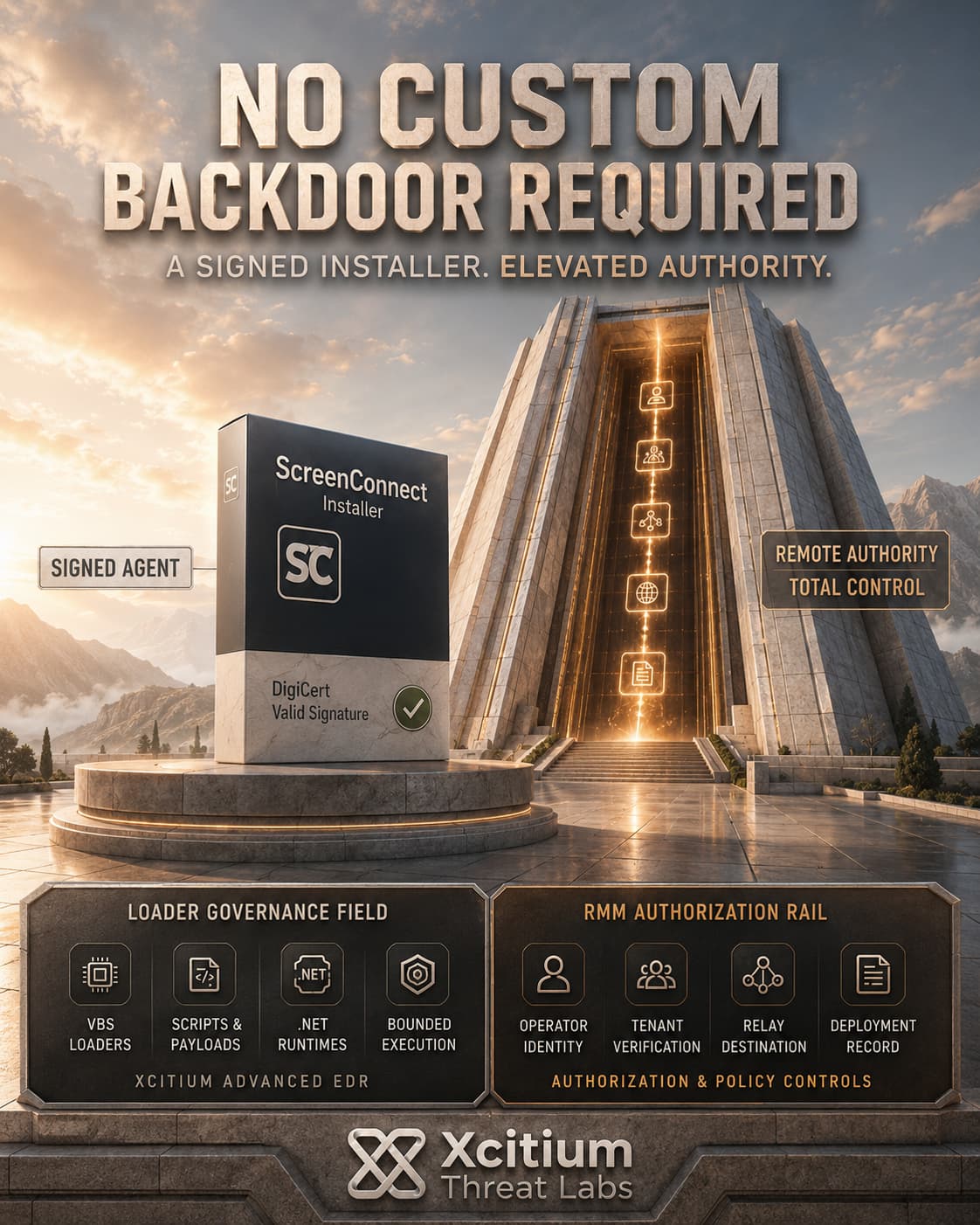
On supported managed endpoints, Xcitium Advanced EDR, powered by Xcitium’s patented Zero-Dwell platform, addresses the execution chain before the ScreenConnect session becomes the attacker’s operating channel.
Unknown VBS files, .NET loaders, scripts, droppers, and secondary payloads are governed before they receive unrestricted access to real files, registry state, services, and other protected system resources.
Unknown code can run without being able to cause damage.
The signed ScreenConnect agent requires an additional authorization decision. A valid certificate does not prove that its installation, relay destination, tenant, or operator is legitimate. EDR telemetry, explicit RMM policy, approved deployment records, service baselines, and network-destination controls must establish that trust.
Xcitium Cyber Awareness Education and Phishing Simulation supports the initial access layer by training users to challenge unexpected software-update pages and installers delivered outside approved update channels.
Treat Every RMM Install as Privileged Access
Security teams should maintain an approved RMM inventory, alert on new ScreenConnect services and installer activity outside authorized change windows, restrict permitted relay destinations, and investigate any remote-access agent that appears without a corresponding deployment record.
The objective is not to prove that the binary is genuine.
It is to prove that the access was authorized.