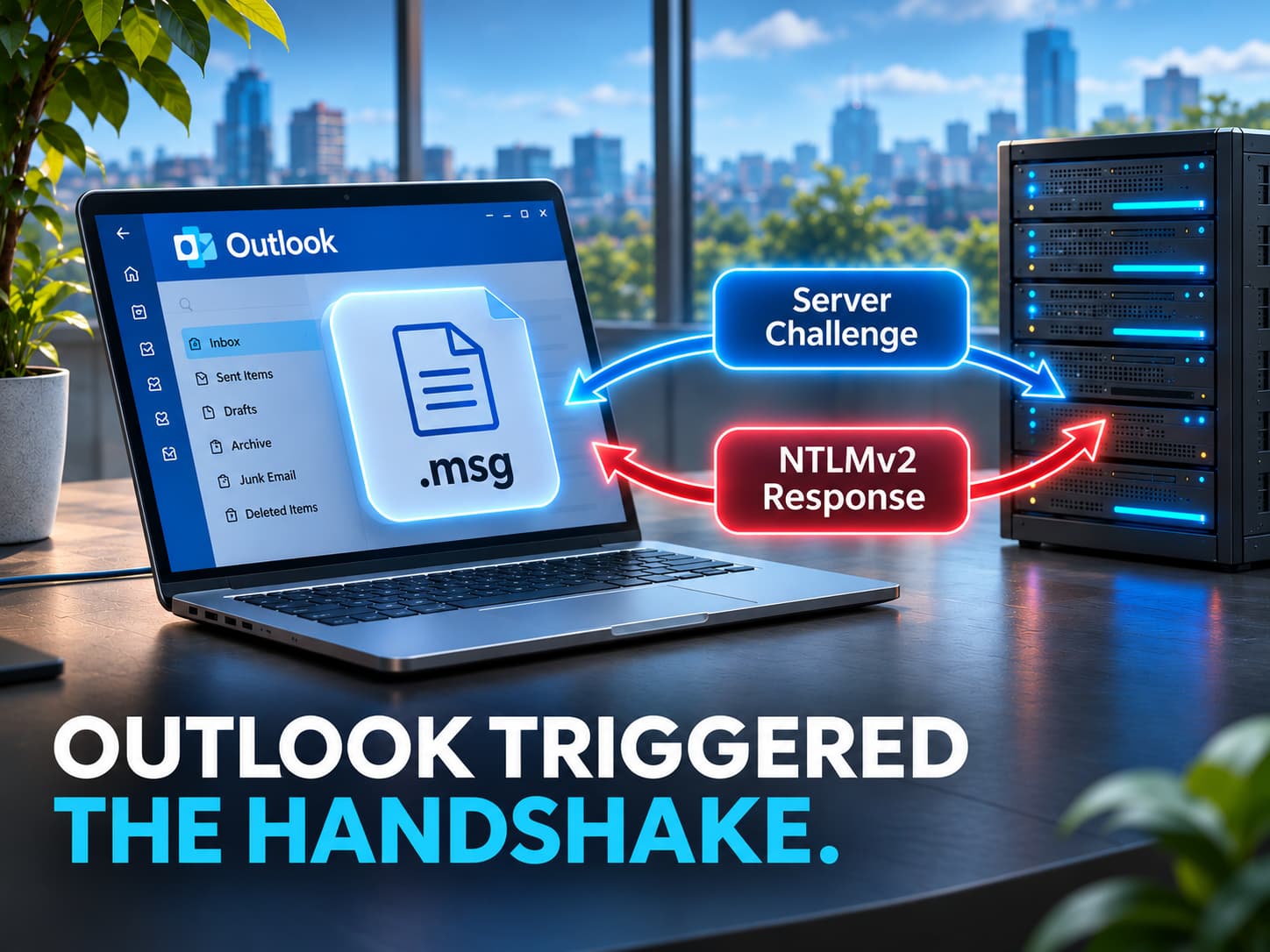
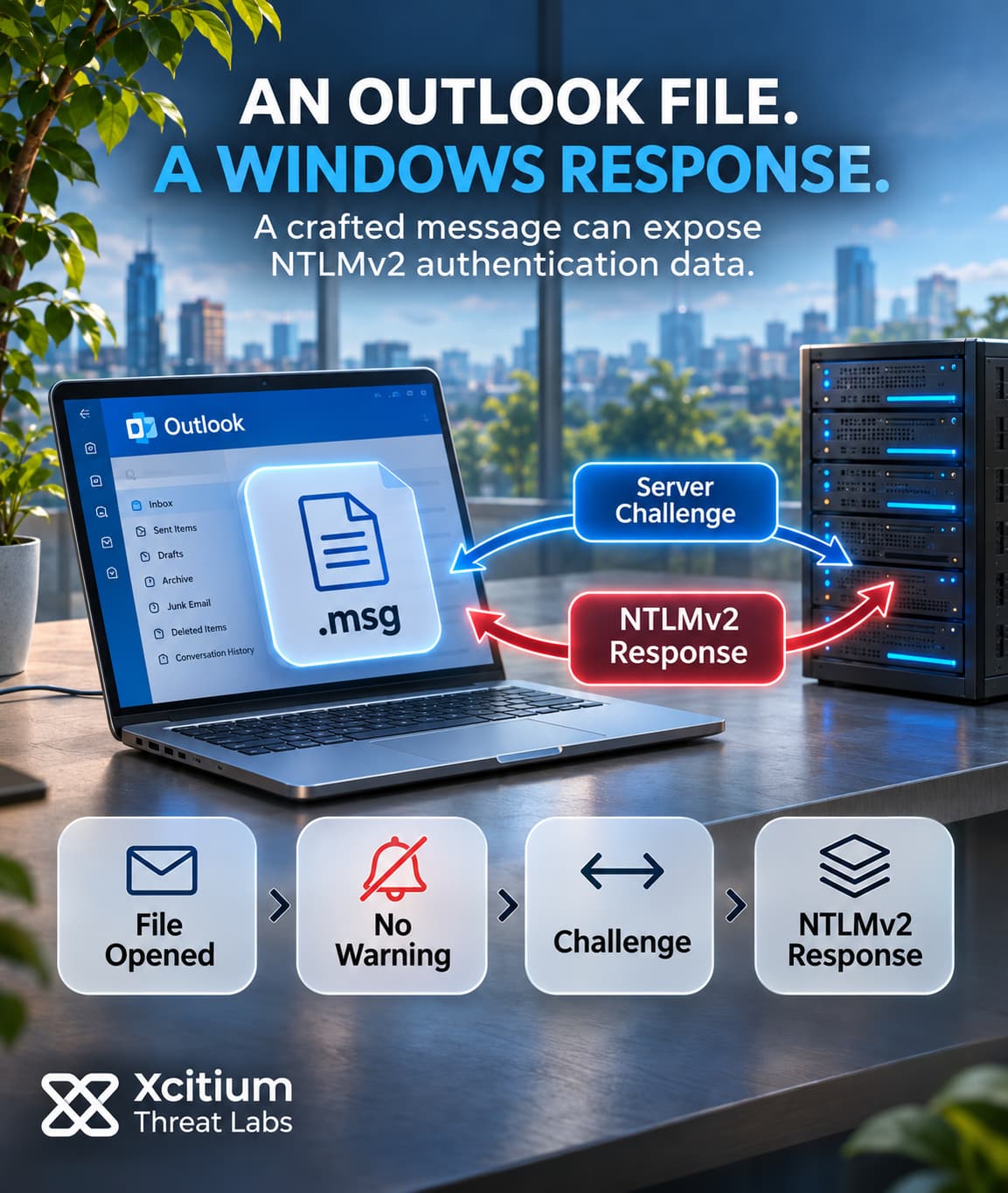
Attackers are exploiting an Outlook zero-day that can expose a Windows user’s authentication data. When a user opens a specially crafted message file, a vulnerable Outlook client can connect to a location the attacker controls. It can do so without displaying the usual warning about external content. If the connection proceeds with NTLMv2 authentication, the remote endpoint can receive the user’s challenge response.
Exploiting CVE-2026-124194 requires a user to open the file and the client to have network connectivity. The Preview Pane cannot trigger this vulnerability. A fix shipped on November 10, 2026, the same day the flaw entered the Known Exploited Vulnerabilities catalog.
Opening the File Starts an Outbound Connection
An attacker can send the crafted file without already having an account on the target system. The first step is getting the recipient to open it in a vulnerable Outlook client. Once they do, Outlook can reach out to the attacker-controlled destination as part of handling the file. The missing prompt falls between those two actions. Opening the file gives the application a reason to process it, while the external-content warning would give the user a separate chance to stop the connection.
That distinction explains why CWE-356, the missing-warning classification, still comes with a user-interaction requirement. Opening the file supplies that interaction. From there, the connection can happen without a second decision. The public advisory describes the destination in general terms and leaves the exact file structure and network transport unspecified.
The Server Challenge Shapes the Data That Leaks
When Windows uses NTLMv2, the remote server sends a challenge. The client derives a response key from the user’s password, username and domain. It then uses that key to compute a proof over the server challenge and client data, including its own challenge. An AUTHENTICATE_MESSAGE carries the proof and client data back to the server. For a domain account, a domain controller can verify the proof by calculating the expected response and checking for a match.
In this exchange, the remote endpoint can record the challenge and response, often called a NetNTLMv2 hash. Windows uses the underlying NT password hash to derive the response key locally. Because the proof incorporates the server’s challenge, a response for one exchange cannot simply answer a fresh challenge from a different server.
A Live Relay and an Offline Guess Use Different Inputs
In a live NTLM relay, an intermediary forwards a challenge from a second service to the victim’s client. Once the client answers, the intermediary sends that response to the service that issued the challenge. Access depends on reaching a service that accepts the exchange and on what that service lets the victim’s account do. For example, a relayed session against a file server would inherit the account’s file permissions. However, if the SMB server requires signing, an intermediary without the session key cannot sign the requests needed to use that session.
An attacker who records an exchange can also test password guesses offline. Each guess produces a candidate proof from the captured challenge and accompanying data. If the proof matches, the attacker can recover a password that produces it. The feasibility depends on password strength. These are ways to abuse NTLMv2 exchanges generally. Public reporting confirms exploitation of the Outlook flaw and leaves any subsequent relay, password recovery or account access unconfirmed.
The Fix Depends on the Installed Office Build
Affected products include Microsoft 365 Apps for Enterprise, Office LTSC 2021 and Office LTSC 2024, in 32-bit and x64 editions. The first fixed LTSC builds are 16.0.14334.21048 for 2021 and 16.0.17932.21140 for 2024. Microsoft 365 Apps releases vary by update channel and servicing version. For example, the November 10 Current Channel release is Version 2610, Build 20527.20196. That same version number appears on the Monthly Enterprise Channel with a different build, 20527.20194.
The base CVSS score of 6.5 reflects the required file open and the flaw’s direct impact on confidentiality. Active exploitation adds a separate signal. The catalog sets November 24 as the remediation deadline for covered U.S. federal civilian agencies. We previously examined how confirmed exploitation changes patch priorities. Here, the exposed asset is the installed Outlook client. An inventory entry for the Office product and its update channel ties the published fix to the build actually running on a workstation.
Conclusion: A Message File Can Trigger Windows Authentication
The user chooses to open a message file. On an affected build, Outlook can then connect to a remote location without displaying the expected warning. If Windows sends an NTLMv2 response, the server can collect material derived from the user’s Windows credentials. The user’s action takes place in the mail client, while the disclosure takes place in a separate network exchange.
Updating Office fixes the vulnerable file handling. However, an installed fix cannot tell the response team what a workstation sent before it updated. Public evidence confirms exploitation and leaves any subsequent relay or account access unresolved. A suspicious file open and a later sign-in therefore raise separate questions during an investigation.
Why This Threat Matters
- The lure needs only one action. Once the recipient opens the crafted file, the client can connect without another prompt.
- The relevant traffic leaves the workstation. A desktop client can initiate the exchange even when the organization hosts its mail elsewhere.
- Permissions shape the impact of a relay. If a live relay succeeds, the second service grants the access that the user’s account has there.
- A recorded exchange can outlast the connection. An attacker can keep it for offline password guessing after the session ends.
- The release label alone is too broad. Office can assign different build numbers to the same version across update channels.
Where Defensive Control Must Operate
Compare each workstation’s reported Office build with the fixed build for its edition and channel. Check when the device last reported that build so stale inventory does not count as current evidence. Meanwhile, audit outbound NTLM usage before tightening Windows policy. That audit helps identify business services that still depend on the protocol and need a limited exception.
Xcitium Cyber Awareness Education trains staff to recognize deceptive requests in email. In this scenario, the behavior to teach is pausing to verify an unexpected request to open a saved message file and reporting it through the usual channel. Phishing Simulation can test how employees respond to similar lures in a safe exercise. Reports from the exercise can then show where employees need more practice.
Investigate the Time Between Opening and Updating
If a user reports opening a suspect file before the fix, record when they opened it and which workstation they used. Then compare that time with endpoint authentication events and network records for unexpected destinations. Where the available logs point to a potential relay target, check that service for a successful sign-in and subsequent activity by the same account.