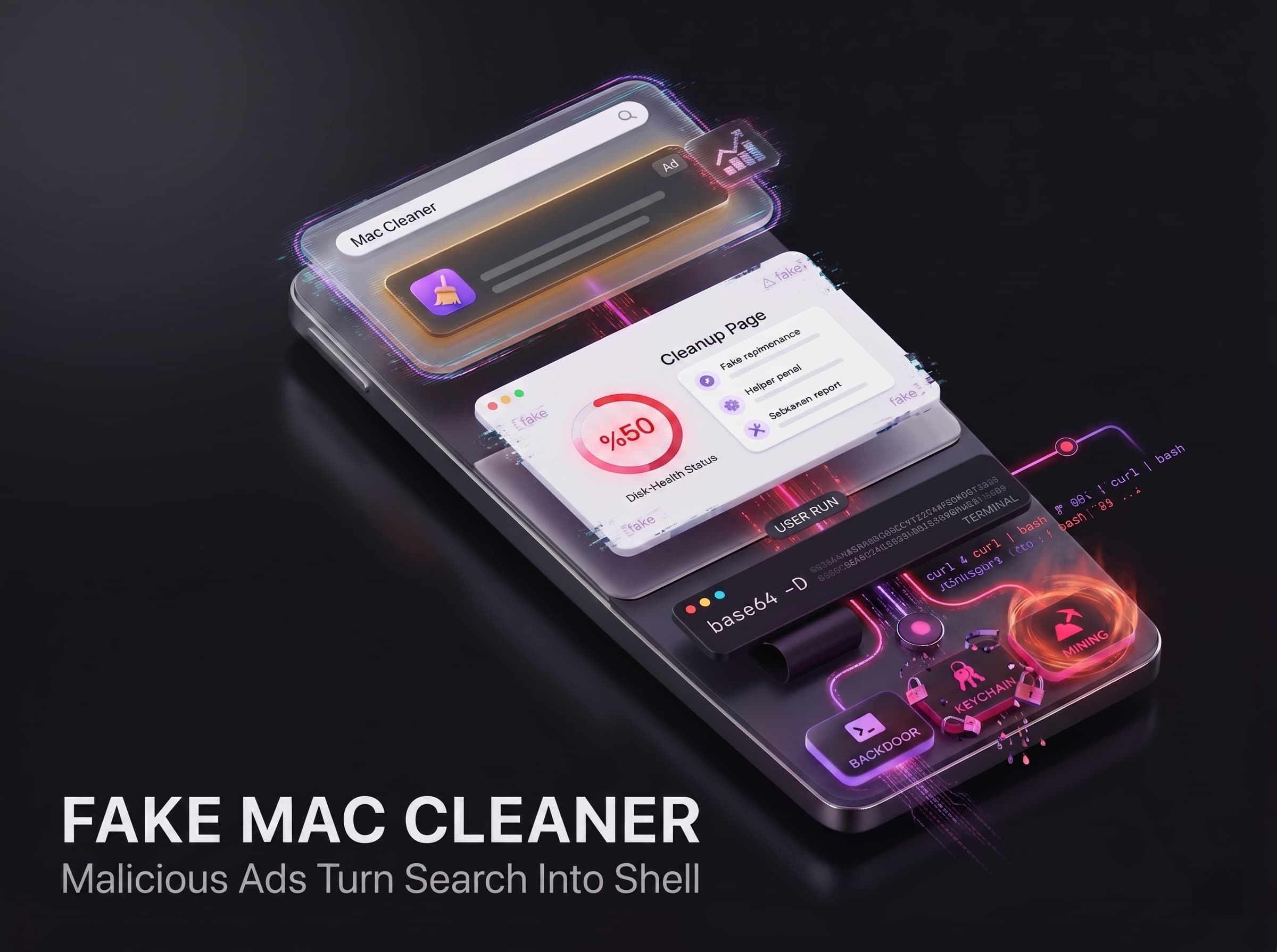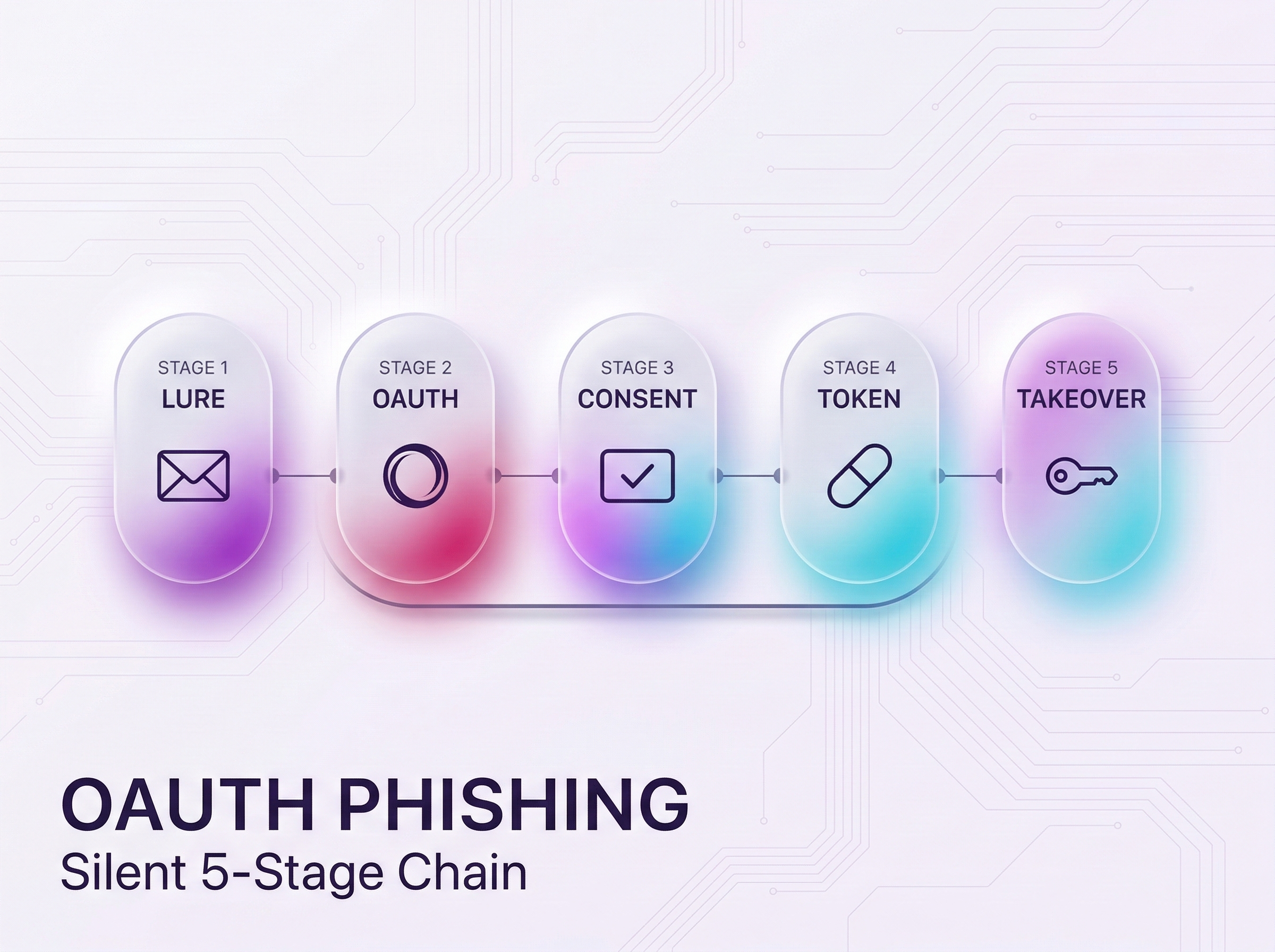
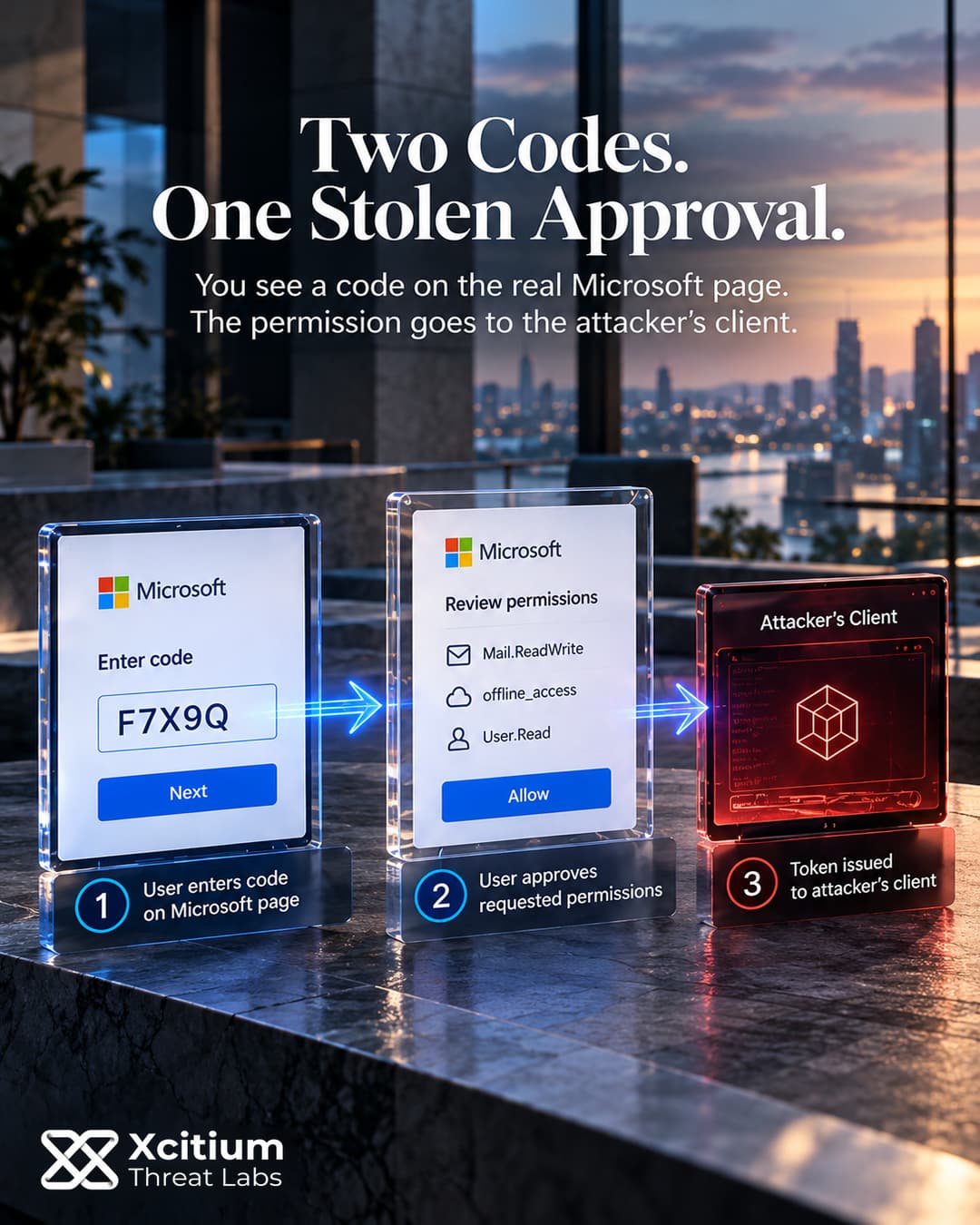
Device code phishing helped criminals compromise more than 12,000 inboxes across over 10,000 organizations before a coordinated infrastructure disruption announced on September 22, 2026. The operation targeted EvilTokens, a subscription service that connected account compromise with mailbox analysis and financial fraud. Yet other kits can abuse the same legitimate authentication flow without using that service’s infrastructure.
A victim completes a real sign-in, while the attacker’s client receives the resulting tokens. Those tokens can support mailbox access, further phishing and, under specific conditions, registration of an attacker-controlled device. The victim’s computer need not execute a malicious program for those cloud actions to occur.
A Document Lure Leads to a Real Authorization Page
A document-sharing message can carry a link directly or inside a PDF attachment. Redirects and verification gates can then separate that message from the final phishing page. In documented campaigns, these intermediate steps included compromised websites, cloud-hosted redirects and fake CAPTCHA checks.
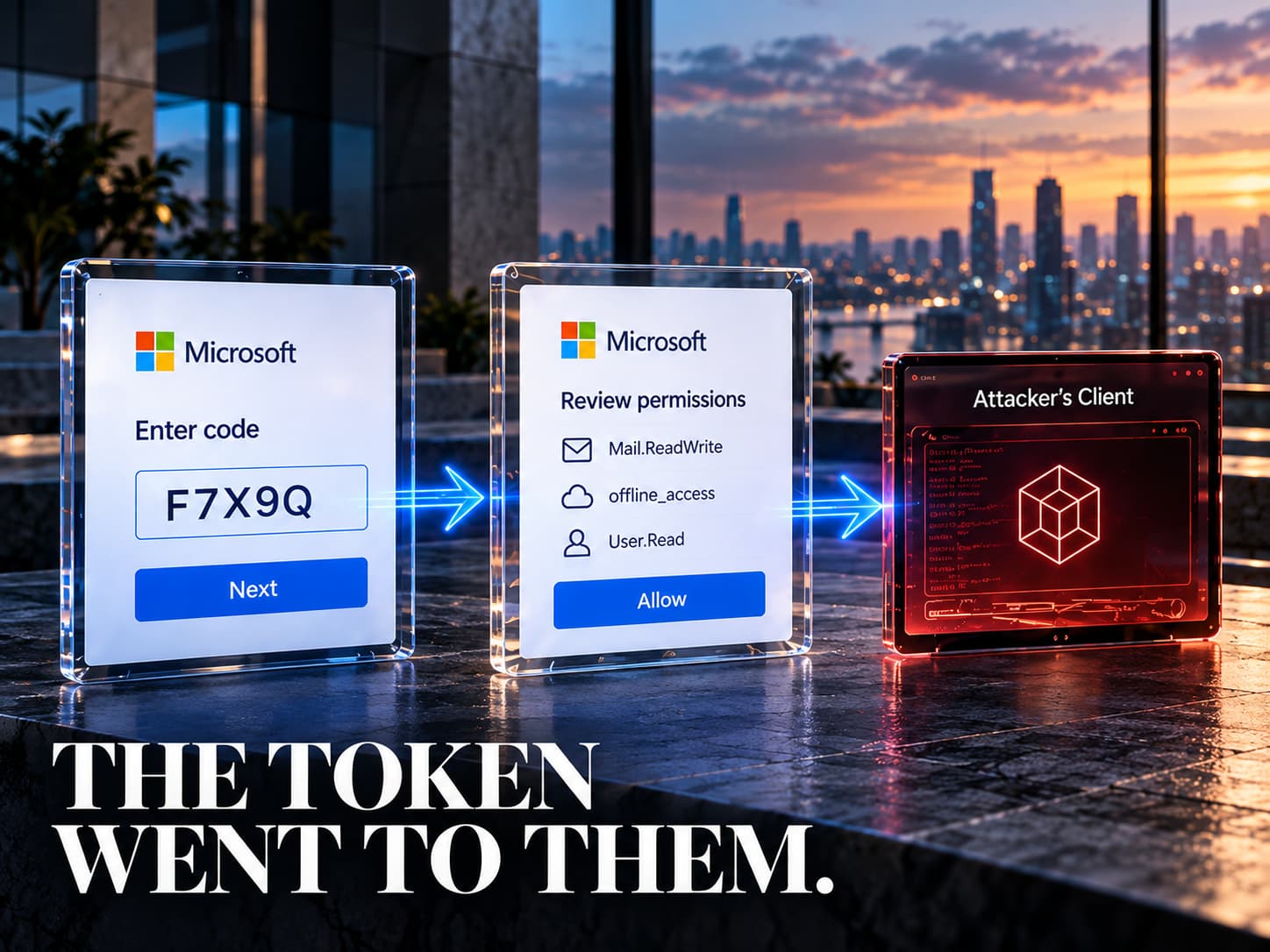
The landing page displays a short code and directs the victim to Microsoft’s device-login page. Because that destination is real, the attacker can gain authorization without collecting the password. However, a victim without an active session may still enter a password and complete multifactor authentication at that genuine page.
Two Different Codes Connect the Victim and the Attacker
The OAuth 2.0 device authorization grant serves devices with limited input capabilities, such as printers. An attacker-controlled client instead takes the requesting device’s role. It contacts the /devicecode endpoint with a client_id identifying the application and a scope describing requested permissions.
The response contains two different values. A short user_code identifies the session to the person completing authorization. Meanwhile, the longer device_code stays with the requesting client and supports token requests. Other response fields supply the verification address, expiry and polling interval.
The phishing page presents the user code as a document-access requirement. Once the victim submits it and approves the request, the identity service can issue tokens to the requesting client. Approval therefore joins the victim’s account to a session initiated elsewhere. The user-facing code is not itself the access token.
Fresh Codes and Two Polling Loops Keep the Handoff Moving
Microsoft’s device-code flow has a 15-minute default authorization window. Dynamic generation starts that window when the victim interacts with the phishing page, rather than when an email enters the inbox. A delayed click can therefore receive a fresh code; an expired code does not become valid again.
Behind the page, the requesting client polls /token using the device code and the matching client identifier. While authorization remains incomplete, the service can return authorization_pending. The client must respect the response’s polling interval, and expired_token ends that authorization attempt.
Separately, a documented EvilTokens page checked the attacker’s own status endpoint every three to five seconds. That browser-to-backend loop displayed whether authorization had finished. It was distinct from the client’s token requests to Microsoft. Once approval succeeds, the backend can obtain the token response while the page redirects the victim elsewhere.
Refresh Tokens Extend the Reach of the Initial Approval
An access token permits calls to its intended resources within its granted scopes. When the request includes offline_access, the device flow can also return a refresh token. The attacker can then request replacement access tokens without repeating the original lure, while the refresh token remains valid.
Refresh tokens bind to a user and client, rather than a single resource. Consequently, they can support additional resource tokens where that client has permission. They do not automatically provide administrator privileges or unrestricted tenant access.
With suitable mail permissions, Microsoft Graph exposes messages through /me/messages. Responses can contain an @odata.nextLink for retrieving subsequent pages. This provides a programmatic route through a mailbox, although that API’s existence alone does not prove complete mailbox exfiltration in a particular case. Observed device-code campaigns used Graph for reconnaissance and email collection.
Mailbox Rules Conceal Activity After Access
After token capture, observed campaigns also created malicious inbox rules. These rules operate in the cloud, so their effects can continue without a malicious process on the victim’s computer.
The Graph rule-creation endpoint, /me/mailFolders/inbox/messageRules, requires MailboxSettings.ReadWrite permission. A rule defines matching conditions and actions for incoming messages. For example, markAsRead changes the unread state, while moveToFolder moves matching mail to a selected folder. The delete action moves mail into Deleted Items; permanent deletion is a separate action.
These capabilities explain how a rule can hide messages from the main inbox or remove unread cues. However, a captured token must carry the required permission, and supported rule actions are not evidence of the exact configuration at every victim. Separately, compromised accounts can send further phishing to contacts whose trust the attacker has inherited.
Device Registration Creates a Separate Persistence Path
The Storm-2372 campaign demonstrated a further step in February 2025. Attackers used the Microsoft Authentication Broker client identifier during device-code authentication. The resulting refresh token supported a request for another token directed at the device registration service.
That token enabled registration of an attacker-controlled device in Entra ID. With the new device identity and the same refresh token, the attackers could obtain a Primary Refresh Token, or PRT. Observed activity included email collection through the connected device.
This is a specific broker-and-registration chain, not an automatic conversion of every access token into a PRT. It requires the relevant client, token and registration conditions. Likewise, password changes do not affect every token and cookie category identically. Token type, the reset mechanism and explicit revocation all influence whether access survives.
Stolen Tokens Can Become Ordinary Browser Sessions
Code analysis of a Kali365 companion application, OctoLink Live, identified another way to use captured access. The application could open separate Chromium browser sessions for individual accounts and services.
For webmail, its code submitted a stolen access token to obtain session cookies. Other service paths injected a bearer token until a Set-Cookie response established the browser session. Thus, later activity could use cookies in a real browser rather than expose a bearer token in each visible request.
This describes capabilities identified in analyzed software, rather than proof of that desktop workflow at every victim. It also distinguishes the operator’s application from malware installed on the victim’s endpoint.
A Disrupted Kit Does Not Retire the Technique
A May 21, 2026 public warning documented Kali365, first seen in April. Its subscription supplied phishing templates, victim-tracking dashboards and token capture for less technical operators. Another commercial channel therefore supported device-code abuse before the EvilTokens disruption.
EvilTokens also included tools to analyze mailbox conversations and draft impersonation messages. Those functions helped turn account access into fraud preparation, although they do not establish a successful payment diversion at every organization. Infrastructure disruption, token expiry, removal of an unauthorized device and recovery of a mailbox remain separate outcomes.
We recently examined how fake CAPTCHA pages turn document verification into a phishing trap. Device code phishing can use that familiar interruption, but the decisive authorization happens at the genuine identity service.
Conclusion: Authorization Must Stay Bound to the Intended Device
Device code phishing redirects the result of a genuine sign-in to an attacker-controlled client. The victim may complete MFA successfully, yet approve access for a device they never intended to authorize. Therefore, checking the login page’s address answers only part of the trust question. The requesting application, device and business purpose also need verification.
After approval, the investigation must follow the authority that the tokens provide. Graph mailbox access, malicious inbox rules and subsequent phishing can extend the damage beyond the original message. However, the broker-based route to a Primary Refresh Token requires additional registration conditions. It remains a distinct persistence path, rather than an inevitable result of every device-code approval.
Why This Threat Matters
- A real login can authorize the wrong client. Because the identity service issues valid tokens, successful authentication alone does not establish legitimate intent.
- Code expiry does not end granted access. Once authorization completes, the resulting tokens have their own validity and revocation requirements.
- Mail permissions determine the next action. Reading messages and creating inbox rules require different scopes, so responders must establish what the compromised client could actually do.
- A trusted mailbox can spread the lure. Further phishing from a compromised account inherits familiar sender context and can reach colleagues.
- Browser cookies create another recovery task. Where token-to-cookie conversion occurs, investigators must also address the resulting application sessions.
Where Defensive Control Must Operate
First, audit legitimate use of device-code authentication. Block the flow through Conditional Access where it serves no business requirement, then test necessary exceptions against documented use cases. Report-only evaluation can expose operational dependencies before enforcement. Separately, review device-registration permissions and investigate unexpected registrations associated with the compromised user.
Xcitium ITDR supports the identity investigation through Microsoft 365 and Entra ID monitoring, abnormal sign-in detection and SOC-led analysis. Its monitoring of risky OAuth application permissions and suspicious forwarding rules addresses relevant forms of account abuse. For this attack, analysts should examine the requesting client alongside subsequent mailbox activity and device registrations. Available telemetry and enabled integrations determine what they can verify.
Xcitium Cyber Awareness Education addresses recognition and reporting of deceptive authorization requests. Meanwhile, Phishing Simulation tests employee responses to realistic lures. Exercises should challenge the assumption that a genuine login page makes an unsolicited document-access code safe, without granting real attacker access.
Verify Recovery Across Each Access Layer
After identifying compromise, revoke affected sessions and refresh tokens, disable unauthorized devices and remove malicious mailbox rules. However, application-issued cookies may require revocation by the application itself. Check service-specific behavior and subsequent activity before restoring normal access. Revocation can also take time to affect access, depending on the resource. Review logs for fresh token use and continuing mailbox activity during recovery. A password reset alone does not demonstrate that every token, browser session and persistence mechanism has stopped working.