Greatness PhaaS Spoofs RingCentral to Hit Microsoft 365

A $289-a-month phishing kit is spoofing RingCentral emails to steal Microsoft 365 credentials, bypassing MFA with device-code phishing.

Verify the Session, Not Just the Sign-In
  • August 6, 2026

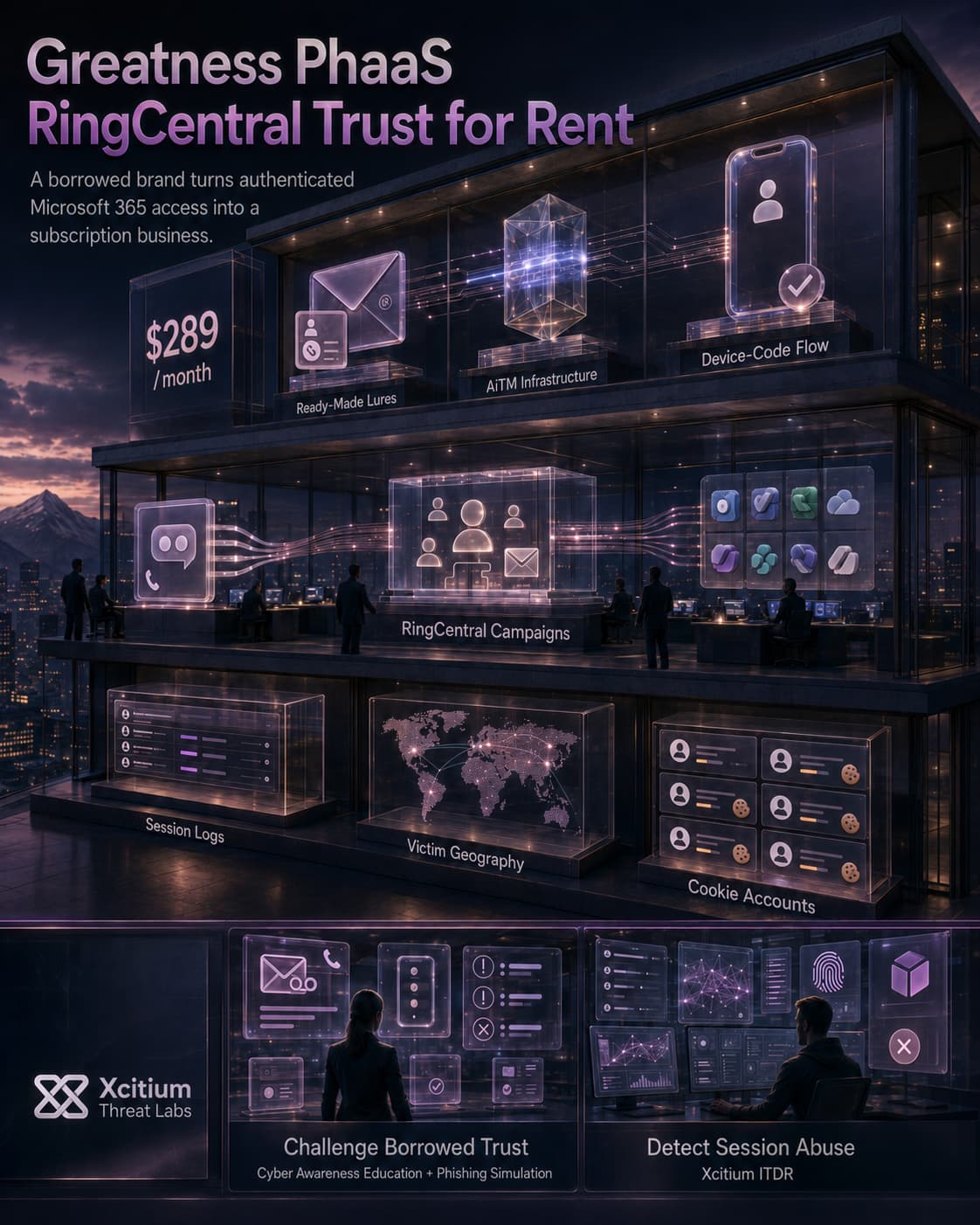
A phishing kit called Greatness costs $289 a month. Anyone with a Telegram account and that much cash can rent it. Thousands already have.

Its latest trick borrows RingCentral’s name. Fake voicemail and performance-review emails are dressed up to look like they came from the real service. They’re landing in Microsoft 365 inboxes across five countries. Email filters are letting them through.

What is Greatness? A phishing-as-a-service platform active since mid-2022, sold for $289 a month over Telegram. It gives buyers ready-made phishing pages and infrastructure built to steal Microsoft 365 credentials and session tokens. No coding required.

An Email That Passes Every Check And Still Gets Through

The lure emails claim to come from service@ringcentral.com. They don’t. They actually originate from IONOS mail servers, nowhere near RingCentral’s real infrastructure.

Run the standard checks and the email fails every one. SPF fails. DMARC fails. There’s no DKIM signature at all. By every normal measure, this should land in spam.

It doesn’t. Microsoft Exchange assigns the message a Spam Confidence Level of -1, the lowest possible score. That means the system treats it as unquestionably legitimate. RingCentral’s own reputation as a trusted sender appears to override the failed checks. The email even includes a fake banner claiming the recipient’s own safe-sender list verified it.

Cyber Attack Analysis: Greatness PhaaS Spoofs RingCentral to Steal Microsoft 365 Sessions
Phishing-as-a-Service · Greatness → RingCentral Spoof → Microsoft 365
A FAKE VOICEMAIL
Steals Your Microsoft 365 Session

A phishing-as-a-service kit called Greatness, rented out for $289/month on Telegram, is impersonating RingCentral voicemail alerts. Click through, and a fake Microsoft login harvests an MFA-approved session token, no password needed, no reset triggered.

LAUNCH SIMULATION
outlook.office365.com – Inbox
STEP 1: THE PERFORMANCE-REVIEW LURE

The email fails SPF, fails DMARC, and carries no DKIM signature, yet it lands anyway. It’s spoofed from service@ringcentral[.]com, a domain whitelisted in the recipient’s security stack, with a forged “safe senders” banner doing the rest of the convincing.

hashmiaghayi[.]cfd/common?key=4a7f…
Microsoft
Sign in
Email, phone, or Skype
No account? Create one!
Next
Sign-in options
A pixel-perfect clone of the real Microsoft sign-in, hosted on a throwaway .cfd domain, proxying an adversary-in-the-middle session against the genuine login behind it.
STEP 2: THE AiTM PROXY

Victims are routed through an AiTM (adversary-in-the-middle) flow, or a device-code phishing flow, that proxies the real Microsoft sign-in. Whatever the victim types, and whatever MFA prompt they approve, flows straight to the attacker.

Identity Telemetry – Post-Authentication Behavior
MFA-Approved Token Stolen
Session cookie, not a password
Replayed From VPS/VPN
Commercial hosting, not the victim’s IP
Graph API Enumeration
Mail · Teams · SharePoint · OneDrive
[Identity Provider Log – no failed-password alert fires]
Token replayed against login.microsoftonline.com
Outlook mailbox, contacts, and calendar enumerated via Microsoft Graph
Teams conversations and SharePoint/OneDrive files accessed
Session persists for 2+ weeks in observed cases
A stolen session token skips the password entirely, so no “new sign-in” alert or forced reset ever fires.
STEP 3: SILENT SESSION HIJACK

With a valid token in hand, the attacker doesn’t need to log in again, they just replay it. From VPS and VPN infrastructure, they roam mailboxes, Teams, SharePoint, and OneDrive through the Graph API, often for weeks before anyone notices.

panel.greatness-phaas[.]top/dashboard
STEP 4: THE OPERATOR’S VIEW

Every stolen session lands here. Greatness rents this dashboard out for $289/month over Telegram, with logs, a live victim map, and a “cookie accounts” counter turning stolen logins into a subscription product.

Threat Intel – Greatness PhaaS Attack Chain

Attack Chain Visualized

1 Spoofed RingCentral voicemail email
2 Fails SPF/DMARC/DKIM, delivered anyway
3 Domain whitelisted → SCL -1, filters skip it
4 Victim clicks “Play Voicemail”
5 Redirected to Greatness AiTM infrastructure
6 Tenant-branded fake Microsoft login shown
7 MFA-approved token captured, replayed via VPS/VPN
8 Mail, Teams & SharePoint roamed for 2+ weeks
Observed in threat intelligence, August 2026: one whitelisted brand name is enough to turn a phishing email into a silent inbox takeover.
FULL ATTACK SEQUENCE

Every stage leans on borrowed trust: a whitelisted sender domain and a pixel-perfect login page. From “new voicemail” to a fully roamed mailbox, the whole chain can unfold without a single failed-login alert.

POST-COMPROMISE – Graph API Access ACTIVE
[+] Enumerating mailbox & connected services
Outlook, Teams, SharePoint,
OneDrive, contacts, calendar
[!] No password reset triggered
Session token reused, not a login;
standard alerts stay silent
[!] REGISTERED APPS CHECKED
OAuth consents reviewed for
further persistence options

A Trust List Nobody Re-Checked

The whole chain hinges on one setting: a blanket “trust this domain” rule. Once that’s in place, failed authentication checks and a lookalike login page stop mattering.

  • Trusted brand + blanket domain whitelist
  • Forged “safe sender” banner beats human review
  • AiTM proxy captures tokens even with MFA on
  • Token replay skips password & reset alerts
  • Possible link to RingCentral’s own July 2026 breach
Threat Intel Report – Greatness PhaaS Impact Matrix

IMPACT & RISK FACTORS

Whitelisting Blind Spot

A blanket domain exclusion for RingCentral let emails through despite failed SPF, DMARC, and missing DKIM, filters never got a chance to weigh in.

AiTM Beats MFA

Because the proxy sits between victim and Microsoft in real time, it captures the finished, MFA-approved token, multi-factor auth doesn’t stop this class of attack.

Long, Quiet Dwell Time

With no failed logins to flag, attackers have roamed compromised mailboxes and Graph-connected apps for two-plus weeks in observed cases.

THREAT LEVEL: HIGH  |  VECTOR: VOICEMAIL EMAIL → AiTM → M365 TAKEOVER

RECOMMENDED ACTIONS
Defending Against AiTM Session Hijacking

Audit safe-sender lists and replace blanket domain exclusions with rules that require valid email authentication, hunt for anomalous MFA-approved sign-ins from hosting/VPN ranges, and be ready to revoke tokens, not just reset passwords, when compromise is suspected.

Two Ways To Get Past MFA

Clicking the email’s button routes victims to Greatness’s own infrastructure. From there, the kit uses one of two techniques.

The first is adversary-in-the-middle phishing. It sits between the victim and the real Microsoft login page. The moment MFA approval goes through, it captures the session token. The second is device-code phishing. It abuses a legitimate OAuth sign-in flow built for devices without a keyboard. Victims end up approving a login on the attacker’s behalf without realizing it. Neither one needs to guess a password. Both walk straight past MFA instead of trying to break it.

That second technique has been spreading fast. Device-code phishing rose an estimated 1,500% during 2026. Vishing attacks aiming for the same MFA gap roughly doubled over the same stretch. Greatness picked up device-code phishing as a feature only recently. It’s riding a trend, not starting one.

Two Weeks Inside A Mailbox

Once a token gets stolen, attackers move fast. Compromised credentials get replayed within minutes. The traffic gets routed through VPS and commercial VPN infrastructure to mask where the login is really coming from.

From there, the account gets picked apart. Outlook, Teams, SharePoint, OneDrive, contacts, calendars, and any registered applications all get pulled into scope. Every bit of it gets enumerated through the Microsoft Graph API. In some cases, that access lasted over two weeks before anyone noticed.

One detail is worth watching, even though it’s unconfirmed. RingCentral itself disclosed a breach in July, claimed by the ShinyHunters extortion group. Whether that breach and this campaign are connected hasn’t been established. The timing is close enough to raise the question.

Conclusion: The Sign-In Was Real. The Session Was Stolen.

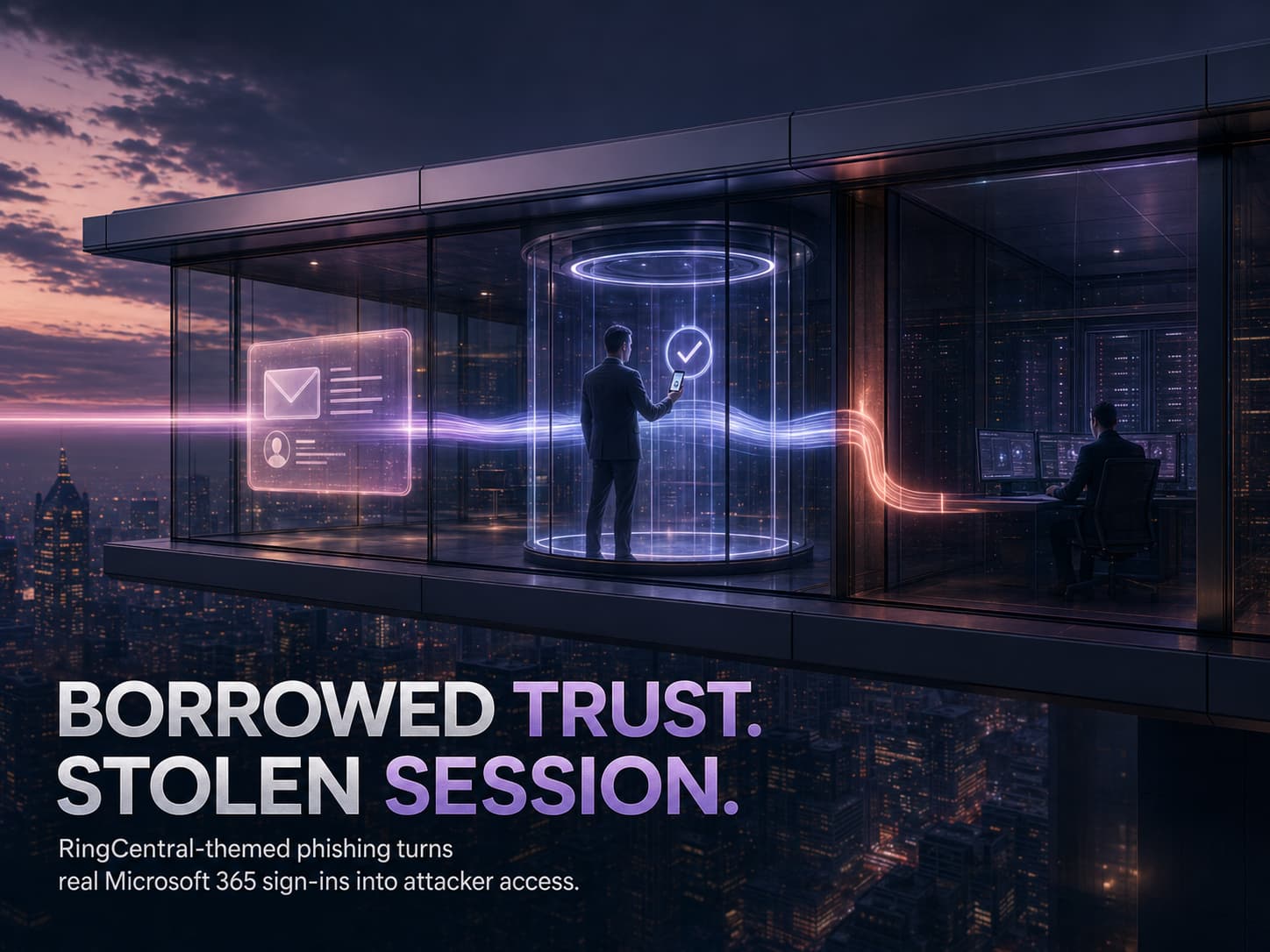
Greatness does not need to defeat Microsoft authentication. It turns the legitimate sign-in process into the attack path.

The campaign begins with a RingCentral-themed voicemail or performance-review lure. Sender authentication can fail, yet an unsafe allowlist or trusted-sender exception may still help the message reach the inbox. The victim is then routed through an adversary-in-the-middle proxy or a device-code phishing flow.

The password can be correct. The MFA approval can be genuine. The resulting session can still belong to the attacker.

This is not simply credential theft. It is the theft of authenticated access.

Why This Threat Matters

Each stage borrows trust from a legitimate system.

  • A recognized business brand makes the message appear routine.
  • An allowlist can weaken the value of failed SPF, DKIM, and DMARC checks.
  • AiTM infrastructure can capture a session after MFA succeeds.
  • Device-code phishing can use a genuine Microsoft approval page.
  • Token replay can remove the need for another interactive login.
  • A valid session can expose Outlook, Teams, SharePoint, OneDrive, and other Microsoft 365 resources.
  • Graph API activity may allow broad access without producing a conventional failed-login signal.
  • PhaaS platforms turn advanced identity compromise into a repeatable service for lower-skilled operators.

The decisive failure is not that MFA was absent. MFA completed successfully. The failure is that the authenticated session was issued into an attacker-controlled flow.

Where Defensive Control Must Operate

This is an identity-first attack. Unknown code does not need to execute on the endpoint for the Microsoft 365 account to be compromised.

Xcitium ITDR helps identify abnormal session reuse, unfamiliar access infrastructure, suspicious non-interactive sign-ins, unusual Graph API activity, and post-authentication behavior that no longer matches the legitimate user.

The human layer also remains important. Xcitium Cyber Awareness Education and Phishing Simulation can train users to recognize fake voicemail notifications, unexpected device-code requests, forged trusted-sender cues, and MFA prompts they did not initiate.

Execution Governance is not the primary control for the original session theft. It becomes relevant only if the attacker later introduces scripts, remote tools, loaders, or other unknown execution onto managed endpoints.
Like what you see? Share with a friend.

Move Away From Detection With Patented Threat Prevention Built For Today's Challenges.

No one can stop zero-day malware from entering your network, but Xcitium can prevent if from causing any damage. Zero infection. Zero damage.

Book a Demo