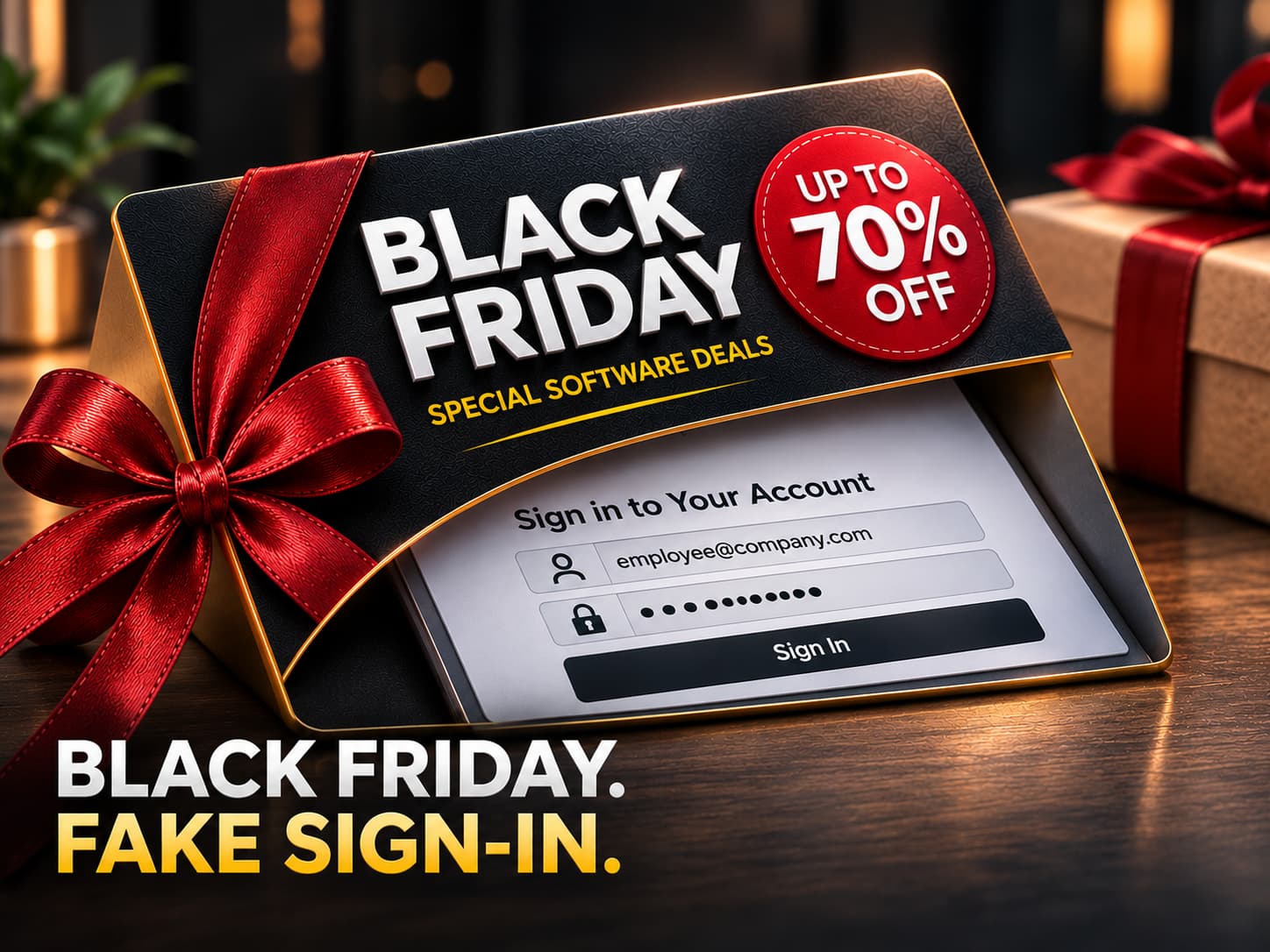
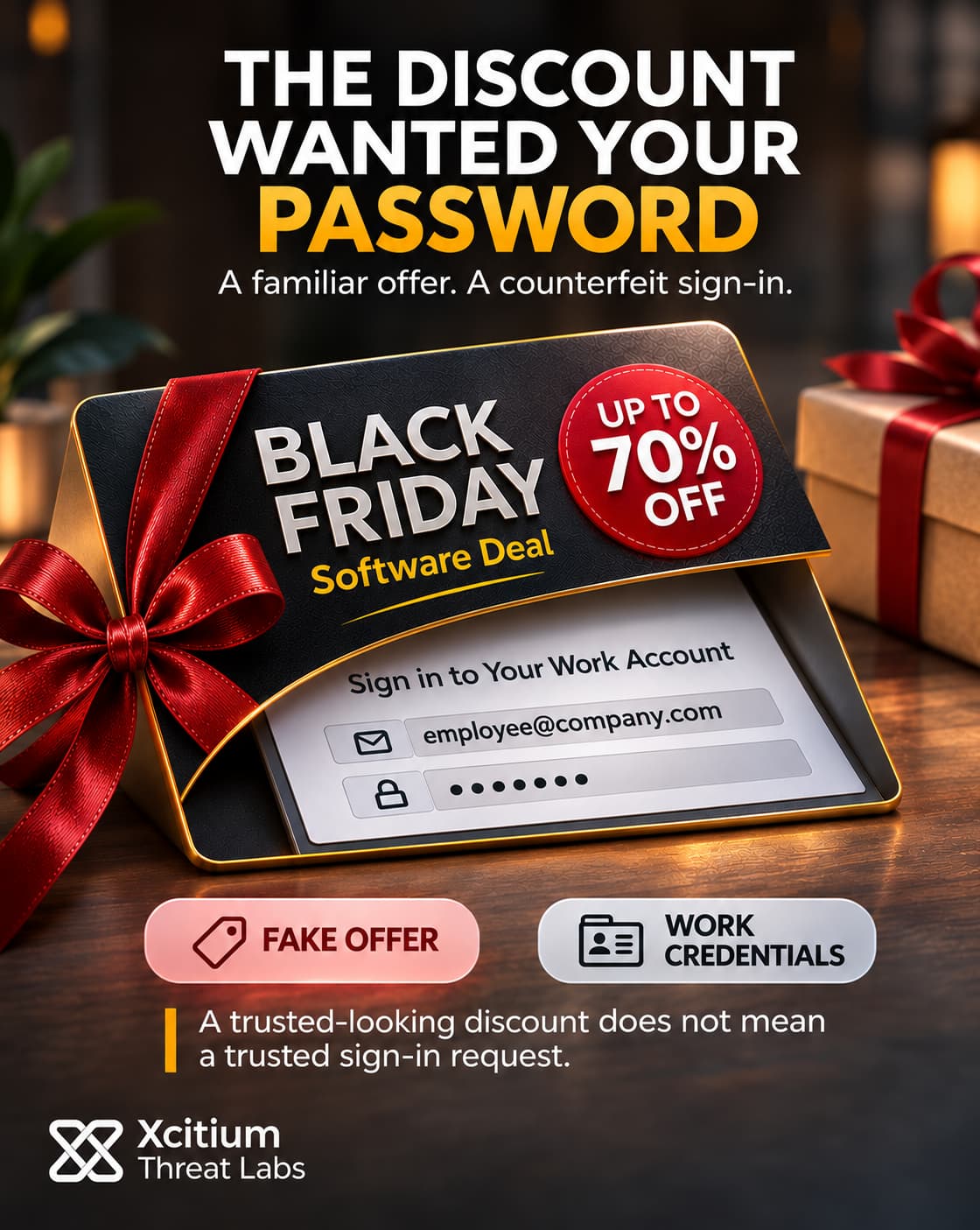
Black Friday phishing is using fake software deals to ask for credentials people already use. Business software was the most frequently impersonated category in one 2026 sample of confirmed sale-themed lookalike pages. Travel, cryptocurrency, retail and payment brands followed. The lure presents a discount, while the page asks the visitor to sign in to an existing account.
On September 1, the first confirmed lookalike in that dataset with Black Friday in its address appeared. That was more than a month earlier than the previous season. Black Friday itself falls on November 27. Many other sale-themed pages omit the holiday from their addresses altogether.
A Discount Gives a Work Login a Reason to Appear
A request to sign in makes sense when someone expects to renew a subscription or see an account-specific price. For example, a promotion can promise access to a lower price after the user signs in. The familiar step gives a counterfeit form a plausible place in the visit. Capture depends on the visitor submitting information to that form.
In the 2026 sample, more than a third of the confirmed sale-themed pages were designed to collect credentials for existing accounts. That figure describes what the pages asked visitors to do. The number of people who submitted credentials and any resulting corporate account takeovers remain unknown.
Even so, a work identity changes the stakes. A valid login can give someone a route to the resources the account can reach if the service’s access controls permit the sign-in. For a software account, that could mean a shared workspace, billing profile or administrative console. The actual reach would depend on the account’s permissions and the service’s authentication requirements.
Social Posts Make the Lure Look Recommended
Deal and buy-and-sell groups put promotions in front of people already looking for them. In a broader sample of confirmed social media brand impersonation from September 1 through late October, half of the cases appeared in Facebook groups. That figure describes brand impersonation across the social media sample. The ranking for business software comes from the separate sample of sale-themed pages.
A group post makes a link look like a tip from another shopper. Sponsored posts can create a similar impression by placing a fake promotion alongside real ads. In either case, the post is the route to the offer, and the next page is where the visitor has to decide whether to sign in or pay.
Hosting Can Look Familiar While the Sign-In Is Fake
Roughly one in four of the confirmed sale-themed lookalike pages used established publishing services such as Google Sites, Blogger or GitHub Pages. A platform’s legitimate domain can host pages created by many different people. As a result, recognizing the host tells the visitor who provides the hosting. The publisher of the offer can be someone else entirely.
Pages on their own domains often used generic sale or outlet wording. The copied logo appeared in the page itself. In both cases, the visual brand and the address identify different things. A browser can establish an encrypted connection to a page, while the page’s author still controls the form. Any credentials entered into an impersonation form go where that form sends them.
The distinction also matters when a company searches for lookalikes of its own domain. A generic address or a page on shared hosting may never contain the brand name in its URL. The relevant evidence is the relationship between the host, the identity the page claims and where it asks the visitor to submit data.
A Phone Can Show a Different Page
About a third of the confirmed sale-themed lookalikes used cloaking, which changes what visitors receive. For example, one fake holiday offer displayed its checkout only to phone visitors. A reviewer opening the same link on a desktop could therefore see a different page from the person reporting it.
That creates a practical evidence gap. A screenshot from the visitor can show the actual request for a password or payment detail. Meanwhile, the URL alone may lead an analyst to a harmless-looking view. Both observations can be accurate because they describe different visits.
This is also why the payment and credential branches matter separately. A fake checkout asks the visitor to part with money or payment details. With a fake sign-in, the target is an existing identity that can have value beyond the promotion. The same seasonal premise can lead to either request.
The Offer Borrows a Brand and the Form Asks for an Identity
A software deal has a credible setting, an expected account step and a reason to act quickly. Together, those details explain why the seasonal lure travels beyond retail. Seasonal urgency makes the message feel timely, while the expected sign-in gives it a way to ask for something reusable.
The important boundary sits between seeing the offer and submitting data. Whoever publishes the page can supply the logo. An account or billing portal reached independently gives the employee a separate place to confirm that the offer exists.
Conclusion: Verify the Offer Before Signing In
Black Friday gives an unexpected software offer a plausible reason to arrive. The next screen then borrows a familiar sign-in step. That is where a routine click becomes a security decision. The visitor has to decide who is asking for the account and whether that party should receive it.
A corporate login can have a longer life than the sale. Depending on its permissions, it may reach shared projects, billing records, or administrative settings. A team can reduce that exposure by giving employees a quick route to the genuine software portal before the form ever gets an answer.
Why This Threat Matters
- Software promotions reach employees in a familiar role. People who renew subscriptions, manage licenses or approve purchases already encounter legitimate account requests in their everyday work.
- Shared hosting can make the address look reassuring. A recognizable hosting provider says who runs the service at that address. Employees still need to verify who published the offer and where its form sends information.
- A report can be more revealing than a desktop visit. A phone user and an analyst may receive different pages. The original message, the URL and a screenshot give responders a better chance of seeing what the employee was asked to do.
- A sign-in needs a different response from a payment. A submitted work password calls for a review of the account and its sessions. A fraudulent charge also needs a separate payment response.
Where Defensive Control Must Operate
Xcitium Cyber Awareness Education builds the habit of checking a promotion through the approved portal or supplier contact and reporting unexpected sign-in requests. That habit gives employees a clear next action when an offer looks convincing.
Phishing Simulation can test that decision with an email that resembles a software renewal offer. The exercise can measure whether employees follow the link and whether they report the request before reaching the simulated sign-in step.
Operational Takeaway
Before the sales peak, procurement and IT can agree on where employees should check software offers and publish that route in a channel people already use. If someone reports submitting a work password, the response team can review the account, revoke affected sessions where appropriate, and check for unusual access. The account that received the prompt determines who needs to act and which records they should check.